Google Gemini Notebook Can Now Turn Notes and Research Into Interactive Websites
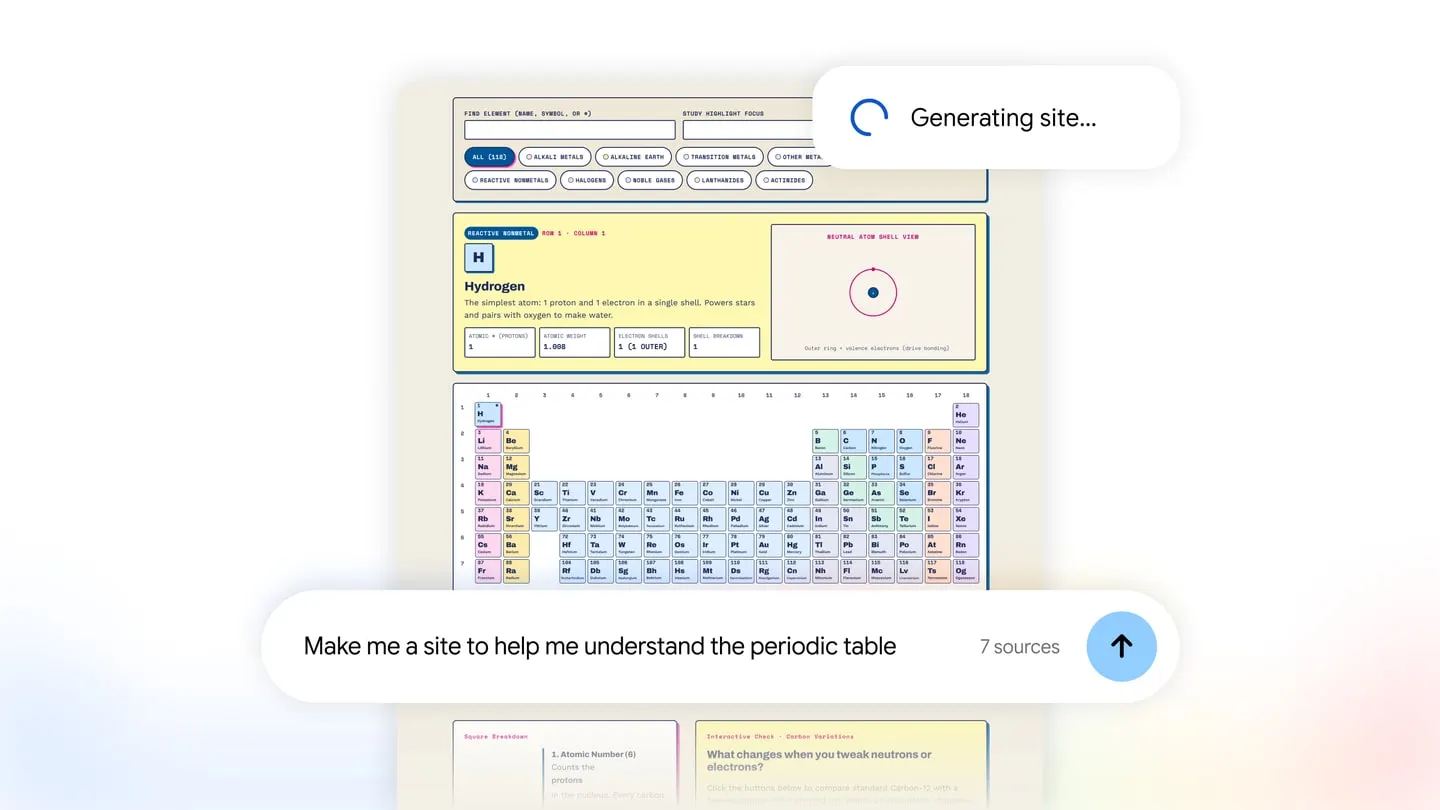
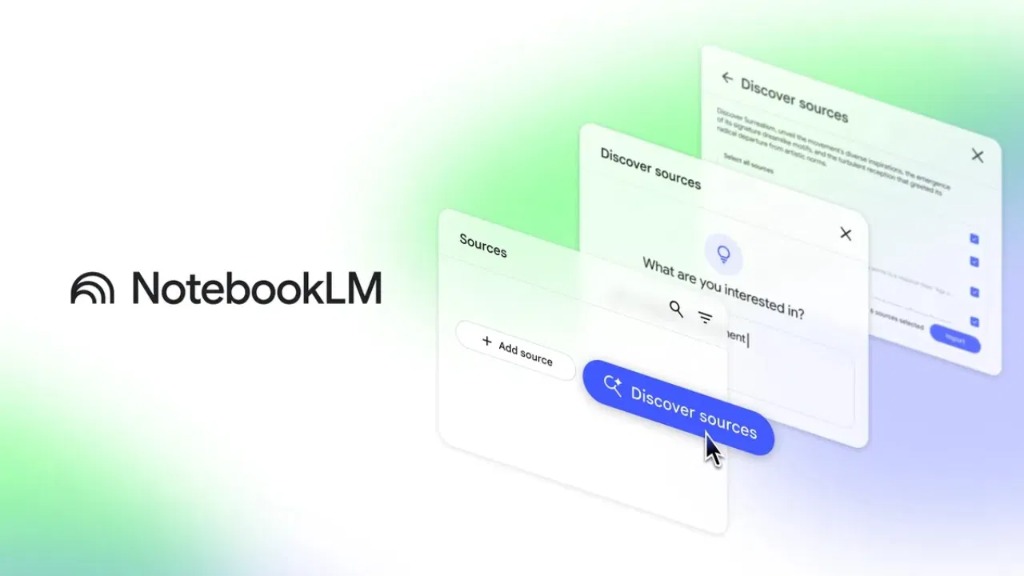
Google's Gemini Notebook (formerly NotebookLM) now allows users to transform uploaded research documents, PDFs, and notes into interactive websites, analytical dashboards, and visual study tools with a simple prompt.
Google's flagship research and knowledge synthesis workspace, Gemini Notebook (widely known by its original name, NotebookLM), has gained a major new capability that bridges the gap between static documents and live software interfaces. Rolling out in November 2026, the new Interactive Sites feature enables users to transform uploaded lecture notes, PDF reports, Google Docs, and research materials directly into interactive websites, data dashboards, and visual explainers using a single natural-language prompt.
Having previously captured global attention with Audio Overviews—which turned dense reading material into lifelike two-host podcast discussions—the platform is now moving beyond text and audio into source-grounded interactive UI generation.
"Make Me a Site": How Interactive Sites Work in Gemini Notebook
Building an interactive application inside Gemini Notebook requires zero coding or front-end design experience. Once you have loaded your PDFs, web links, meeting transcripts, or research notes into a notebook workspace, you simply type "make me a site" into the chat bar along with a brief description of what you want to explore.
Within seconds, Gemini Notebook synthesizes your verified materials and generates a fully interactive mini-website complete with clickable tabs, filterable tables, dynamic charts, and structured visual cards. Because the experience is conversational, users can refine the output on the fly—asking the assistant to "add a chronological filter to the timeline" or "break down the quarterly revenue figures into a comparison chart" without ever touching HTML or JavaScript.
What Sets It Apart From Generic AI Website Builders: 100% Source Grounding
While plenty of generative AI tools can spin up landing pages or web prototypes from a prompt, Gemini Notebook's implementation relies on a critical architectural distinction: strict source grounding.
When you ask a general-purpose chatbot to build a website about a topic, it draws from broad internet training data and often fills in gaps with unverified or hallucinated details. By contrast, an interactive site built in Gemini Notebook is constructed exclusively from the trusted documents, spreadsheets, and notes uploaded to that specific workspace. Every metric on a generated dashboard, every date on an interactive timeline, and every answer on a study flashcard is anchored directly to your source files, making it reliable for enterprise reporting, academic research, and technical documentation.
Google NotebookLM Is Now Gemini Notebook: New Features and Code Execution

A Life-Saving New Feature from Google Gemini: Meet Notebooks
Top Use Cases: From Interactive Study Guides to Executive Dashboards
In its official announcement, Google highlighted several high-impact workflows showing how students, researchers, and business professionals can put Interactive Sites to work immediately:
- Interactive Study Guides and Flashcards for Learners: Students can upload hundreds of pages of textbooks, lecture slides, and syllabus PDFs, then ask Gemini Notebook to generate an interactive exam prep site featuring flip-card quizzes, concept maps, and clickable historical timelines.
- Analytical Dashboards for Business Teams: Professionals can drop quarterly sales summaries, market research decks, or financial reports into a notebook and generate an interactive dashboard to filter regional performance metrics and compare trends visually.
- Project Trackers and Roadmaps: Product managers and engineering leads can combine meeting transcripts, product requirement documents (PRDs), and milestone notes to spin up a live project tracker displaying deadlines, owners, and potential bottlenecks.
- Searchable Technical Portals: Software teams can convert lengthy onboarding manuals, architecture docs, or API specifications into an interactive, filterable reference portal for new developers.
Global Rollout and Availability Details
Google is rolling out Interactive Sites in Gemini Notebook globally to individual users aged 18 and older as well as Google Workspace business and education customers. The capability is available first on the web interface for desktop and laptop browsers, with full mobile support for viewing and interacting with generated sites arriving shortly after.
By evolving note-taking and research tools from static document repositories into dynamic workspaces capable of generating custom software on demand, Google continues to solidify Gemini Notebook as one of the most practical, high-utility AI products on the market.
This week’s posts, in your inbox every Monday
A short summary of the posts published that week on AI, Claude Code, MCP and web development. No new posts, no email.
- One email a week
- No ads
- One-click unsubscribe