Gemini Photo Prompts: The Best Ready-Made Prompt Examples (Copy-Paste)
Originally published in Turkish. Read the original →
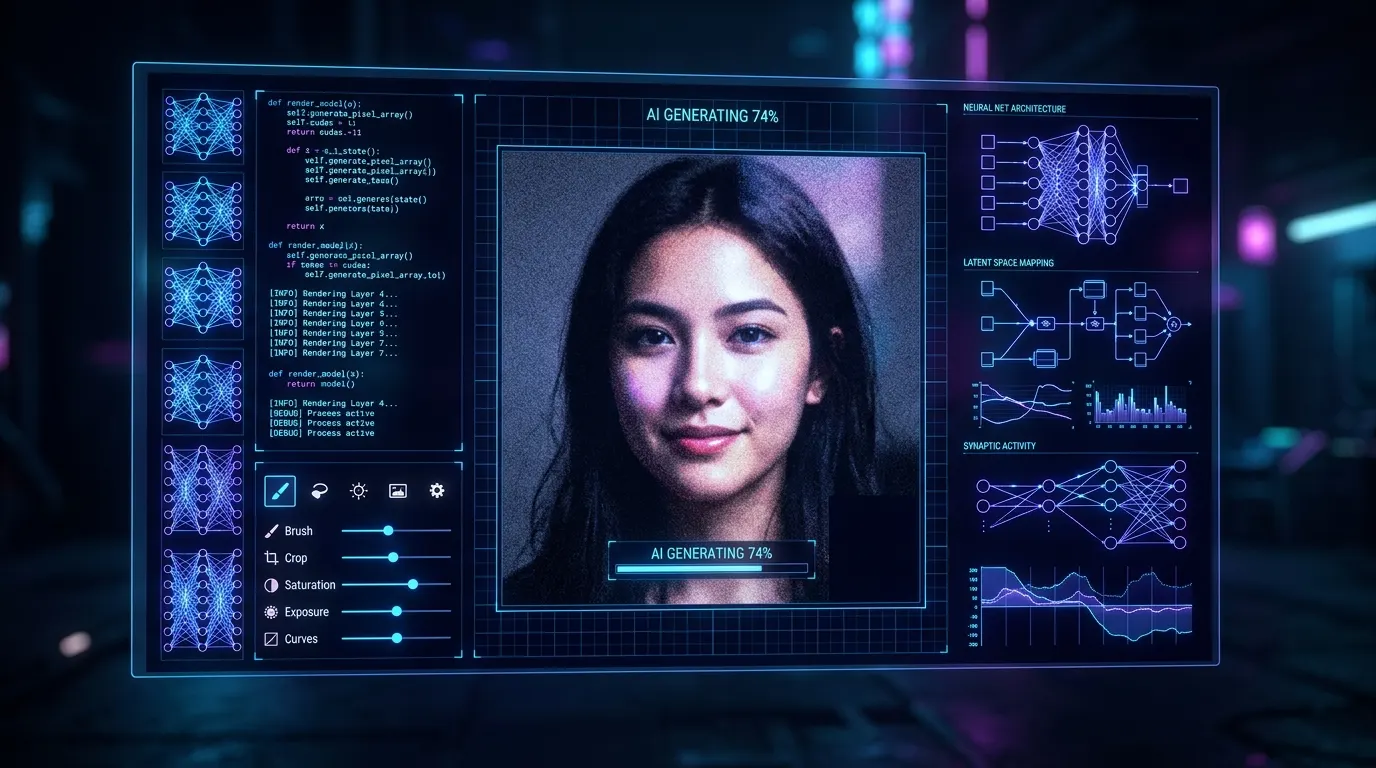
If you are looking for ready-made prompts and templates to get the most out of Google Gemini's image generation, you are in the right place. In this guide, I list the best photo prompts and prompt examples you can copy and paste.
In the world of AI image generation, putting the right words together is just like writing code. The more technical and detailed the prompt you enter into Google Gemini (and the Imagen image engine behind it), the more consistent and professional the results it produces.
The Gemini photo prompts and photo prompt examples that users frequently search for are really ready-made prompt templates that describe the scene, light, camera and atmosphere to the AI as well as possible.
In this post, I have collected for you the best Gemini prompt examples you can copy and use directly, from product photography to portraits and from cinematic street shots to minimal interior designs, along with the surprising results these prompts produce.
---
How to Use the Photo Prompts
In the ready-made prompts below, you can change the parts in square brackets [...] to fit your own concept. Because Gemini and Imagen models interpret technical photography terms much better in English, using the prompts in English will give you the clearest results.
---
1. Professional Product Photography Prompt
You can use this prompt to create professional, catalog-quality product photos for your e-commerce sites, social media accounts or portfolio.Ready-Made Prompt:
Product photography, a luxury [cosmetics jar / perfume bottle / running shoe] on a wet black stone slab. Dark moody studio lighting, water splashes, micro droplets on the product, blurred warm-toned ambient lights in the background. 100mm macro lens, f/4, professional catalog shot, photorealistic.Example Output Description:
* Product: A black matte glass perfume bottle. * Result: A luxury perfume bottle with fine water droplets on its translucent body stands on a wet, reflective black marble surface. The orange and gold studio bokeh in the background gives the product a premium, elite feel.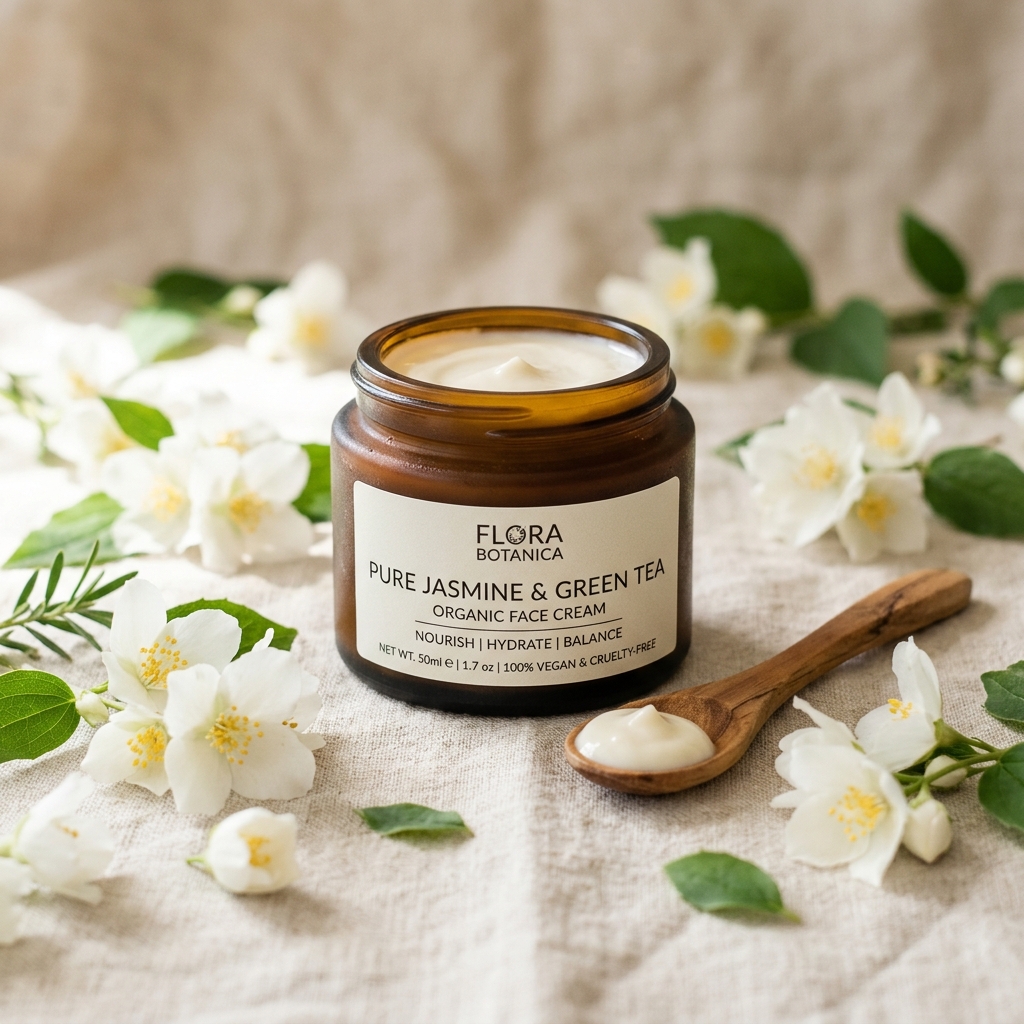
---
2. Ultra-Realistic Studio Portrait Prompt
You can use this template to create human portraits with detail down to the skin pores, for social media profile photos or character designs.Ready-Made Prompt:
Studio portrait of a [young woman / middle-aged man] with [curly dark hair / green eyes], wearing a simple [white linen shirt / black turtleneck]. Soft window light coming from the left side, neutral grey background, high detail skin texture, visible pores, shot on 85mm lens, f/1.8, natural depth of field.Example Output Description:
* Subject: A young woman with curly hair. * Result: A balanced studio portrait in which natural window light falls softly from the left, with light shadows forming on the right side of the face. The sharpness and reflections in the eyes, the realism of the skin texture (far from a plastic look) and the slight background blur (bokeh) make it indistinguishable from a professional studio shoot.
---
3. Cinematic and Atmospheric Street Photo Prompt
If you especially love street photography and cinematic (film-still-like) atmospheres, this prompt template will give you the best results.Ready-Made Prompt:
Atmospheric cinematic street photo of [Tokyo / Istanbul] at night, rainy weather, neon signboards in purple and cyan reflecting on wet asphalt road. A lone figure holding a black umbrella walking away. Shot on 35mm film look, subtle grain, high contrast, documentary photography style.Example Output Description:
* Subject: A rainy night in Tokyo. * Result: A narrow street where purple, turquoise and yellow neon signs cast striking reflections on the wet asphalt. The silhouette of a lone person with a black umbrella walking away from the center of the frame, into the depth of the street. Light analog film grain and high contrast turn the scene straight into a high-quality film still.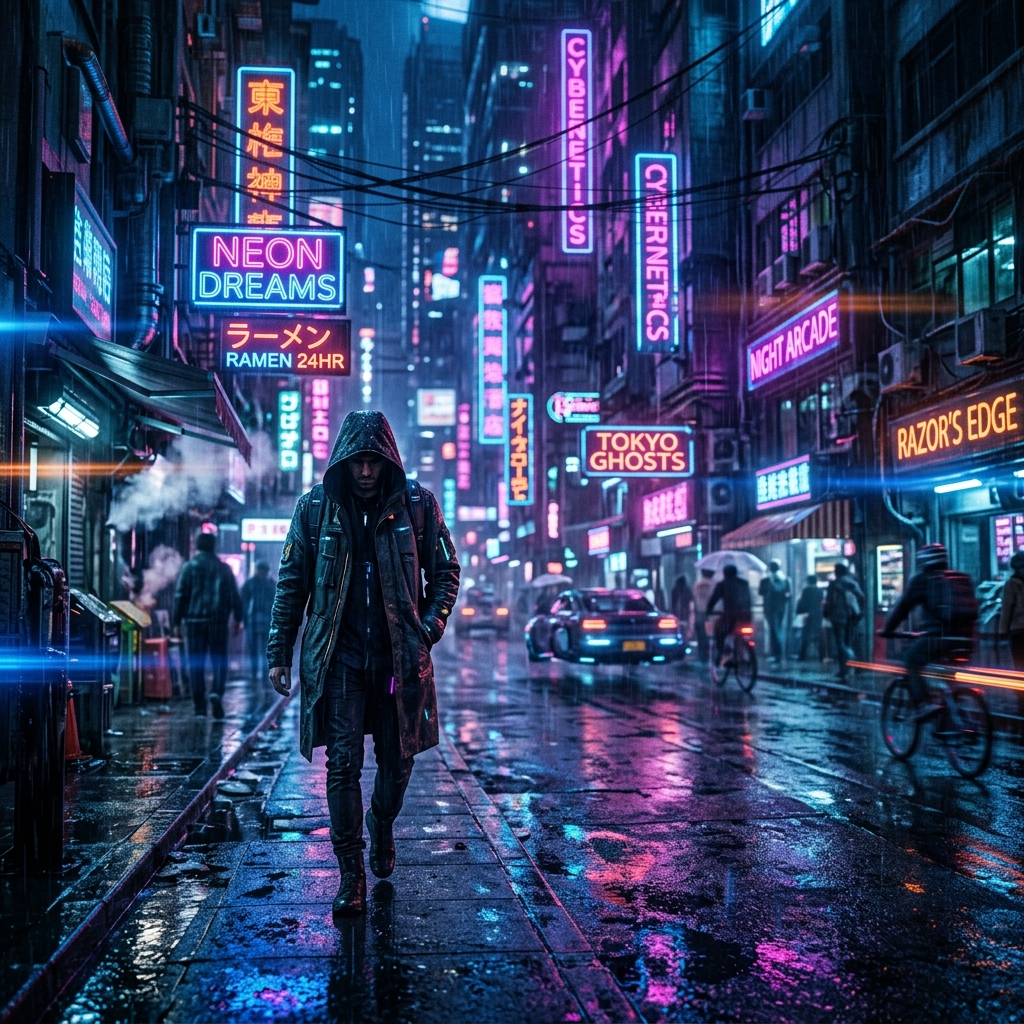
---
4. Minimalist Interior (Japandi / Scandinavian) Prompt
You can choose this prompt to create calm, aesthetic interior images for architecture and decoration projects, inspiration boards or your presentations.Ready-Made Prompt:
Minimalist Scandinavian living room, warm wooden floor, beige linen sofa, large window with sheer white curtains allowing soft diffused daylight to fill the room. A small potted olive tree in the corner. Calm and peaceful atmosphere, clean lines, architural digest style photography, shot on 24mm wide lens, f/8.Example Output Description:
* Subject: A Scandinavian-style living room. * Result: A spacious living room in cream and wood tones with soft shadows, where sunlight filters in through sheer curtains. With the depth of the wide-angle lens, the room looks quite large and realistic. The fabric texture of the furniture and the details on the leaves of the plant in the corner are extremely distinct.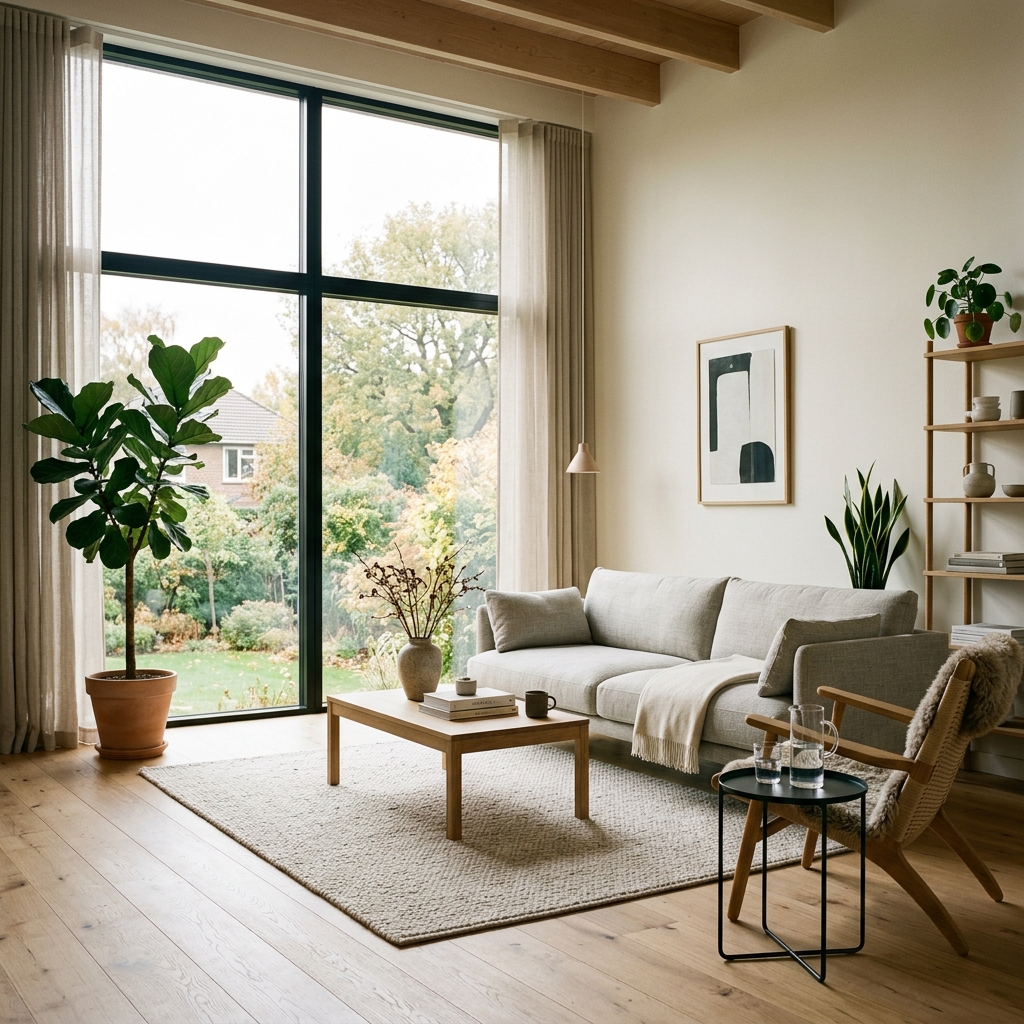
---
3 Tips to Improve Gemini Image Quality
1. Avoid the Plastic Look: Never stack cliché words such as "ultra realistic", "8K", "photorealistic" in your prompts. Use the language of the camera instead: "shot on 85mm lens, f/1.8, film grain, natural highlights". 2. Describe the Light: Light is the most important factor in a photo's quality. Add descriptions that include the light's direction and quality, such as "Soft diffused daylight" or "golden hour backlight". 3. Work Incrementally: Instead of giving every detail in one go while chatting with Gemini, first ask for the main subject, then perfect the image in steps by saying something like "Make the light a bit more dramatic and blur the background more".
You can copy the ready-made prompts above, experiment with them in Gemini and turn the images you imagine into reality in seconds!




