Google Gemini Privacy Update: Keep Your Chat History Without Feeding AI Model Training
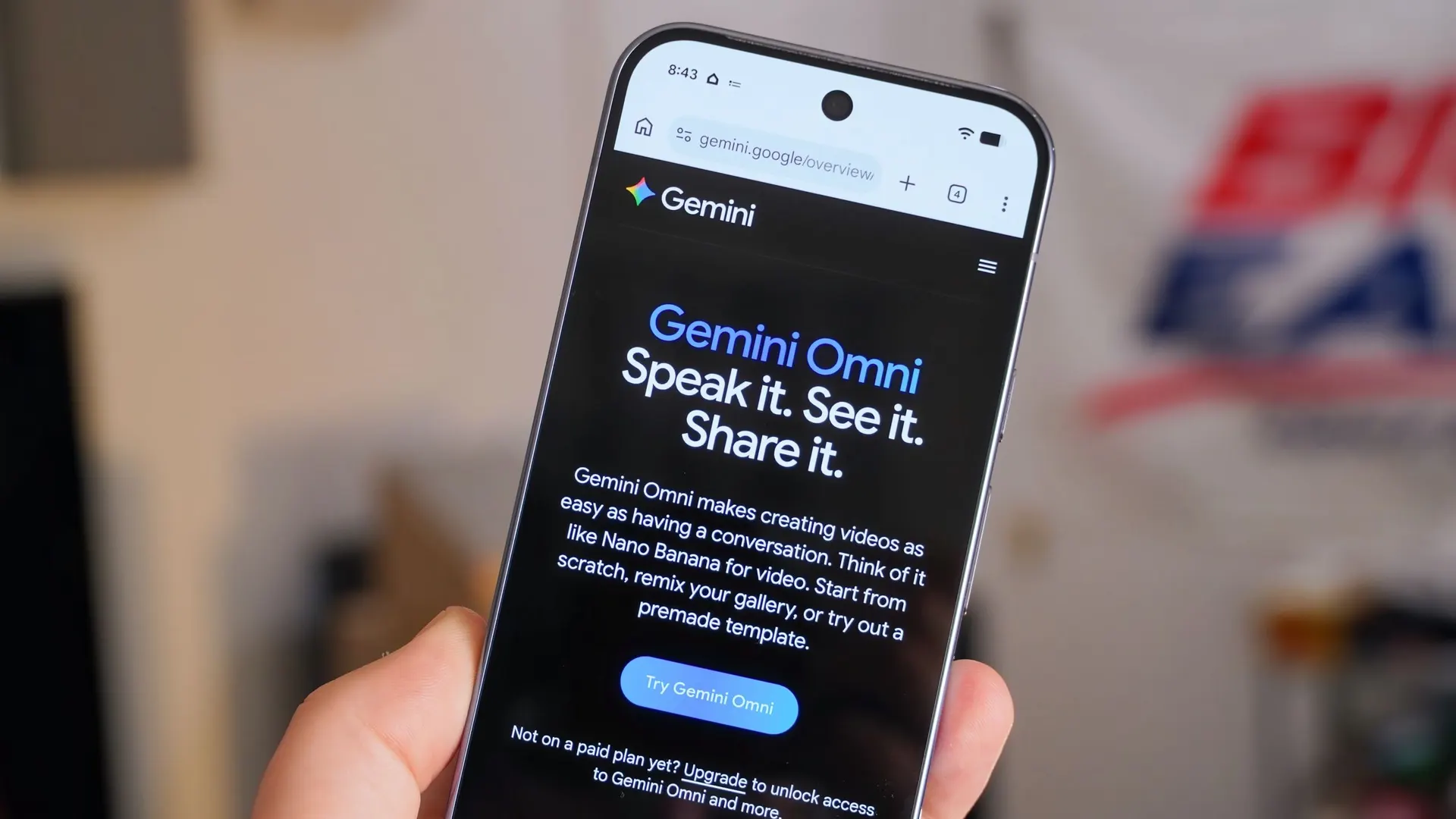
Google has overhauled Gemini's privacy settings by separating chat history storage from generative AI model training, ending the long-standing trade-off between usability and data privacy.
One of the most frustrating privacy trade-offs facing millions of daily Google Gemini users is finally coming to an end. With a global privacy update rolling out in November 2026, Google has officially split Gemini's all-in-one Keep Activity toggle into two separate, independent controls. As a result, users can now keep their full conversation history accessible in the sidebar without allowing Google to use their prompts and uploaded files to train future artificial intelligence models.
Until now, Google forced individual Gemini users into an all-or-nothing compromise: if you wanted to save your past threads, revisit ongoing coding projects, or search through earlier brainstorming sessions in your sidebar, you had to consent to letting Google feed those conversations into its generative AI training pipeline. Opting out of model training meant disabling your chat history entirely.
From a Single Switch to Dual Controls: The New Gemini Privacy Architecture
Rolling out across both the Gemini web interface and mobile apps, Google's revamped privacy architecture cleanly decouples user-facing chat storage from backend model training. Inside the account privacy settings panel, users are now presented with two distinct toggles:
- History Control: Governs whether your Gemini conversations are saved to your account and displayed in your navigation sidebar for future reference. By default, saved history is set to auto-delete after 18 months, though users can adjust this window to 3 months or 36 months.
- Generative AI Model Training Control: Independently determines whether your chat content—including text prompts, uploaded documents, images, and code snippets—can be used by Google to train and improve its generative AI models.
With this separation in place, a software developer, researcher, or writer can leave History turned on to preserve their workspace continuity while flipping Generative AI Model Training off to ensure confidential drafts and proprietary workflows stay out of Google's training datasets.
Catching Up in the AI Privacy Race
Google's decision brings Gemini in line with privacy controls that competing frontier AI platforms have offered for some time. Both OpenAI's ChatGPT and Anthropic's Claude allow individual users to retain their sidebar conversation history while opting out of model training—a distinction that had previously made privacy-conscious professionals hesitant to adopt Gemini as their primary daily assistant.
Growing regulatory scrutiny under frameworks such as the European Union's GDPR and the EU AI Act—which discourage bundling essential product functionality with mandatory data-training consent—also played a clear role in pushing Google away from its former all-or-nothing "Keep Activity" design.
The Catch When Turning History Off: Retention Extended From 72 Hours to 2 Months
While the update is a clear win for users who want to keep their chat history without training Google's models, it introduces an important backend change for users who choose to turn the History setting completely off.
Google Announces Gemini 3.6 Flash and the Flash Cyber Security Model: Gemini 4 Confirmed
Privacy Scandal at Claude AI: Shared Chat Links Were Indexed in Google Search
Previously, when a user disabled Gemini Apps Activity, Google temporarily retained new conversations for up to 72 hours (3 days) to maintain service stability and enforce safety policies before wiping them. Under the revised November 2026 policy, if you turn History off, Google will no longer purge your new chats after three days; instead, it will temporarily retain future conversations for around two months (roughly 60 days).
According to Google, this two-month temporary retention window applies strictly to three operational needs:
- Safety and Abuse Monitoring: Detecting automated attacks, policy violations, and malicious prompt injection attempts.
- System Failure Recovery: Ensuring session reliability and recovery in the event of infrastructure outages or service disruptions.
- Processing User Feedback: Reviewing specific interactions when a user submits a thumbs-up, thumbs-down, or bug report.
How to Disable AI Model Training While Keeping Your Gemini History
You can update your Gemini privacy preferences in less than a minute on either desktop or mobile by following these steps:
- Open Google Gemini in your web browser or mobile application.
- Click on Settings & Help in the bottom-left corner and navigate to Activity or Privacy Preferences.
- Ensure the History toggle remains switched On so your conversations stay saved in your sidebar.
- Locate the Generative AI Model Training toggle directly below it and switch it Off.
What This Means for Enterprise and Individual Users
Google Workspace enterprise and education accounts have long operated under strict commercial data protection guarantees where organizational prompts are never used to train public models. However, for independent developers, freelancers, academics, and millions of consumers using personal Google accounts—including Google AI Plus, Pro, and Ultra subscribers—this update removes a major barrier.
Users can now organize long-term projects, debug codebases, and analyze personal documents inside Gemini with full access to their historical threads, knowing their private inputs are no longer feeding Google's model training pipeline.
This week’s posts, in your inbox every Monday
A short summary of the posts published that week on AI, Claude Code, MCP and web development. No new posts, no email.
- One email a week
- No ads
- One-click unsubscribe