Google NotebookLM Is Now Gemini Notebook: New Features and Code Execution
Originally published in Turkish. Read the original →
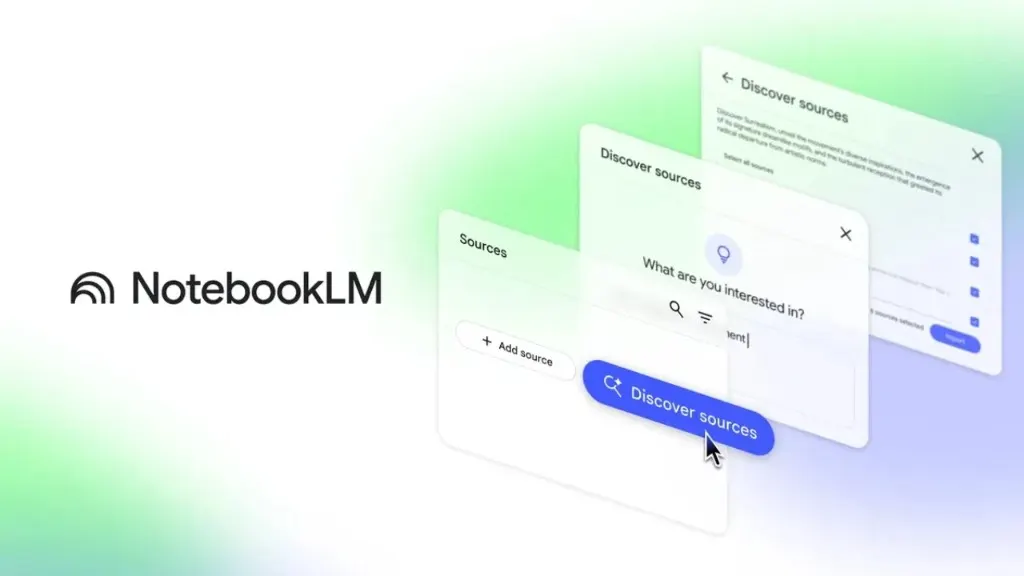
Google has renamed its AI-powered note-taking app NotebookLM to Gemini Notebook. As its integrations expand, the app is gaining new features such as writing and running code.
Google, which has been making headlines with its moves in the AI assistant space, has announced a major milestone for its popular note-taking and research app NotebookLM. The app has been aligned with Google's main AI brand and renamed Gemini Notebook. Despite the name change, it will keep its standalone and distinctive structure, while gaining much deeper integrations with the Gemini ecosystem and Google Search.
Here are the new features that come with Gemini Notebook, the multimedia conversion tools and the code execution capabilities that will excite developers.
Gemini and Google Search (AI Mode) Integration
According to information shared by Google, Gemini Notebook will work in a much more integrated way with the other layers of the Gemini platform. Users were recently allowed to connect their notebooks directly to the Gemini app. That integration is now being taken even further.
Google announced that notebooks in Gemini Notebook will be brought into AI Mode, Google Search's AI-powered conversational experience. This means users will be able to access their own notebooks and sources directly through AI Mode while researching in the search engine. Your personal archive and up-to-date information from the web will come together in a single interface.
Multimedia Conversion: Podcasts and Short Video Summaries
"Podcast-style audio summaries", one of NotebookLM's most loved features, reach a new level with Gemini Notebook. Google has diversified the generative AI outputs that can be created from notes and documents:
* Audio Podcast Summaries: Turning source documents into a fluent audio file in which two AI voices discuss the material. * Narrated Slide Presentations: Slide shows generated automatically from your notes and presented aloud by AI. * Short Video Summaries: An option to turn your documents into vertical, animated, quickly consumable short video summaries in the style of TikTok or Instagram Reels.
These additions are a major productivity tool, especially for anyone who wants to quickly get outputs in different formats from long academic papers and internal company reports.
Writing and Running Code on a Secure Cloud Computer
One of the biggest surprises of the Gemini Notebook update was its built-in coding capability. The app can now connect to a secure cloud computer, write code using the data in your notes, run that code on a virtual machine and present the results to you instantly.
This powerful feature is initially available to Google AI Ultra subscribers and Google Workspace Business customers. Google announced that code execution support will also open up to Google AI Pro users via the web version in the coming weeks.
Google consolidating its AI-powered note assistant under the Gemini brand is the clearest sign yet that all of its productivity tools will be gathered into a single intelligent ecosystem. Gemini Notebook is a strong candidate to become an indispensable AI workspace for both individual researchers and enterprise users.




