Google Gemini Can Now Autonomously Control Mac Apps with @Computer use
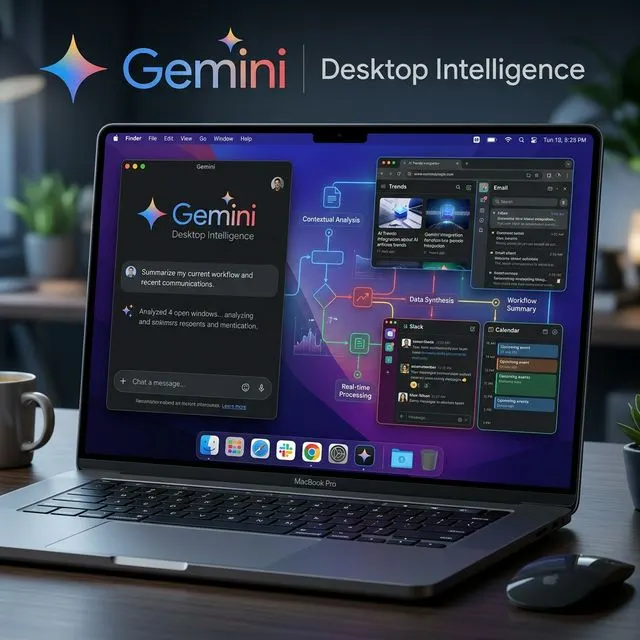
Google introduced @Computer use for Gemini on Apple silicon Macs. Running inside an isolated background window with live preview, Gemini completes multi-step tasks without taking over your cursor.
AI assistants are steadily evolving beyond text-only chat windows into autonomous agents capable of operating desktop software directly. On November 19, 2026, Google introduced a new @Computer use command inside the Gemini for Mac app, allowing Gemini to access local files and folders, edit documents, control Mac apps, and browse the web to finish multi-step tasks—handling clicking, typing, menus, and forms end to end.
What sets Google's implementation apart is how it stays out of the user's way. Rather than hijacking your cursor and keyboard, Gemini executes tasks inside an isolated background window while streaming a live preview inside the Gemini chat interface. That lets you monitor every action in real time while continuing your own foreground work uninterrupted.
What Can @Computer use Actually Do?
Google's launch demonstration highlights how far agentic desktop control has come beyond simple macros. In its official showcase, Gemini takes a child's butterfly sketch and turns it into a fully rigged 3D model inside Blender, builds an augmented reality (AR) app where the butterfly flies around a room, and converts the same drawing into a 3D-printable ring design.
For everyday productivity, @Computer use targets repetitive, multi-app workflows that normally consume hours of manual clicks:
- Batch file and image processing: Batch-editing photos, organizing cluttered folders, and filling out repetitive forms automatically.
- Presentations and reporting: Pulling local files, metrics, and screenshots together into polished slideshows.
- Cross-app automation: Preparing resale platform listings and transferring data between web browsers and native macOS applications.
Permissions, Safety Guardrails, and Automatic File Backups
Giving an AI agent direct control over desktop apps and personal files inevitably raises security and reliability concerns. Google addresses this with multiple layers of user control. First, users explicitly select which apps and folders Gemini is allowed to access. Second, Gemini pauses and asks for explicit approval before executing sensitive "key actions."
According to Google Support documentation, Gemini also builds in a safety net for local files: it automatically creates temporary backup copies of every file it touches. Those backups are removed once the user starts a new task after accepting the outcome, or automatically deleted after 24 hours, giving users a clear recovery window if an autonomous edit goes sideways.
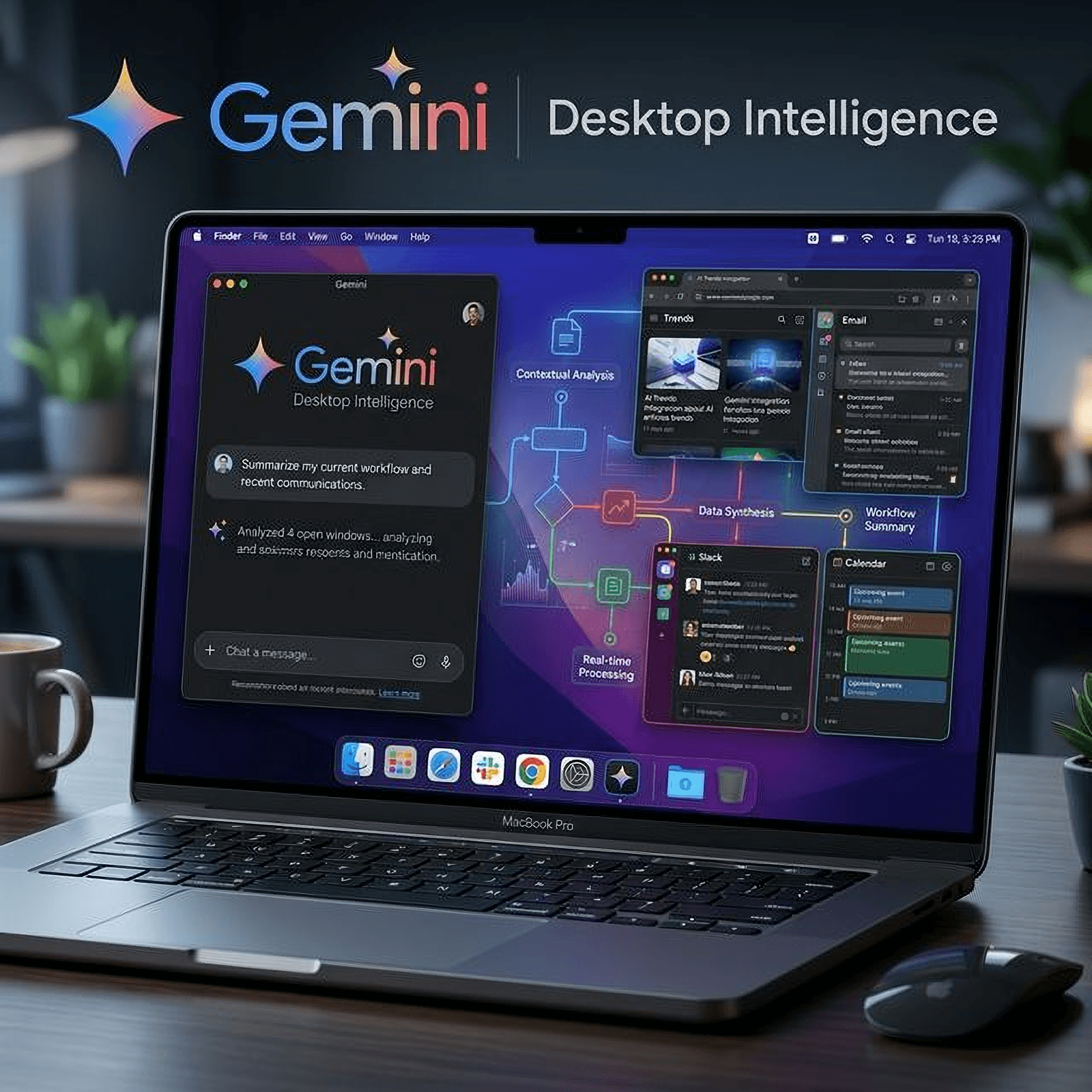
Gemini Is Now on Mac: What Does the Native App Offer?
A Guide to Google's Renamed Gemini Features: What Happened to Gems, Spark and Extensions?
Why the Timing Ahead of macOS 27.3 Matters
The rollout timing is also notable in light of upcoming privacy changes in Apple's operating system. The forthcoming macOS 27.3 update is expected to introduce warnings about unrestricted app data access, finer-grained per-app, per-folder, or per-request permissions, and a transparency indicator whenever one app controls another.
As MacRumors points out, apps that receive Mac permissions prior to macOS 27.3 will not need to re-request authorization or trigger Apple's new explanation screens once users upgrade. Shipping @Computer use ahead of that update helps Google onboard early adopters with less setup friction.
System Requirements, Pricing, and Regional Availability
At launch, Gemini's autonomous Mac control comes with strict hardware, OS, and subscription requirements:
- Hardware: Requires an Apple silicon Mac (such as newer MacBook Air, MacBook Pro, Mac mini, or iMac models).
- Operating System: Requires macOS Sequoia 15.0 or later.
- Subscription: Paid-only—available on Google AI Plus, Pro, or Ultra tiers (starting at $4.99 per month); free accounts are excluded.
- Region and Language: Currently limited to users aged 18 and older in the United States in English only.
Desktop AI Agent Competition Accelerates
With Meta, OpenAI, and Anthropic already pushing system-level computer control capabilities, Google's integration of @Computer use directly into the Gemini for Mac app intensifies the race for the desktop AI layer. By pairing isolated background execution with live supervision and automatic 24-hour file backups, Google is making a strong case for moving desktop AI agents from experimental demos into reliable daily workflows.
This week’s posts, in your inbox every Monday
A short summary of the posts published that week on AI, Claude Code, MCP and web development. No new posts, no email.
- One email a week
- No ads
- One-click unsubscribe