Gemini Is Now on Mac: What Does the Native App Offer?
Originally published in Turkish. Read the original →
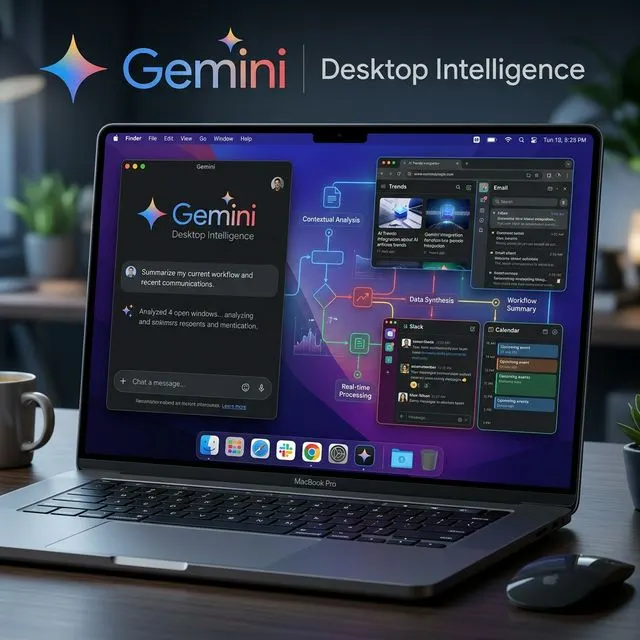
The Gemini Mac app takes the AI assistant out of the browser tab and onto the desktop. Quick access with Option + Space, contextual help via a shared window, Dock and menu bar integration and a Swift-based native experience are the focal points of this release.
Google has taken Gemini out of the browser tab and moved it straight onto the desktop for Mac users. Thanks to the new native app, Gemini can now be accessed not through Safari or Chrome but as part of the macOS experience. This move shows Google's desire to place its AI assistant more directly into daily workflows, and it is also a late but clear answer to the competition with ChatGPT and Claude on the Mac.
The most important difference is this: Gemini no longer behaves like "a web page you open when needed," but like a desktop tool waiting ready in the background. That significantly increases ease of use.
Instant access with Option + Space
The most practical new feature of the Gemini Mac app is system-wide shortcut support. By default, the Option + Space combination opens the mini chat window. Those who want a larger workspace can also switch to the full chat screen with Option + Shift + Space.
This shortcut logic explains the app's real value: getting help without interrupting the user's flow. Whether you're working on a document, writing code or just need a quick piece of information, the need to open a new tab disappears. This is exactly what Google is focusing on: turning AI from a tool you "visit" into a layer of help that is "always there."
More accurate help with window context
One of the strongest aspects of the Mac version is its ability to offer contextual help through a shared window. When window sharing is turned on from within the app, Gemini can use the document, code, table or content visible on screen as context.
This makes commands like "explain the error here," "summarize the key point in this table" or "make this text more professional" more meaningful, instead of giving lengthy descriptions. Especially for users in software development, research, content creation and office work, this feature can make the desktop experience genuinely useful.
According to information shared by Google, additional accessibility permissions can also be granted on the macOS side so that it can better read full pages in the browser. So the app isn't just a chat window; with the right permissions it becomes a helper that works closer to the workflow on screen.
Mini chat, Dock and menu bar flexibility
Gemini's Mac app isn't just about opening a window. Google has also made how the user accesses the app customizable. You can choose whether new chats start in the mini window or the main window. You can also set the mini chat interface to reset after a certain amount of time.
In addition, Gemini can be reached directly via the menu bar icon or from the Dock. These details may look small, but they matter in daily use. Because not everyone works the same way: some users prefer the keyboard shortcut, while others find an always-visible Dock icon or menu bar access more comfortable.
Why does being a native Swift app matter?
Google positions the Gemini for Mac app as a 100 percent native Swift app. In practical terms, this means the app was developed to fit macOS behavior better rather than being a hasty port that feels like a web wrapper. This choice can make a serious difference in terms of interface fluidity, system shortcuts, window behavior and the overall feel of use.
User expectations for desktop AI tools in particular have changed. People expect not just a bot that answers, but an app that opens quickly, doesn't disrupt the flow and works in harmony with the system. Google is trying to turn Gemini into a product that meets this expectation.
What can it do?
According to Google's official description, the Gemini Mac app focuses on the following use cases:
- Getting quick answers without opening a browser
- Drafting emails, documents and social media posts
- Summarizing long articles, web pages or documents
- Brainstorming and developing ideas
- Writing code, debugging and explaining technical concepts
- Uploading and analyzing images
- Getting contextual help by sharing the window on screen
In other words, the app brings Gemini's core capabilities we already know to the Mac; but the real advantage is that it offers them through a faster and more natural access model.
Who can use it?
The Gemini app is offered for free in the countries and languages where the service is supported. However, not every Mac owner can run the app. According to Google's official page, the app only runs on macOS Sequoia 15.0 or later and on Apple Silicon-based Macs.
This means older Intel-based Mac models are left out. Considering that Google has recently focused on more modern hardware for its AI features, this choice is no surprise.
Conclusion
Gemini's Mac app may not be a radical, game-changing release on its own; but it's a strategically important threshold for Google. Because AI assistants now compete not only on the web but directly on the computer's work surface.
In short, Gemini for Mac's promise is clear: faster access, better context and less friction. If Google keeps adding deeper system integrations and smarter desktop workflows here, Gemini could become a much more powerful helper for Mac users.




