ChatGPT Rolls Out Live Dictation to All Plans Including Free Users
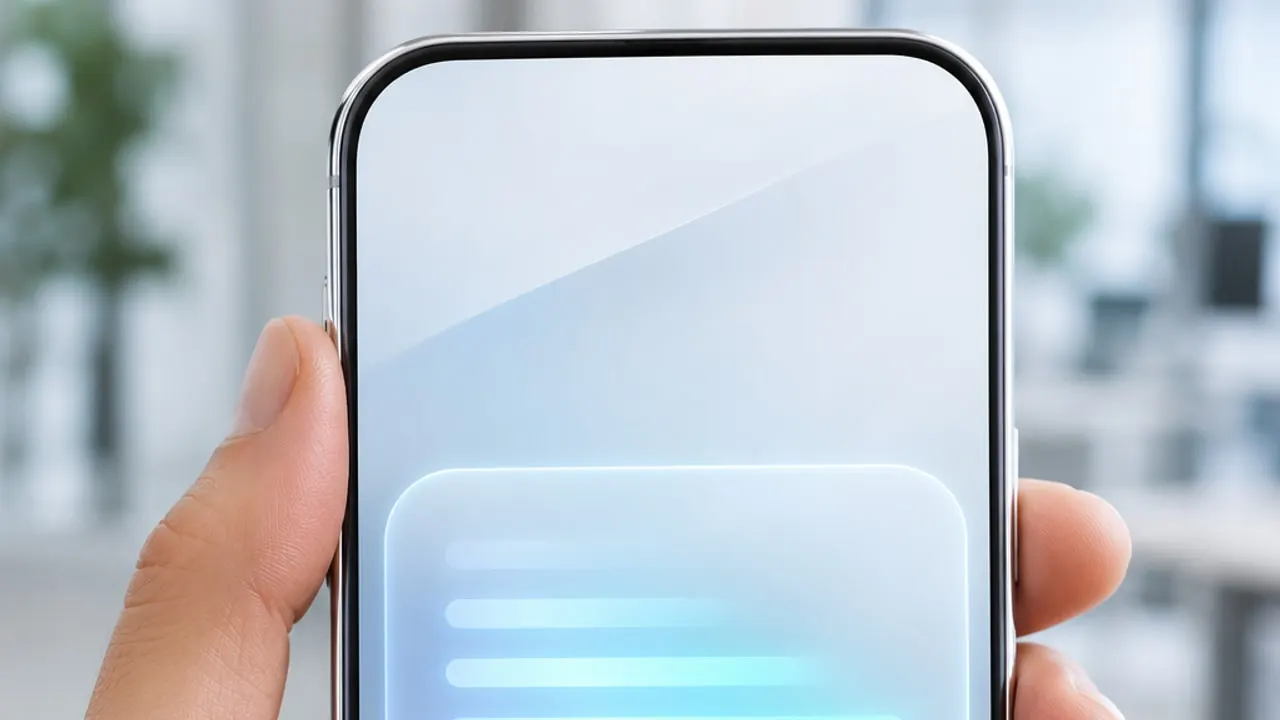
OpenAI has begun rolling out Live Dictation in ChatGPT to all tiers including free users across web, desktop, iOS, and Android, transcribing speech in real time and removing the 10-minute limit.
OpenAI has begun rolling out Live Dictation in ChatGPT to all plans, including free users, bringing a long-requested upgrade to voice-to-text input. Starting November 18, 2026, the feature is expanding across web, desktop, iOS, and Android, eliminating the wait time that previously slowed down spoken prompts.
Under ChatGPT's older dictation system, users had to finish speaking before the app processed the recording and displayed the transcribed text. Live Dictation replaces that delay with real-time transcription that types words directly into the message composer as you talk. OpenAI has also lifted the previous 10-minute recording cap, making longer spoken drafts far more practical.
How Live Dictation Works and How It Differs from Voice Mode
Using the upgraded dictation flow is straightforward. Tap the microphone icon inside the message box and start speaking, and your words appear on screen immediately. While recording, you can tap or click the audio waveform to show or hide the live transcript at any time.
It is important to distinguish Live Dictation from ChatGPT's Voice Mode:
- Acts as a keyboard replacement: Nothing is sent to the AI model until you explicitly press Send, rather than triggering an interactive spoken back-and-forth conversation.
- Edit before sending: You can speak out detailed prompts, outlines, or technical notes, review and edit the transcribed text directly inside the input box, and send it only when ready.
- No 10-minute ceiling: While OpenAI removed the old 10-minute limit, it has not published a new maximum recording length or formal latency benchmarks.
Because OpenAI has not confirmed that rollout has reached 100 percent of accounts yet, users who do not see Live Dictation immediately should receive it over the coming days.
How It Differs from Meeting Recording Mode
With multiple audio capabilities now living inside ChatGPT, the boundaries between them matter. Live Dictation is built strictly for fast text entry inside the chat box and is open to every tier, including free accounts, speeding up everyday prompt drafting just like a hands-free keyboard.
By contrast, ChatGPT's beta recording mode for meetings remains a separate tool limited to paid workspace tiers. Rather than typing into a prompt field, that mode focuses on capturing full multi-participant meetings and generating structured post-recording summaries and action items. Individual users get Live Dictation for daily prompting, while team meeting documentation stays within paid workspace subscriptions.
ChatGPT Gets Computer Activity Tracking: The Computer History Feature
A Revolution in ChatGPT's Free Tier: Limits on Text Chats Are Going Away
Privacy and Audio-Sharing Settings
Speaking lengthy notes and work context aloud is convenient, but reviewing privacy settings remains essential. OpenAI provides audio-sharing toggles inside ChatGPT Settings that allow users to prevent audio recordings from being included or shared for model training and product improvement.
Before dictating confidential business notes, client information, financial drafts, or material covered by a non-disclosure agreement (NDA), users should double-check those settings to confirm audio sharing is switched off. Organizations adopting voice input should also align dictation usage with their internal AI data-governance policies.
What It Means for Paid Dictation Apps
Bringing real-time, uncapped dictation to ChatGPT's entire free and paid user base inevitably puts new focus on dedicated AI dictation and transcription tools such as Wispr Flow, Superwhisper, and Otter. Users who previously paid for a separate voice-to-text app primarily to draft long AI prompts may now find ChatGPT's built-in experience sufficient.
Still, a clear limitation remains: ChatGPT Live Dictation only works inside ChatGPT itself. Because it does not dictate system-wide into third-party desktop apps like Slack, Gmail, browser forms, document editors, or code editors, standalone OS-level dictation tools retain a distinct advantage for cross-app workflows.
Lowering Friction for Everyday Prompting
Typing long, structured prompts is often the biggest bottleneck to getting high-quality responses from an AI assistant. By bringing real-time Live Dictation to every platform and lifting the 10-minute limit even on the free tier, OpenAI makes it significantly easier for users to capture ideas at natural speaking speed and turn them into clean, editable prompts inside ChatGPT.
This week’s posts, in your inbox every Monday
A short summary of the posts published that week on AI, Claude Code, MCP and web development. No new posts, no email.
- One email a week
- No ads
- One-click unsubscribe