OpenAI Introduces Its AI Agent Dots: What It Does and How It Works
Originally published in Turkish. Read the original →
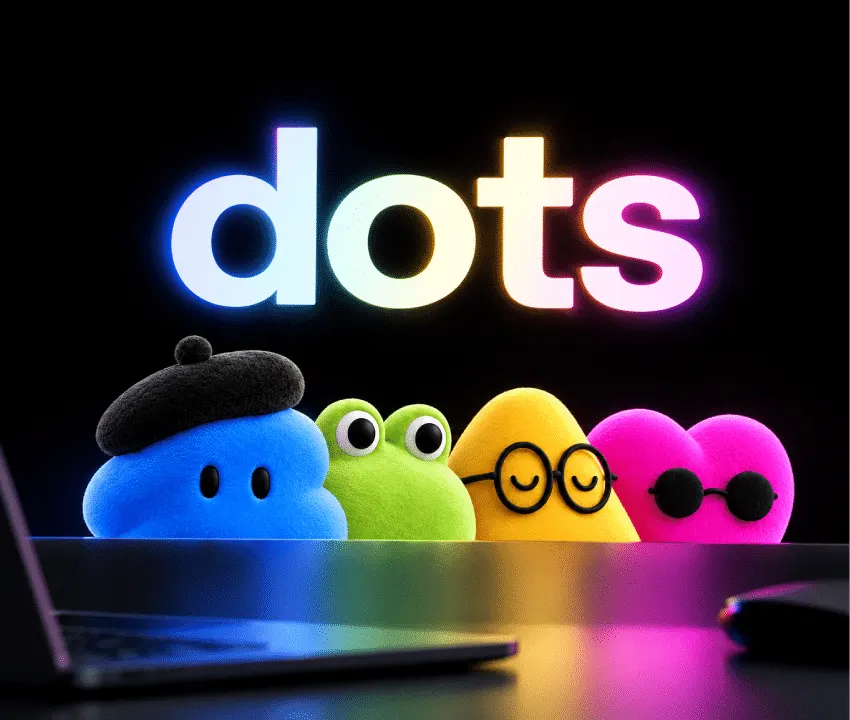
OpenAI introduced Dots, AI agents that carry out tasks autonomously on the user's behalf across more than 4,000 apps using a GPT-6 Astra-powered cloud computer and browser.
For a long time, AI assistants were positioned as passive chatbots that only answered the questions users typed. But with the start of the era of autonomous AI agents, this dynamic is changing fundamentally. OpenAI officially introduced the ecosystem of Dots (singular Dot), its new generation of AI agents that can carry out tasks independently in the background without users having to constantly direct them or watch over them.
Drawing its power from GPT-6 Astra, the company's most capable model, Dots can integrate directly with more than 4,000 popular apps through an isolated cloud computer and web browser. This lets it complete many operations end to end autonomously, from software development to content creation, and from market research to data analysis.
An Autonomous Digital Coworker That Works on the User's Behalf
When traditional large language models receive a prompt, they generate a one-off response and the session ends. The Dot agents OpenAI developed, on the other hand, are based on a proactive working principle. When the user defines a task, Dot starts carrying out the process step by step in the background.
Able to resolve intermediate obstacles on its own while working, giving the user progress reports when needed and asking for human approval at critical turning points where strategic decisions have to be made, Dot works like a real digital coworker. Even if the user turns off their computer, Dot keeps working on its task in the cloud as planned.
A Dedicated Cloud Computer and Independent Browser Architecture
The most fundamental element that sets the Dot ecosystem apart from earlier AI tools is the hardware and software environment allocated to each agent. Every Dot has its own independent virtual cloud computer and web browser hosted on OpenAI's infrastructure.
Thanks to this isolated workspace, Dot:
- Can write code, run terminal commands and execute test scenarios on its own virtual machine.
- Can browse websites to gather information, fill in complex forms and pull data through interfaces.
- Can connect to more than 4,000 permitted SaaS and enterprise cloud apps with secure API keys.
Users can connect to Dot's cloud screen at any time and watch live how the mouse and keyboard move and which windows open. What's more, if the user allows it, Dot can also sync with files and development environments on local devices.
Different Roles and Scenarios: From Software to Content Creation
Dot was not designed as a tool squeezed into a single mold, but as a flexible operations hub that learns the user's way of working. The use cases offered for different professional groups are notable:
- Software Developers: It can review customer bug reports and log records to isolate recurring problems, go to the relevant code on GitHub and prepare a bug fix, run unit tests and open a pull request.
- Content Creators: It can transcribe hours-long audio and video interviews, identify the most striking sections and create short-video (reels/shorts) editing scripts, and prepare newsletter drafts and social media posts.
- Continuous Learning: Dot saves the user's corrections and tone preferences to its memory and automatically takes this feedback into account in later tasks.
Multichannel Access: ChatGPT, Slack and Microsoft Teams
OpenAI does not limit access to Dot to a single platform. Users can talk to their personal Dots through the web, desktop and mobile ChatGPT interfaces as well as by voice. Beyond that, Dot can also be integrated directly into everyday work communication tools such as SMS, Slack and Microsoft Teams.
The context of all interactions started from different channels is collected in a single central memory. This way, you can check on research you started through Slack on your desktop by voice from your phone while on the road, or get a status update.
Security, Privacy and Permission Controls
AI agents operating directly on computers and apps naturally bring security concerns with them. OpenAI emphasizes that it treats security and data isolation as the top priority in the Dots architecture:
- Isolated Cloud Environment: Dot's cloud computer runs in a sandbox completely separate from the user's personal data and physical device.
- Invisible Passwords: Saved passwords can be used on websites that require signing in, but this sensitive information is never shown to the language model as plain text.
- Custom Rules and Permission Matrix: Users can restrict with rule sets which apps Dot can access, which actions it can take directly and which ones will always require user approval.
- Read-Only Listening Mode: When Dot is not on an active task, it can do proactive research; but at this stage its permissions are kept at the read-only level, meaning it cannot change any content or send messages.
Enterprise Dots and Microsoft Agent 365 Integration
In addition to individual use, OpenAI also offers an enterprise structure where companies can set up expert Dots dedicated to specific departments. Organizations will be able to create fleets of enterprise Dots with separate identities and permissions for business processes such as procurement, invoice auditing, email marketing, customer support and contract analysis.
In addition, as part of the strategic partnership between OpenAI and Microsoft, joint work is underway to integrate Dots into the Microsoft Agent 365 architecture. Thanks to this integration, organizations will be able to manage their enterprise agents directly through the Microsoft admin panels they are used to.
Access and Availability
The Dots ecosystem is rolling out gradually starting today to ChatGPT Pro and Business Premium subscribers in eligible regions. Enterprise customers can enable beta access through the workspace admin panel. The first Dot agent is included in the existing Pro and Business Premium plans at no extra charge. In the future, users will be able to run more than one Dot and increase the speed or task capacity of these agents.




