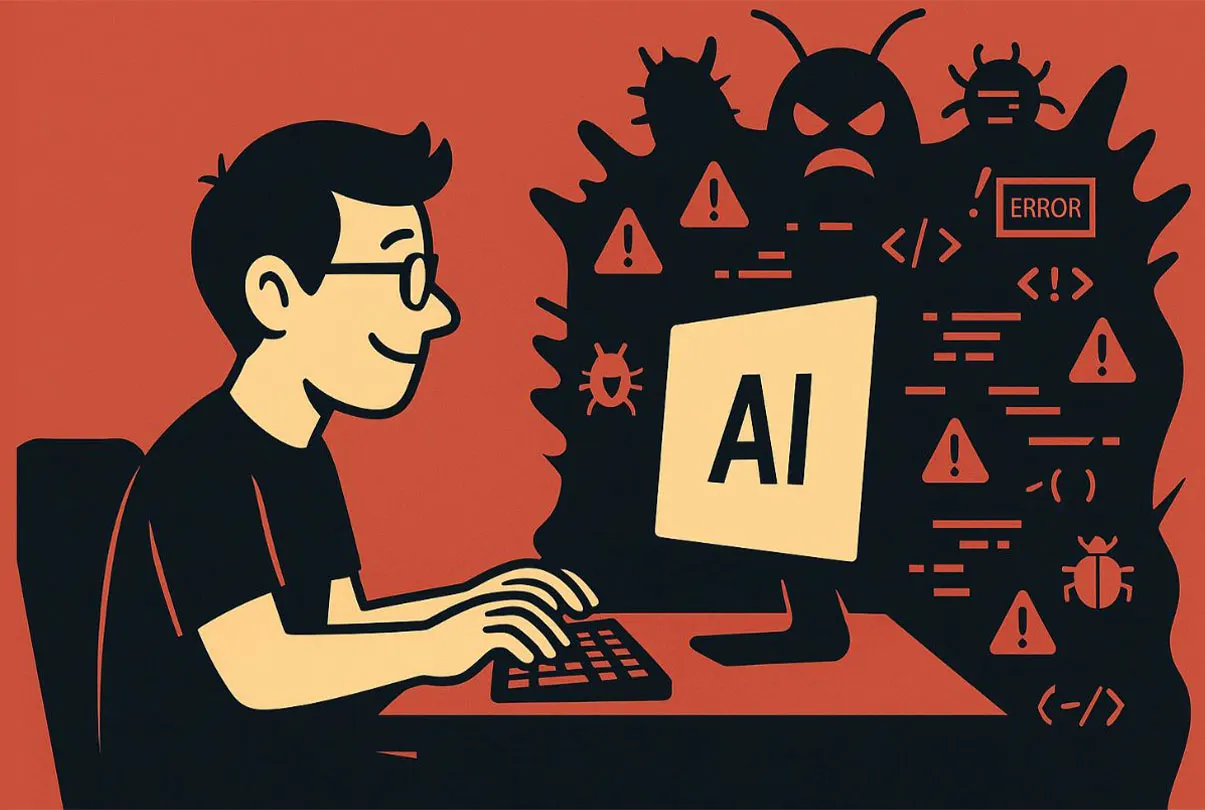
Better Results from AI Coding Assistants: Seven Practical Habits

Engineering leaders expect developers to multiply their output with AI, yet assistants still delete code, loop on tests and ship insecure patterns. These seven habits close the gap between the promise and the result.
There is a growing expectation in engineering organizations that AI should replace some of the need for new hires, and that every developer should become dramatically more productive with an assistant at their side. The tools are genuinely capable, but getting consistent value out of them is a craft of its own, and most teams are still learning it.
The core difficulty is that large language models are non-deterministic. The same request can produce clean code one day and a quietly broken refactor the next. Assistants are known to remove code nobody asked them to touch, introduce subtle logic errors, and, when running as agents, spin in recursive loops or rerun the same failing tests until someone intervenes. Some of these problems are built into how LLMs work. Others come from how people use them, which means they can be fixed.
What follows is a set of habits that experienced practitioners keep coming back to. None of them is exotic. Together they turn an unpredictable helper into a dependable part of the workflow.
Habit one: write prompts like specifications
Vague requests get vague code. The most consistent advice from people who use assistants daily is to start with a precise, well-scoped prompt that spells out the domain-specific details of the codebase: naming conventions, constraints, edge cases and what must not change. Harry Wang of Sonar has made this point repeatedly, framing clear prompts as the first step rather than an optional refinement.
A handful of techniques, catalogued in a DX report on AI-assisted engineering, reliably improve results:
- Meta-prompting: include instructions about how the model should approach the task, not just what the task is.
- Prompt chaining: break work into a sequence where the output of one prompt feeds the next. This suits specification and planning work especially well.
- One-shot examples: show the model a sample of the structure or style you expect, so it has a concrete reference.
- System prompts: keep a project-level system prompt up to date with conventions and constraints, so every request starts from the same baseline.
Prompt quality is also a security issue. Research published by Backslash Security in 2025 found that when developers used simple, "naive" prompts, every major model it tested generated code exposed to at least four of the ten common weakness categories (CWEs) in the study. Asking explicitly for secure handling of input, secrets and errors changes the outcome noticeably.
Habit two: pick the model for the job
Model choice is a trade-off between accuracy, speed and cost. A cheap, fast model on a hard architectural problem produces poor work; a frontier model on boilerplate burns money and time for no benefit.
At the time these comparisons were made, leaderboards such as LLM Stats ranked Anthropic's Claude 3.5 Sonnet at the top for coding based on HumanEval, and the SWE-Lancer study, which measured how well models handle real freelance programming jobs, also put Claude ahead. The same Backslash research found that Claude 3.7 Sonnet produced more secure code than GPT-4o or Gemini.
Coding scores are not the only dimension, though. The same rankings listed OpenAI's o3 as strongest on general knowledge and DeepSeek R1 on reasoning, while Gemini 1.5 Pro offered the largest context window and Lambda-hosted models were the cheapest option. API strategist Kevin Swiber sums up the lesson: knowing each tool's limits and strengths is what lets you use it well. In practice, many teams route simple completions to a small model and keep a stronger one for design and debugging.
Habit three: keep humans at both ends
A large 2024 study by BlueOptima, covering 880 million commits from more than 218,000 enterprise developers, found that the best-performing developers were not the heaviest AI users. They were the ones with moderate usage, who balanced generated code with their own judgment.
That balance suggests a clear division of labor. People define the problem and design the solution; the assistant writes and helps verify the code; people make the final call before anything ships. The workflow Wang describes moves toward exactly this shape: defined by humans, built and checked with AI, approved by humans. The human checkpoints at the start and the end are what keep the middle trustworthy.
Habit four: work in small slices
Asking an assistant to generate a whole website, a whole API or an entire feature in one pass is a reliable way to get something that looks complete and is hard to debug. Charity Majors, co-founder and CTO of Honeycomb, recommends asking for small changes instead of big ones.
This matters most in legacy code. A 3,000-line file probably needs to be split up, but AI-driven refactoring is risky precisely because assistants tend to drop or relocate code without saying so. The safer rhythm is to pick one endpoint, component or task, have the assistant write tests for it, run them, then generate the next small piece. Each loop is short enough that a mistake is obvious and cheap to undo.

How to Become an AI Developer and Get Hired in 2025

How AI ‘Vibe Coding’ Is Destroying Junior Developers' Careers
Habit five: leave a trail for yourself and the agent
Working inside the editor, rather than copy-pasting from a chat window, helps a great deal. Tools such as GitHub Copilot, Cursor and Continue present suggestions as diffs that can be reviewed and rejected line by line, much like a pull request. Some developers go further and call model APIs directly for tighter control.
Planning ahead pays off as well. Swiber suggests keeping a Markdown file that states the project's goals and records progress over time, so both the developer and any agent can see where things stand and what comes next. Inline comments with blunt instructions, such as a note telling the assistant not to modify a particular block, are a simple guardrail that works surprisingly well. A minimal plan file might look like this:
Goal: add rate limiting to the public API
Done: middleware skeleton, unit tests for token bucket
Next: wire middleware into router, add integration test
Do not touch: auth module, billing handlers
Habit six: test more, not less
Speed gains from AI do not suspend the basics of software engineering. If generated code is headed for production, it needs the same review and testing as anything else, and arguably more. Majors puts it plainly: never ship code you do not understand.
Merrill Lutsky, CEO and co-founder of Graphite, makes the counterintuitive case that AI raises the bar for verification, because generated code needs closer scrutiny to confirm it is correct, performant and secure. Teams that adopt assistants without strengthening their test suites and review process tend to trade a short-term speedup for long-term risk.
Habit seven: give the model the context it needs
Assistants make better decisions when they can see more of the picture. Spencer Kimball, CEO of Cockroach Labs, notes that AI generally makes sound choices once it has enough information. Feeding a model internal documentation, relevant source files or the structure of the whole project often improves output more than any prompt tweak. Open source projects have an extra advantage: public code and documentation end up shaping how public models understand them.
Connectivity is improving quickly. OpenAI's Agents SDK and Anthropic's Model Context Protocol (MCP) both make it easier to plug models into tools, data sources and other agents, so context no longer has to be pasted in by hand.
Where this is heading
AI coding assistants have moved past the experimentation phase. Gartner expects 75% of enterprise software engineers to be using them by 2028. Swiber describes the current moment as a maturity point where developers need hands-on experience, because for the tasks these tools do well, the time savings are large.
That shifts the skill set. Knowing how to steer assistants, when to trust them and how to build efficient workflows around them is becoming a core developer competency, especially where performance, cost or quality really matter.
Key takeaways
The habits above share a single idea: treat the assistant as a fast, capable collaborator that still needs direction and review. Precise prompts, deliberate model choice, human checkpoints, small iterations, clear plans, rigorous testing and good context each remove a specific failure mode.
AI does not replace engineering judgment; it amplifies whatever judgment is applied to it. Developers who learn to combine their own expertise with what these tools do well will have a clear advantage as AI-assisted development becomes the norm.
This week’s posts, in your inbox every Monday
A short summary of the posts published that week on AI, Claude Code, MCP and web development. No new posts, no email.
- One email a week
- No ads
- One-click unsubscribe