What Is a DevOps Platform? 10 Tools Compared
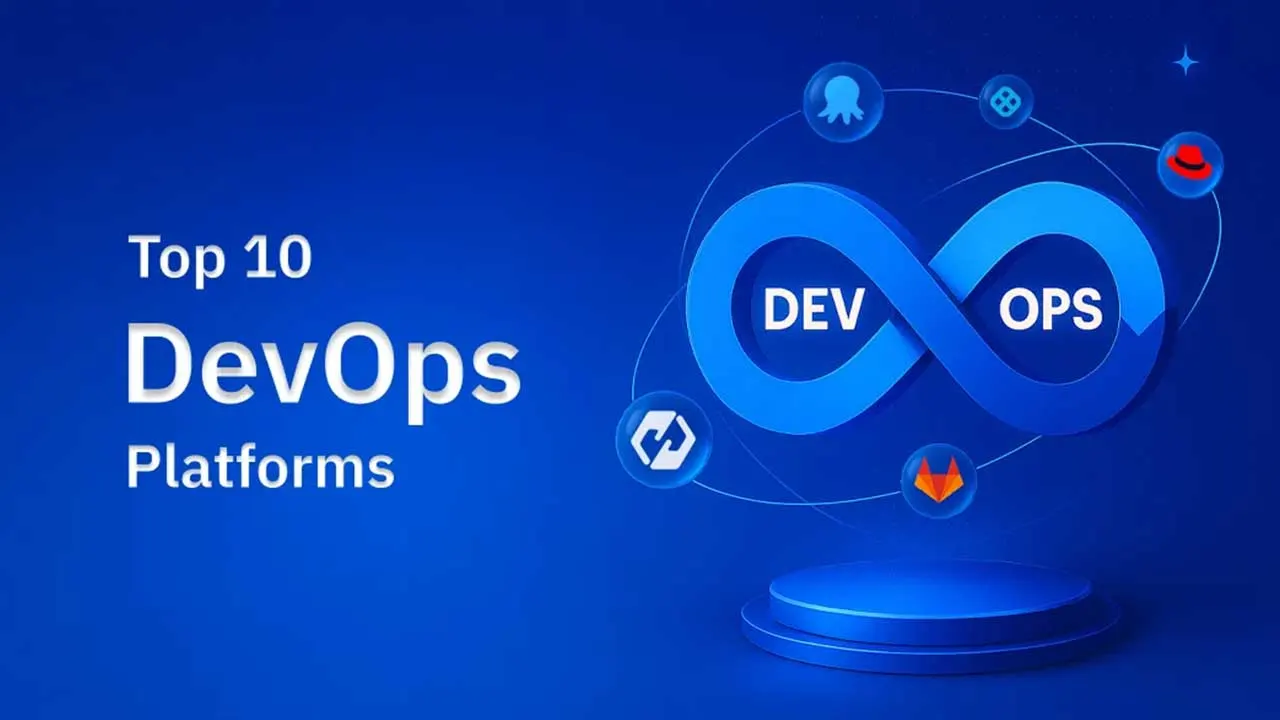
A DevOps platform brings building, testing and deploying software into one system. What these platforms do, a neutral overview of ten widely used options from Azure DevOps to Red Hat OpenShift, and five criteria for choosing between them.
Shipping software involves a long chain of steps: planning, writing code, building it, testing it, scanning it for security issues, deploying it and watching it in production. When each step lives in a different tool with its own logins, scripts and dashboards, hand-offs break and problems slip through. A DevOps platform tackles that by putting the toolchain behind one system. Below is what such a platform does, an overview of ten widely used options, and a short framework for choosing among them.
What a DevOps Platform Does
A DevOps platform combines the tools and processes for building, testing and releasing software in a single place. Development and operations teams share the same pipelines, the same view of what is deployed where and the same audit trail, which makes collaboration easier and delivery faster.
The biggest benefit is automation. Repetitive jobs such as running test suites, building container images or promoting a release from staging to production are handled by the platform instead of by people following a checklist. That lowers the error rate and shortens release cycles. Because everything runs in one system, the platform also becomes the backbone for continuous integration and continuous delivery (CI/CD), so teams can release small changes frequently and reliably.
Most platforms cover some mix of the following:
- Source control integration and pipeline triggers
- CI pipelines for building and testing code
- CD pipelines, deployment strategies and rollbacks
- Infrastructure as code and environment management
- Security scanning, policies and approval gates
- Dashboards, logs and delivery metrics
The ten platforms below differ mainly in which of these they emphasize, which environments they target and how they are licensed. They are listed in alphabetical order.
| Platform | Main focus | Licensing model |
|---|---|---|
| AWS DevOps services | CI/CD and IaC on AWS | Commercial, pay as you go |
| Azure DevOps | Planning, repos, pipelines and testing | Commercial |
| CloudBees | Enterprise CI/CD built around Jenkins | Commercial |
| Copado | DevOps for Salesforce | Commercial |
| Devtron | Kubernetes delivery with GitOps | Open source (Apache-2.0), enterprise edition |
| GitLab | Single DevSecOps application | Open core, with paid tiers |
| Harness | AI-assisted software delivery | Commercial, with open-source components |
| Octopus Deploy | Release and deployment orchestration | Commercial |
| Qovery | Developer self-service on your own cloud | Commercial |
| Red Hat OpenShift | Enterprise Kubernetes and hybrid cloud | Commercial, built on open-source projects |
AWS DevOps Services
AWS does not sell one product called a DevOps platform. Instead it offers a set of managed services that together cover the delivery lifecycle for workloads running on AWS, so teams can automate releases and manage infrastructure with less manual effort.
- Release pipelines: AWS CodePipeline builds, tests and releases code automatically on every change, which makes updates quicker and more predictable.
- Infrastructure as code: AWS CloudFormation describes servers, databases and other resources in templates, so environments are consistent and can be recreated on demand.
- Monitoring: Amazon CloudWatch tracks application and system metrics in real time, helping teams spot problems before they grow.
- Scalable architectures: Amazon ECS and AWS Lambda make it straightforward to run microservices, small independent pieces of an application that are easy to manage and scale.
The services are commercial and billed by usage. They are the natural choice when your workloads already live on AWS.
Azure DevOps
Azure DevOps is Microsoft's cloud-hosted suite for the whole development workflow. It bundles version control, work tracking, CI/CD pipelines, test management, package feeds and reporting, so teams can coordinate delivery from one place.
- Single overview: projects, builds, releases and team progress are visible from one dashboard.
- Built-in Git hosting: Azure Repos provides Git repositories with pull requests and branch policies, keeping track of every change.
- Work planning: boards, backlogs and sprints keep work organized and progress visible.
- Automated pipelines: Azure Pipelines automates everything from build through test to deployment, which means quicker updates and fewer mistakes per release.
Azure DevOps is a commercial service and fits especially well in organizations already standardized on Microsoft tooling.
CloudBees
CloudBees focuses on helping enterprises build and ship cloud-native software quickly while keeping security and compliance under control. It automates CI/CD pipelines, manages feature flags and gives real-time visibility into delivery, all under one roof.
- End-to-end delivery: automation spans build, test, deployment and monitoring, so teams move faster with fewer errors.
- Enterprise Jenkins: the company is closely associated with Jenkins and offers a hardened version with high availability, simpler administration and stronger security controls.
- DevSecOps built in: security and compliance checks are embedded directly in workflows rather than added at the end.
- Progressive rollouts: feature flags let teams release features to a subset of users, test them in production and switch them off quickly if something goes wrong.
CloudBees is commercial and is often the path for organizations that have a large Jenkins estate and want enterprise support around it.
Copado
Copado is a DevOps platform built natively for Salesforce. Salesforce development has its own metadata model and deployment quirks, and Copado covers that lifecycle from planning and development through testing, security checks and release.
- Faster releases: automation across build, test and deployment shortens release cycles.
- Collaboration: a central place to manage changes and track progress helps teams work together more effectively.
- Quality gates: automated testing and security checks help each release meet the agreed standards.
- Visibility: reporting on the release process helps teams find bottlenecks early and improve their workflow.
Copado is commercial and makes most sense for teams whose main product or internal platform runs on Salesforce.
Devtron
Devtron is a Kubernetes-focused platform for developers, DevOps engineers and SREs. It acts as an application lifecycle manager for cloud-native workloads and puts their management behind one interface. Its CI/CD pipelines are GitOps-based, aiming for fast, repeatable releases without giving up control or compliance.
- One dashboard for CI and CD: build and deployment workflows sit together, which simplifies oversight of releases across several Kubernetes clusters.
- Policy-driven deployments: you can plug in your preferred security scanners and define custom compliance rules, so releases must meet your governance standards before they ship.
- Controlled releases: deployment windows, approval gates and configuration locks determine when and how changes reach production, reducing risk in critical environments.
- GitOps by default: pipelines follow GitOps practices without requiring you to wire up separate tools by hand.
- Extensible pipelines: you can add your own tools and define custom steps before builds and after deployments.
Devtron is open source under the Apache-2.0 license, with a commercial enterprise edition.
Vercel and Railway Alternatives: The Modern Deploy Platforms Standing Out in 2026
Kiro CLI 2.0: Windows Support, Headless Mode and a Revamped Terminal Experience
GitLab
GitLab started as a Git hosting service and grew into a full DevOps and DevSecOps application. It now spans planning, source control, code review, CI/CD, security testing, deployment and monitoring, so many teams can retire several separate tools.
- One application for DevSecOps: development, security and operations features are available in the same product with a shared data model.
- Automated delivery: CI/CD pipelines and AI-assisted features help speed up releases.
- Shift-left security: scanning and policy checks run from the earliest stages of development.
- Deploy anywhere: applications can be deployed to any environment without tying you to one cloud provider.
GitLab follows an open-core model: a free edition built on open-source code is available, while many advanced features come with paid tiers.
Harness
Harness positions itself as an AI-driven software delivery platform. Rather than a single CI/CD tool, it offers modules for each stage of the lifecycle, including continuous integration, continuous delivery, feature flags, chaos engineering and continuous error tracking.
- AI-assisted automation: machine learning is applied to pipelines, testing and incident response to cut manual effort.
- Broad coverage: GitOps, infrastructure as code and chaos engineering are available within the same platform.
- Security and cost control: shift-left testing and software supply chain governance strengthen the security posture, and cloud cost management features help control spend.
- Developer experience: quick setup, ready-to-use cloud development environments and productivity insights aim to keep developers focused on code.
Harness is a commercial platform, and the company also maintains open-source components.
Octopus Deploy
Octopus Deploy specializes in the release and deployment half of the pipeline. It gives teams a central place to automate deployments, manage releases and track what is running where, across multi-cloud, hybrid and on-premises environments.
- Automated deployments: repeatable processes replace manual steps and reduce the chance of mistakes.
- Central release management: teams can track releases, roll back changes when needed and promote updates from one environment to the next.
- Works across environments: development, test and production are handled consistently.
- Plays well with CI tools: it integrates with tools such as Azure DevOps and Jenkins, so you can keep your existing CI and add Octopus for CD.
Octopus Deploy is commercial and suits teams with complex deployment targets or many environments.
Qovery
Qovery is a DevOps automation platform that aims to give developers self-service infrastructure without building a large dedicated DevOps team. It provisions and maintains secure, compliant infrastructure in your own cloud account within hours and automates much of the day-to-day management.
- Simple cloud setup: databases, domains, load balancers and similar resources are configured automatically.
- On-demand environments: ephemeral environments can be spun up for each feature or pull request and torn down afterwards.
- Multi-cloud support: it works with AWS, Azure and Google Cloud, so you can choose the provider that suits you.
- Developer-first workflow: Git-based deployments and a clean interface let developers focus on code rather than infrastructure.
Qovery is offered as a commercial service.
Red Hat OpenShift
Red Hat OpenShift is an enterprise Kubernetes distribution and hybrid cloud application platform. It provides tools and services for developing, deploying and operating applications across their full lifecycle.
- Hybrid operations: the same platform runs on premises, in private clouds and on public clouds, with consistent management.
- AI and ML workloads: automation helps deploy machine learning models and cloud-native workloads quickly and at scale.
- Security and compliance at the core: image scanning, role-based access control (RBAC) and secure supply chain features help meet compliance requirements.
- Containers and virtual machines together: traditional VMs and containerized applications can be managed side by side on one platform.
OpenShift is sold as a commercial subscription and is built on open-source projects, including its community distribution, OKD.
How to Choose the Right One
A long feature list does not make a platform the right fit. What matters is how well it matches your team's goals and existing workflow. Five criteria help narrow the field:
- Automate end to end: if your team needs to ship fast with minimal manual intervention, favor platforms with strong automation across CI/CD, testing and deployment, such as Devtron, Harness or Octopus Deploy. Automation brings consistency, fewer manual errors and shorter release cycles, and frees people for work that needs judgment.
- Build security in: in regulated sectors such as finance or healthcare, choose platforms with built-in DevSecOps capabilities like scanning, RBAC and supply chain controls. Devtron, GitLab, CloudBees and OpenShift all put weight here, which helps with data protection, regulatory compliance and breach risk.
- Support multi-cloud and hybrid setups: avoiding lock-in to a single provider gives you flexibility and lets you optimize performance and compliance by region. Devtron, Qovery and Octopus Deploy handle multi-cloud deployments well.
- Make collaboration visible: shared dashboards, project tracking and common insights help teams communicate, catch problems early and iterate faster. Azure DevOps, GitLab and Copado are strong in this area.
- Care about developer experience: a platform that is easy to learn gets adopted faster and lets developers spend time on features instead of tooling. Qovery, Devtron and Harness emphasize friendly interfaces, ready-made cloud environments and low-code or no-code deployment options.
In practice, start from where your workloads run and what your team already uses. A Microsoft shop will find Azure DevOps natural, an AWS-only company may need nothing beyond AWS's own services, a Salesforce team will look at Copado, and a Kubernetes-heavy organization will compare Devtron, OpenShift and Harness. Run a short pilot on a real service before committing, and measure lead time, deployment frequency and failure recovery before and after.
This week’s posts, in your inbox every Monday
A short summary of the posts published that week on AI, Claude Code, MCP and web development. No new posts, no email.
- One email a week
- No ads
- One-click unsubscribe