6 Big Changes Coming to ChatGPT With GPT-5

Alongside GPT-5, OpenAI announced a set of ChatGPT updates: the model picker mostly disappears, four optional personalities arrive, coding and voice get upgrades, the interface gets accent colors and Google accounts become easier to connect.
GPT-5 is finally here, and the new model is only part of the story. With the launch, OpenAI also previewed a batch of changes to ChatGPT itself, ranging from how you choose a model to how the app looks and how it connects to your other accounts. Below is a rundown of the six changes most users will notice, followed by a look at who gets them and what they add up to.
What Changed at a Glance
- The model picker largely goes away, and GPT-5 becomes the default.
- Four optional personalities change the tone of text replies.
- Code generation from plain-language prompts gets stronger.
- You can pick an accent color for the interface.
- Advanced Voice Mode follows instructions better and replaces standard voice.
- Gmail and Google Calendar can be connected with less effort.
1. One Default Model Instead of a Picker
With GPT-5 rolling out, OpenAI is retiring most of its older models, including GPT-4o, GPT-4.1 and GPT-4.5, and removing the model picker for most people. ChatGPT now runs on GPT-5 by default and uses a single automatic routing system that, according to OpenAI, folds the strengths of the earlier models into one faster and smarter experience. In principle, you no longer need to decide which model suits a given task.
Paying users keep some control. On the Plus, Pro and Team plans, a picker still lets you switch between standard GPT-5 and GPT-5 Thinking, and Pro and Team subscribers also get access to a higher-end Pro version of the thinking model.
2. Four Optional Personalities
The most visible addition is the ability to give text replies a distinct character. You can choose from four presets:
- Cynic – dry and sarcastic, with a habit of teasing, but it still gives clear, practical help when it counts.
- Robot – terse and efficient, sticking to direct answers with no emotional padding.
- Listener – warm and relaxed, reflecting your thoughts back calmly with a light touch of humor.
- Nerd – playful and curious, enjoying the subject while explaining ideas clearly.
These are easy to experiment with, and if none of them suits you, the default style is always one click away.
3. Stronger Vibe Coding
Vibe coding, where you describe what you want in natural language and let the model write the code, gets a noticeable boost. OpenAI says GPT-5 copes better with long, detailed prompts asking it to build an app or website. Once it has generated something, you can open Canvas to view the result and interact with it directly in the chat.
4. Accent Colors for the Interface
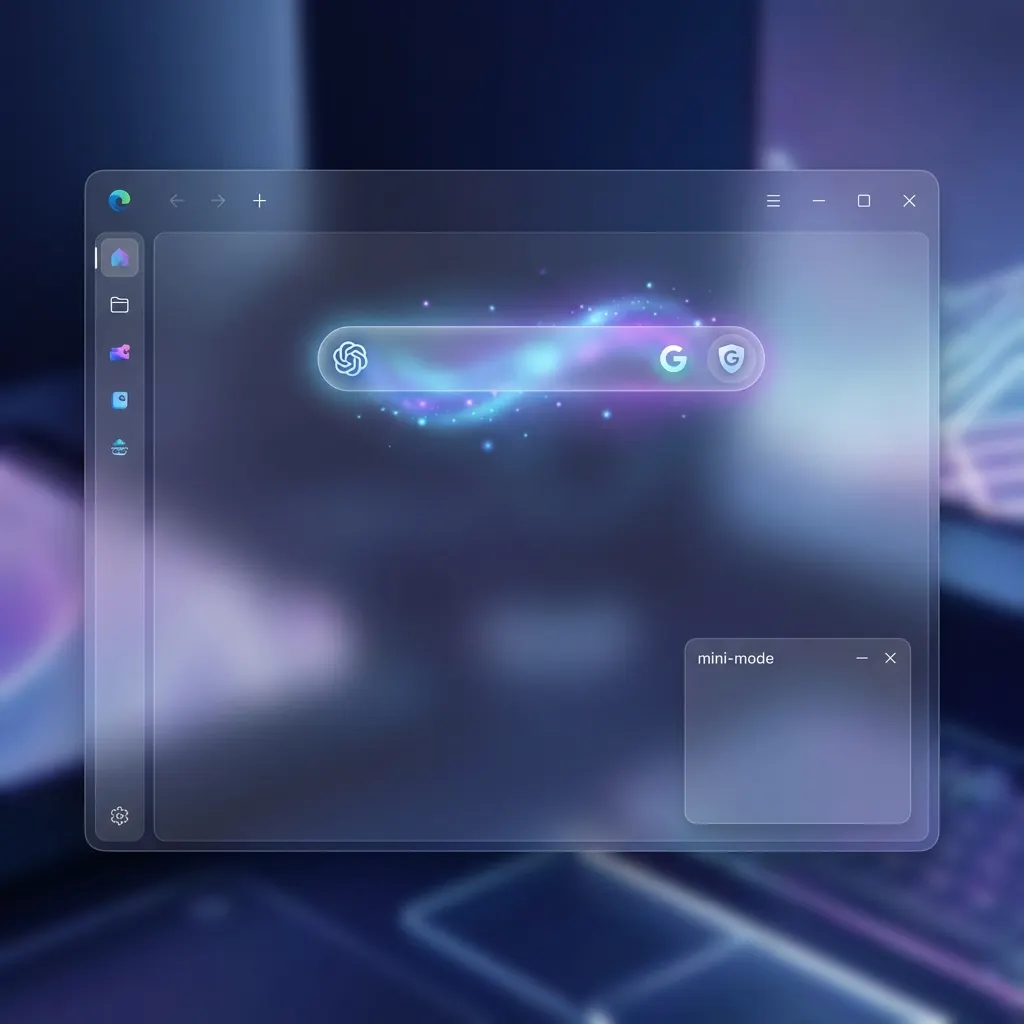
ChatGPT is also becoming a little more customizable visually. You can now set an accent color that changes the look of your chat bubbles, the voice button and highlighted text.
- On the web: click your profile icon, open Settings, go to General and pick a color from the Accent color menu.
- On mobile: tap your profile picture, open Personalization and choose Color scheme.
5. A Smarter Advanced Voice Mode
Advanced Voice Mode, which supports more natural spoken conversations, is getting an update for paid users. It should follow instructions more reliably, and subscribers will be able to adjust how it speaks.

ChatGPT Images 2.0 Is Live: OpenAI's Strong Answer to Nano Banana

OpenAI Announces GPT-5.2: A Next-Generation Model Focused on Professionals
OpenAI is retiring the older standard voice mode at the same time. To compensate, paid users get near-unlimited Advanced Voice usage, and free users get several hours of it. Advanced Voice now also works inside custom GPTs.
6. Easier Gmail and Google Calendar Connections
Finally, linking your Google accounts is getting simpler. In OpenAI's demo, a request such as asking for help planning tomorrow prompts ChatGPT to suggest connecting Gmail or Calendar. Once linked, it can use your schedule and inbox to plan your day, flag emails you may have missed and handle similar tasks.
Who Gets What, and When
Not every change lands for everyone at once:
- GPT-5 becomes the default model for all users.
- The GPT-5 versus GPT-5 Thinking picker stays available on Plus, Pro and Team.
- The higher-end Pro thinking model is limited to Pro and Team.
- The voice upgrades primarily target paid plans, with extra hours for free users.
- Gmail and Calendar connections reach Pro users first, roughly a week after the announcement, with other plans to follow later.
What It Adds Up To
Taken together, these updates show OpenAI pushing ChatGPT away from a simple question-and-answer bot and towards a personal assistant. Personalities let people shape the tone to their taste, while the coding improvements matter most to developers who want to describe a full project and get a working first version back.
The Google integrations and interface options make ChatGPT part of daily routines rather than a tool you open for occasional technical questions. Better voice handling pushes in the same direction, making spoken conversations feel closer to talking with a person.
Final Thoughts
GPT-5 and the accompanying updates hint at where AI assistants are heading: fewer technical choices for the user, more personalization and deeper links into everyday tools. Whether the automatic model routing works as smoothly as promised will become clear with use, but the overall direction is easy to read. Expect more options for tailoring assistants like ChatGPT to individual preferences in the months ahead.
This week’s posts, in your inbox every Monday
A short summary of the posts published that week on AI, Claude Code, MCP and web development. No new posts, no email.
- One email a week
- No ads
- One-click unsubscribe