AI Coding Tools Every Developer Should Know in 2025
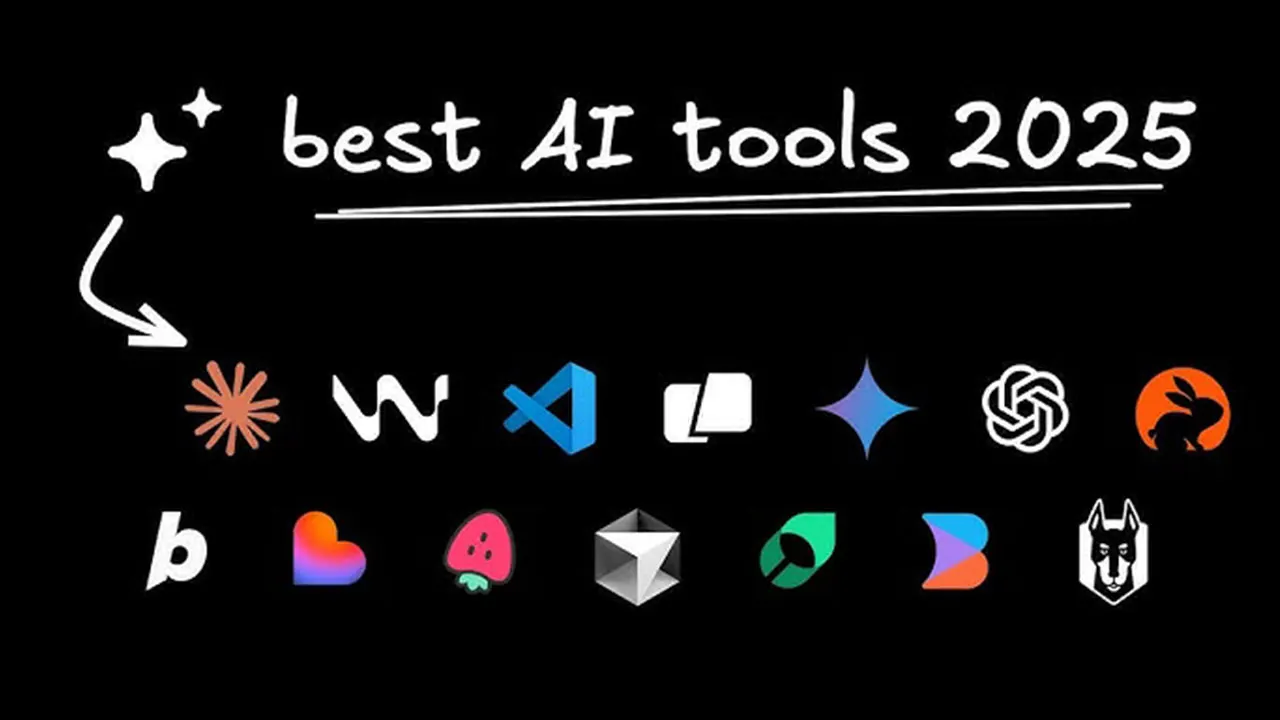
AI coding tools now cover everything from autocomplete to autonomous agents. This overview groups eleven of the most useful ones, including GitHub Copilot, Cursor, Tabnine, Amazon Q Developer, ChatGPT, Claude Code, CrewAI and OpenDevin, by the job each one does best.
Software development is changing faster than at any point in recent memory. Work that used to take a day, such as scaffolding a set of classes or wiring up a CRUD backend, can now be sketched out in an hour with the right assistant. The category, sometimes loosely called "vibe coding," has grown from autocomplete plugins into editors, cloud IDEs and agents that plan and execute whole tasks.
For working developers, familiarity with these tools is quickly becoming a baseline expectation rather than a nice extra. Backend, frontend and full-stack engineers all benefit, although they tend to reach for different tools. Rather than ranking them on a single scale, the overview below groups them by the kind of job they do best. If generative AI is still new to you, a short primer on how large language models work will make every tool on this list easier to use well.
Assistants that live in your editor
The most common entry point is an assistant embedded in the editor you already use. These tools see the file you are working on, often the wider project, and suggest code as you type.
GitHub Copilot
Copilot popularized the category. It completes lines and whole functions in real time, which feels much like pairing with a fast, tireless colleague. Its main value is removing boilerplate: repetitive data classes, API calls, test scaffolding and configuration. It also suggests test cases and helps with unfamiliar APIs. Because it integrates with the major editors and with GitHub itself, it is the easiest assistant for most teams to adopt.
Cursor
Cursor takes a different approach: instead of adding AI to an editor, it is an editor built around AI. It is a fork of VS Code, so extensions and keybindings carry over, but it indexes your codebase so the model can reason about the whole project. That makes it strong at refactoring across files, explaining unfamiliar code and debugging. It supports several frontier models, including GPT-4-class models, and is aimed squarely at real, messy production codebases rather than toy examples.
Codeium
Codeium offers a fast, lightweight assistant with plugins for VS Code, JetBrains IDEs and many other editors, and it has been notable for a generous free tier. For developers who want a capable Copilot alternative without a subscription, it is a sensible place to start. The company later built its own AI editor, Windsurf, on the same foundation.
When privacy or a platform comes first
Some teams cannot send proprietary code to a public cloud model, and others live inside a specific platform. A second group of tools is designed for those constraints.
Tabnine
Tabnine focuses on privacy and control. It can run models tuned on a team's own repositories and offers self-hosted and on-premise deployment. For companies in regulated industries, or any team with strict rules about where code may go, that combination is often the deciding factor.
Amazon Q Developer
Amazon Q Developer is AWS's answer to Copilot. It generates and reviews code, but its real advantage is knowledge of AWS services: it can help write infrastructure code, explain service configuration and suggest secure, production-ready patterns for cloud-native applications. Developers and DevOps engineers who spend most of their time in AWS will get the most out of it.
Replit Ghostwriter
Replit has grown into an all-in-one cloud IDE with AI built in. Its assistant generates, explains and fixes code entirely in the browser, with no local setup. That makes it a natural fit for hackathons, rapid prototypes, teaching and quick scripts that need to run in the cloud right away.

AI Developer Tools Power Rankings and Comparison (September 2025)
The Story of VS Code Documentary Released: Anatomy of an Editor
Conversational assistants
Not every coding problem is best solved inline. Chat-based assistants are better for design questions, debugging conversations and work that mixes code with explanation.
ChatGPT and Code Interpreter
ChatGPT remains the most widely used conversational AI and covers far more than code: drafting documentation, explaining concepts, comparing approaches and working through bugs. Its Code Interpreter capability, also known as Advanced Data Analysis, runs Python in a sandbox, so it can execute code, plot results and step through an algorithm with real output instead of guesses. That makes it particularly useful for data analysis, algorithm tracing and test-driven experiments.
Claude Code
Claude Code is Anthropic's coding assistant built on the Claude model family. It runs in the terminal, reads the project and can edit files and run commands on request. Claude models are known for understanding code context well, proposing clean refactors, explaining complex logic and generating entire functions or modules from plain-language instructions. The tool's careful, conversational style suits developers who value accuracy and context over raw speed.
Agents that do more than suggest
The newest category goes beyond suggestions. Agent frameworks let models plan multi-step work, use tools and act on their own.
CrewAI
CrewAI is a framework for orchestrating teams of role-playing autonomous agents. Each agent gets a role, a goal and a backstory, and the crew collaborates on complex tasks such as research, analysis or code generation. Agents can also write and execute code, which is enabled per agent with a single flag:
from crewai import Agent

analyst = Agent(
    role="Data analyst",
    goal="Validate the numbers in the quarterly report",
    backstory="A careful analyst who checks every figure.",
    allow_code_execution=True,
)
For anyone interested in multi-agent systems that tackle enterprise-scale problems, it is one of the most approachable starting points.
OpenDevin
OpenDevin, since renamed OpenHands, is an open source software engineering agent. It combines planning, file editing and terminal use to carry out real development tasks end to end, from reading an issue to changing code and running tests. It is an early look at agents that can build substantial parts of an application, and learning how it works now is a good way to prepare for where the field is heading.
Where to start
AI-assisted coding is no longer a luxury. Folding a few of these tools into a daily workflow raises productivity and, used carefully, improves code quality as well. Every developer should be comfortable with at least a couple of them. If you are unsure where to begin, GitHub Copilot or ChatGPT are the most accessible options, and Cursor or Claude Code are the natural next step for deeper, project-wide work.
These tools are there to amplify developers, not replace them. Used with good judgment and solid review habits, they make the craft faster and more enjoyable.
This week’s posts, in your inbox every Monday
A short summary of the posts published that week on AI, Claude Code, MCP and web development. No new posts, no email.
- One email a week
- No ads
- One-click unsubscribe