ChatGPT Atlas Update: Tab Groups, Hybrid Search and Mini Mode
Originally published in Turkish. Read the original →
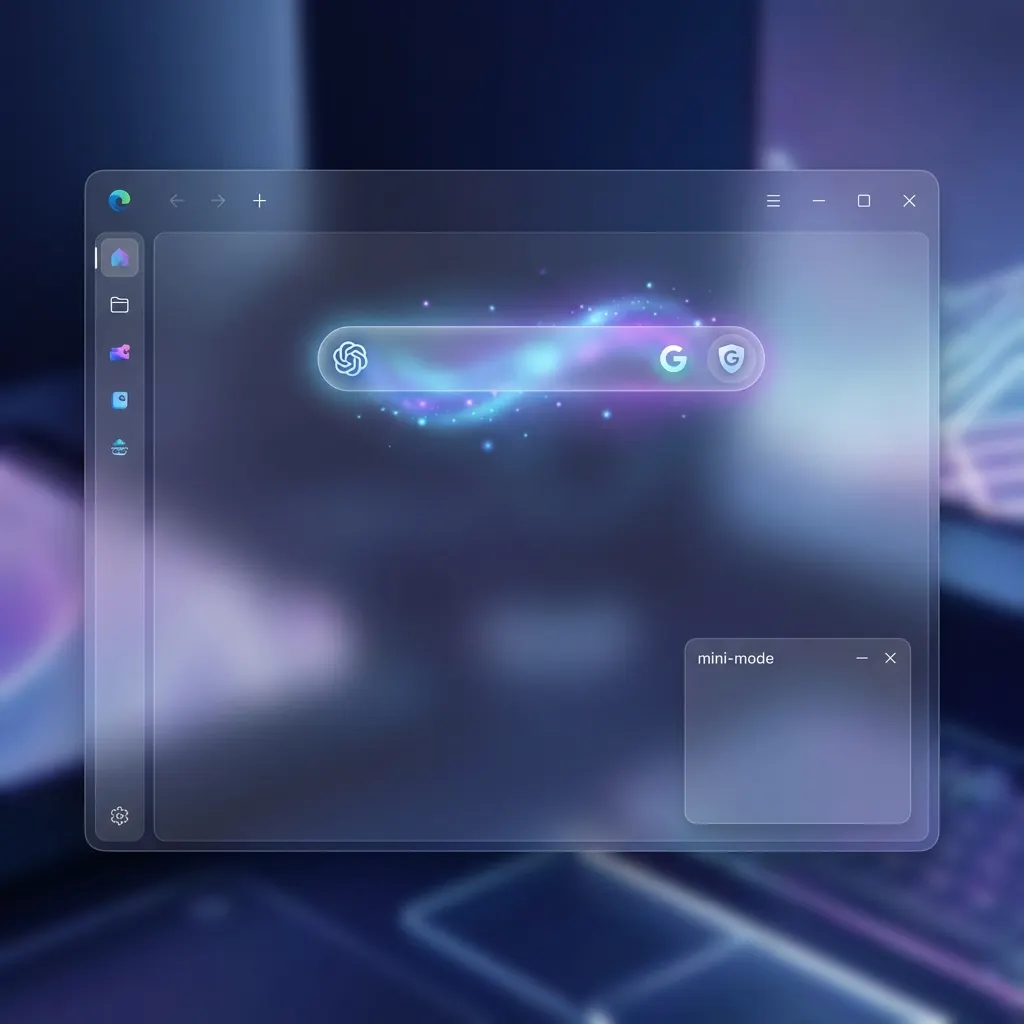
OpenAI's Atlas browser got its first major update. We examine how tab groups, ChatGPT-Google hybrid search switching and macOS-focused improvements affect everyday use.
For years, browsers have come at us with similar formulas. Between Chrome's dominance in speed, Safari's ecosystem integration and Edge's enterprise features, OpenAI challenged this status quo a few months ago by announcing ChatGPT Atlas. Today, ChatGPT Atlas received its first major update, taking a giant step toward becoming not just an "AI tool" but a full-fledged "browser that works like an operating system."
This new version OpenAI is offering Mac users comes packed with features that will fundamentally change how we browse the internet.
Tab Groups: Order Replaces Chaos
One of the biggest problems for the modern internet user is getting lost among dozens of open tabs. To solve this, ChatGPT Atlas has integrated Tab Groups, one of the standards of the browser world, into its own unique structure. But tab groups in Atlas promise more than ordinary grouping.
OpenAI's engineers are laying the groundwork for the AI to analyze open tabs and group them automatically by context. With today's update, users can manually organize their browsing sessions by project, hobby or workflow. This organization is not just visual tidying; it also comes with background management that optimizes the browser's performance.
A Hybrid Search Experience: ChatGPT and Google Hand in Hand
The most crucial part of the update is undoubtedly Automatic Search Engine Switching. For the first time in the history of web browsers, a browser "understands" what the user is looking for and decides where it can find the best result.
ChatGPT Atlas now switches automatically between ChatGPT and Google depending on the nature of the query. For example:
When you ask a conceptual question like "Why is the sky blue?"*, Atlas brings in ChatGPT's ability to summarize and explain. For queries that require real-time data, such as "nearest coffee shop" or "Apple stock price"*, it automatically switches to Google's up-to-date index.
This hybrid structure removes the user's "Which engine should I use?" dilemma and turns internet search into a seamless experience. The redesigned search results interface and vertical layout make the links inside AI-provided answers far more prominent, speeding up access to information.
Mini Mode and Visual Minimalism
Vertical Tab Mini Mode, one of Atlas's most loved features, gets rid of its teething problems with this update. Taking user feedback into account, OpenAI fixed stuttering and display issues in mini mode. In addition, the new right-click menu designed for tabs has been stripped of unnecessary options to minimize visual clutter.
OpenAI's design philosophy is quite clear: the user should focus only on the content and not get lost in the browser's complicated menus. This minimalism is also supported by simplifications in the address bar menu.
Onboarding and Switching from Safari
Looking to grow its market share, OpenAI has shortened the path especially for users switching from the Apple ecosystem (Safari). In the new version, users coming from Safari are directed straight to install the iCloud Passwords extension during setup. This is a critical convenience that ensures Apple users don't lose any of their passwords when moving to Atlas.
Support for macOS Keyboard Text Replacement has also been added for deeper integration with macOS. This means users can now use the shortcuts they have set system-wide inside the browser without any issues.
Technical Improvements and Stability
Beyond the visible features, there has also been intense work in Atlas's engine room. OpenAI says it fixed some critical crashes in the browser and updated translations to provide a more localized experience. In particular, the browser's RAM usage under heavy AI workloads has been optimized, aiming for a smooth experience even on lower-spec Macs.
A New Front in the Browser Wars: Chrome vs. Atlas
Google Chrome has been the absolute ruler of the market for years thanks to its extension library and speed advantage. But ChatGPT Atlas is shifting the competition from "speed" to "intelligence." While Chrome offers AI as an "extension" or "side panel," Atlas places AI at the core (kernel) of the browser.
This strategic difference fundamentally changes how users spend time online. While in Chrome you shuttle between tabs to reach a piece of information, in Atlas your assistant can read and summarize those tabs for you. The tab groups and hybrid search arriving with this update are just the beginning of OpenAI's "assistant browser" vision.
Data Privacy and Security: The Test for AI Browsers
Data privacy, the most criticized aspect of AI assistants, is also addressed indirectly in the Atlas update. While simplifying the address bar menu, OpenAI also moved to a more secure data-processing architecture in the background. The dedicated prompts added so Safari users can safely carry over their iCloud passwords aim to reinforce Atlas's "professional and trustworthy" image.
For users' biggest concern, "Are the pages I browse used for AI training?", OpenAI is preparing to answer with enterprise-grade privacy settings. Atlas promises to be not just a browser but also a "safe harbor" where your personal data is processed by AI.
Vertical Tabs and Developer Productivity
Atlas's Vertical Tab structure is a blessing, especially for developers and content creators working on wide monitors. While horizontal tabs make titles unreadable as their number grows, Atlas's vertical layout keeps titles clearly visible even with more than 50 open tabs.
The "Mini Mode" improvements make working with a documentation page or code sample that stays open in a corner of the screen much more ergonomic. Developers can now benefit from Atlas's AI support without losing their visual focus while switching between their IDE (code editor) and the browser.
Future Plans: Windows, iOS and Android
For now, ChatGPT Atlas is available only on Mac computers. But OpenAI has once again confirmed that this is temporary. The company promises that Atlas will come to Windows, iOS and Android devices very soon and turn into a true ecosystem with cross-platform sync.
OpenAI's entry into the browser market is seen as one of the biggest threats to Google Chrome's decades-long dominance. If OpenAI keeps integrating AI this deeply with the browser, we should be prepared for an internet experience in which even the concept of a "web page" is generated dynamically by AI.
Conclusion: Not a Browser, an Assistant
This first major update to ChatGPT Atlas shows that OpenAI is not just a chatbot company; it also wants to control the main gateway to the internet. Features such as tab groups and the hybrid search engine represent not just ease of use but the evolution of how we search for information online.
The update is available to download right now for Mac users. If you are still browsing the internet the classic way, this new version of Atlas might be the perfect time to discover how AI sees the web.
---
Tip: Atlas users can try the redesigned vertical tab view with the Cmd + Option + M shortcut.




