Vibe Coding a Terminal Editor: Lessons From Building With LLMs
What building a VS Code terminal-editor extension with an LLM teaches about plans, specs, tests and feedback loops. A practical look at plan files, mutable specs, snapshot tests and where agentic coding still falls short.
"Vibe coding" is often described as typing a wish into a chat box and accepting whatever comes back. A more interesting version of the idea shows up when an experienced engineer uses an LLM to build a real tool they intend to keep using every day. One such case, a terminal-like editor for VS Code written largely with Claude Code by the Rust tooling developer Alex Kladov (matklad), is a useful lens on what actually works when you let a model write most of the code.
This post walks through the patterns that came out of that project and what they suggest for anyone doing agentic programming.
The Tool Being Built
The project is a VS Code extension that runs shell commands and writes their output into an ordinary editor buffer instead of a separate terminal panel. Because the output is just text in the editor, every normal editing feature applies to it: jump to a file path printed in a stack trace, use multiple cursors to copy a compiler suggestion, page through long output with the usual keys. People who know Emacs will recognize the idea from Eshell.
Small conveniences fall out of this design. For example, the extension shows only the last 50 lines of a command's output by default and lets you fold or unfold the full log with a single key. That is trivial inside an editor and surprisingly awkward to bolt onto a classic UNIX terminal.
It is exactly the kind of tool developers want for years but never build, because the payoff never seems worth the yak shaving. With an LLM doing most of the typing, the cost dropped enough that it finally got written.
Why Chatting With the Agent Was Not Enough
The obvious way to use a coding agent is conversational: describe the change, wait, look, describe the next fix, repeat. In practice this has two problems.
- No natural checkpoints. It is easy to drift past a good commit point, or let a conversation wander until the context is polluted and the agent is confused.
- Constant context switching. "Prompt, then wait" forces the human to keep jumping between thinking and supervising, which suits few people's working style.
Plan Files and Clean Resets
A better rhythm, popularized in a widely shared post by Harper Reed on Claude Code workflows, is to move the plan out of the chat and into a file. You write a plan.md with a checklist of tasks. The prompt you actually send becomes short and repetitive: read the plan, do the next unchecked item, tick it off.
The Review-Commit-Clear Loop
The loop then looks like this:
1. The agent completes one task. 2. You review the diff and ask for corrections if needed. 3. When the result is acceptable, you commit. 4. You clear the conversation so the next task starts with a fresh context.
The benefit is that planning and execution separate cleanly. You can think several steps ahead while writing the plan, then let the agent grind through one step at a time. Often the human keeps extending the plan while the agent is busy with the current item.
Whiteboards Versus Iteration
Another helpful framing comes from David Crawshaw's writing on programming with agents. Asking a model to produce a working solution in one shot is like asking an interview candidate to write an algorithm on a whiteboard. LLMs are superhuman at whiteboarding, but nobody gets far without feedback.
Agentic tools change that by letting the model run code, see the result and try again. The catch is that LLMs are much better at the first draft than at refinement. Given a mediocre solution, a model will make valid edits, but it rarely raises the overall quality along the fuzzy, taste-driven axes an experienced engineer cares about.
Choosing a Value Function
What models do have is stamina. They will iterate hundreds of times without complaint. That turns into useful work only if there is a value function guiding the walk:
- Human judgment is a poor value function in this loop. Sitting next to the agent pointing out mistakes is slow and tiring, and the human becomes the bottleneck.
- A failing test is an excellent value function. "Make this test pass" reliably yields working code, even if working is not the same as good.
From Append-Only Plans to a Living Spec
The plan-file approach carried the first version of the editor a long way, then hit a wall. The original strategy for syntax highlighting turned out to be a dead end and needed replacing in the middle of the codebase. Two things made that hard:
The Story of VS Code Documentary Released: Anatomy of an Editor
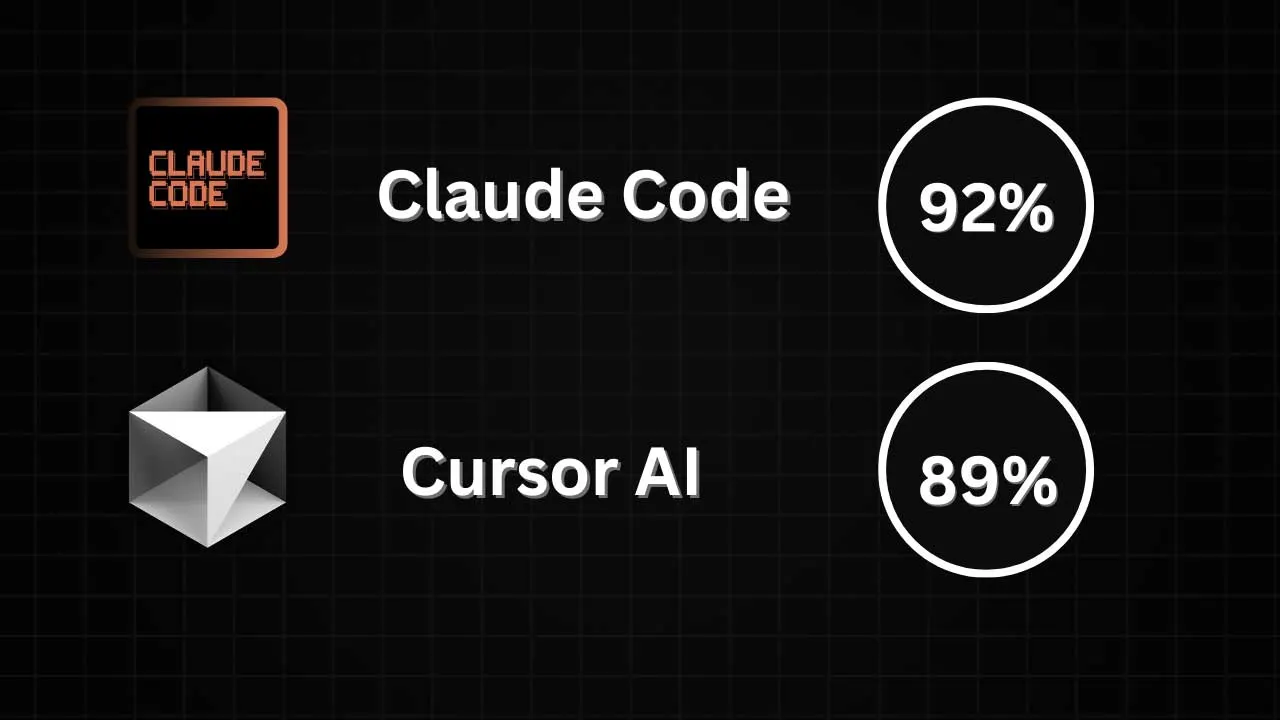
Claude Code Is Here
- The accumulated
plan.mdwas a history log full of abandoned directions, not a description of the current system. - The tests were brittle and tied to implementation details.
The fix was to stop treating the plan as an append-only journal and replace it with a mutable spec.md that states how the software should behave right now. With an LLM, producing that spec was cheap: feed the old plan and all the code into context and ask for a spec in the same checklist format.
Two lessons follow from this:
1. A mutable spec is a good control surface. To change behavior, you first ask the agent to update the spec (unchecking the items that need rework), review and correct the spec by hand, and then run a standard prompt that brings code and tests in line with it. 2. Spec, code and tests are translations of each other. An LLM can move between them in any direction. Give it any one and it can regenerate the others, a bit like running a relational program in miniKanren backwards.
In ordinary engineering, "this design is wrong" often means "throw one away and start over" and that hurts. With an agent, throwing one away is cheap.
The Testing Trap
The project aimed to close the feedback loop from the start, so early prompts stressed testing. The agent dutifully produced what many real-world suites look like: a flood of unit tests pinned to internal APIs, mocks that hide real bugs, and slow, flaky integration tests with sleep calls papering over race conditions. In other words, it imitated the average test suite from its training data, and that average is not great.
The main takeaway from the whole experiment is probably this: if you want to maintain vibe-coded software over time, design the test strategy deliberately. Fast, reliable, behavior-level tests are a multiplier for human developers. For LLMs they are a hard requirement. Tests should:
- run very fast,
- never be flaky,
- exercise features end to end rather than internal functions.
Snapshot Testing as the Value Function
The remedy was drastic. All existing tests were deleted, and a testing strategy was written into the spec around two small functions:
// Wait until all pending async work has settled.
export async function settle(): Promise<void>;

// Serialize the whole visible state into one string.
export function dump(): string;
The first function waits for all outstanding asynchronous work, such as child processes, to finish. Making that possible requires threading causality through the code properly, for instance keeping a promise that resolves when the current process exits. The second captures the extension's full state as a single string that tests can compare against expected output. The only mock is the clock, which matters because the editor shows how long each command has been running.
With that in place, the agent was asked to rebuild the test suite from the spec using the snapshot function. It worked. Once again, throwing the old version away cost almost nothing.
Takeaways for Agentic Workflows
The broader lessons are worth spelling out:
- LLMs can clearly write code; they need to be steered. The steering mechanism is a feedback loop the model can run at its own speed.
- Keep humans on the control plane, not the data plane. People should set goals, review specs and judge results. They should not be the inner loop that checks every edit.
- Architect for testability. A design with deterministic, snapshot-friendly state is what lets an agent iterate safely.
- Prefer a living spec over a history log. Plans are fine for incremental work; specs survive redesigns.
- Treat throwaway as cheap. Regenerating tests or code from a spec is now a reasonable move, not a last resort.
What LLMs Still Do Not Solve
The experiment also marks clear limits.
- Hard platform problems stay hard. The biggest time sink was dealing with pseudo-terminals (pty). No model can yet hand you UNIX without the pty mess.
- Maintenance is still on you. A tool like a language server for a version-control system might now be buildable in a day, and not just as a proof of concept. But someone still has to fix its bugs. For a personal tool, the context switch to repair a small issue is a real cost. For a public tool, users would rightly expect ongoing support.
- Activation energy is what really drops. The biggest win is that small, personal tools which never seemed worth the effort now get built and used daily.
Bottom Line
Working well with LLMs is less about clever prompts and more about engineering the environment around them: plan files for pacing, a mutable spec as the source of truth, and a fast, deterministic test harness that acts as the model's value function. Get those right and an agent becomes a tireless contributor. Skip them and you get a codebase that looks like the average of the internet, tests included.
This week’s posts, in your inbox every Monday
A short summary of the posts published that week on AI, Claude Code, MCP and web development. No new posts, no email.
- One email a week
- No ads
- One-click unsubscribe