Claude Code Is Here
Originally published in Turkish. Read the original →
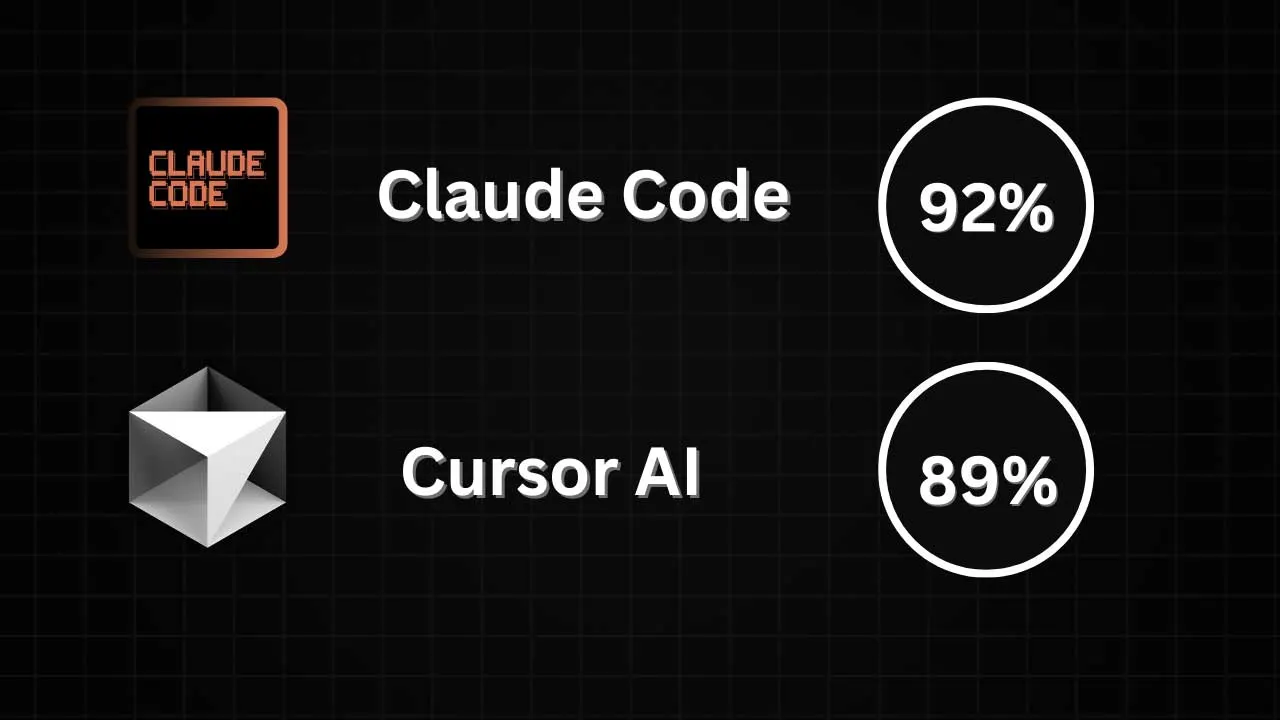
AI-assisted code editors have become indispensable for developers. Today I'm sharing a detailed comparison I ran between two different tools that use the same Claude-3.7 model: Cursor and Claude Code.
Claude Code Is Here
AI-assisted code editors have become indispensable for developers. Today I'm sharing a detailed comparison I ran between two different tools that use the same Claude-3.7 model: Cursor and Claude Code.
Test Setup
I tested both tools during an intensive 3-hour coding session on a Rails application. I focused on making an objective comparison by using them on the same codebase for the same tasks.
Where Claude Code Wins
1. Code Quality: Night and Day
Claude Code's code quality beats Cursor's. Even though they use the same model, Claude-3.7 behaves completely differently in Claude Code. It feels as if you're using a different model.
// The code Claude Code suggests is cleaner and more professional
// Compared with the solution Cursor gives for the same task
// the difference can't be ignored
2. Context Management: Transparency and Control
One of Claude Code's best features is that it reports the context state. When the context is close to filling up, it:
- Lets you know
- Offers a summarize (compact) option
- Gives you the option to clear it
Cursor should absolutely have this feature!
3. Connection Problems: Zero Errors
While using Claude Code, I never ran into errors like these:
- "Unable to connect to Anthropic"
- "Unable to connect to OpenAI"
Cursor users know these problems very well.
4. Error Rate: Minimal
Working on the same codebase, I got far fewer errors in Claude Code. In particular, it:
- Didn't make errors that broke functionality
- Didn't truncate large files
- Preserved code integrity
Cursor's Advantages
1. IDE Experience
Cursor is a full IDE. Claude Code is a terminal-based application. This difference matters a lot in day-to-day use.
2. Price: A Big Difference
3 hours of coding cost $20 in Claude Code! Compared with Cursor's monthly cost, that's very high.
3. MCP Servers
You can use MCP servers in Cursor. Claude Code doesn't have this feature (at least as far as I could find).
Comparison: Apples and Oranges
These two tools actually take very different approaches:
Cursor's Approach: Smart Optimization
- Adapts to the context
- Uses cost-cutting tricks
- Most users accept this trade-off
Claude Code's Approach: Full Performance
- Returns everything
- Higher quality
- Higher cost
Which One When?
Choose Claude Code
- If code quality is critical
- If your budget is flexible
- If you're used to working in the terminal
- If you're working on large, complex projects
Choose Cursor
- If cost is your priority
- If you want an IDE experience
- If you need MCP servers
- For everyday development work
What I Want From Cursor
I'd like Cursor to add these features:
1. A context status indicator (like the one in Claude Code) 2. A higher-quality option (with a higher cost) 3. Fewer connection errors 4. Better error handling
My Final Verdict
Both tools are valuable in their own place. Personally, I'm willing to pay more for quality. If Cursor takes steps in this direction, it will be a big win for developers.
AI-assisted development tools are evolving fast. I hope these gaps will close in the future and that we'll see even better solutions.




