How to Use ChatGPT App Integrations (Spotify, Figma, Canva and More)
ChatGPT can now work directly with apps such as Spotify, Figma, Canva, Booking.com, Coursera, Expedia and Zillow. How to connect them, what each one can do, what you share by linking an account and where the feature is available.
OpenAI has added app integrations to ChatGPT. Instead of copying results from the chat into another service, you can link your accounts and let the assistant act inside those apps for you. Ask for a focus playlist, for example, and it can create it in your Spotify library directly. Here is how the feature works, how to set it up and what each launch partner offers.
What App Integrations Do
An integration connects ChatGPT to a third-party account. Once linked, the assistant can read relevant information from that service and carry out actions in it: building a playlist, drafting a design, searching listings or comparing courses. The results show up in the conversation, and anything that needs a final decision, such as a booking, is completed on the partner's own site.
Calling an App From a Prompt
The quickest way in is to name the app at the start of your message while signed in to ChatGPT:
- "Spotify: build an electronic playlist for deep work"
- "Figma: draw a flow chart of our sign-up process"
If the app is not linked yet, ChatGPT walks you through signing in and takes you to the authorization screen where you grant access. After that, the app is available in later chats too.
Connecting Apps in Settings
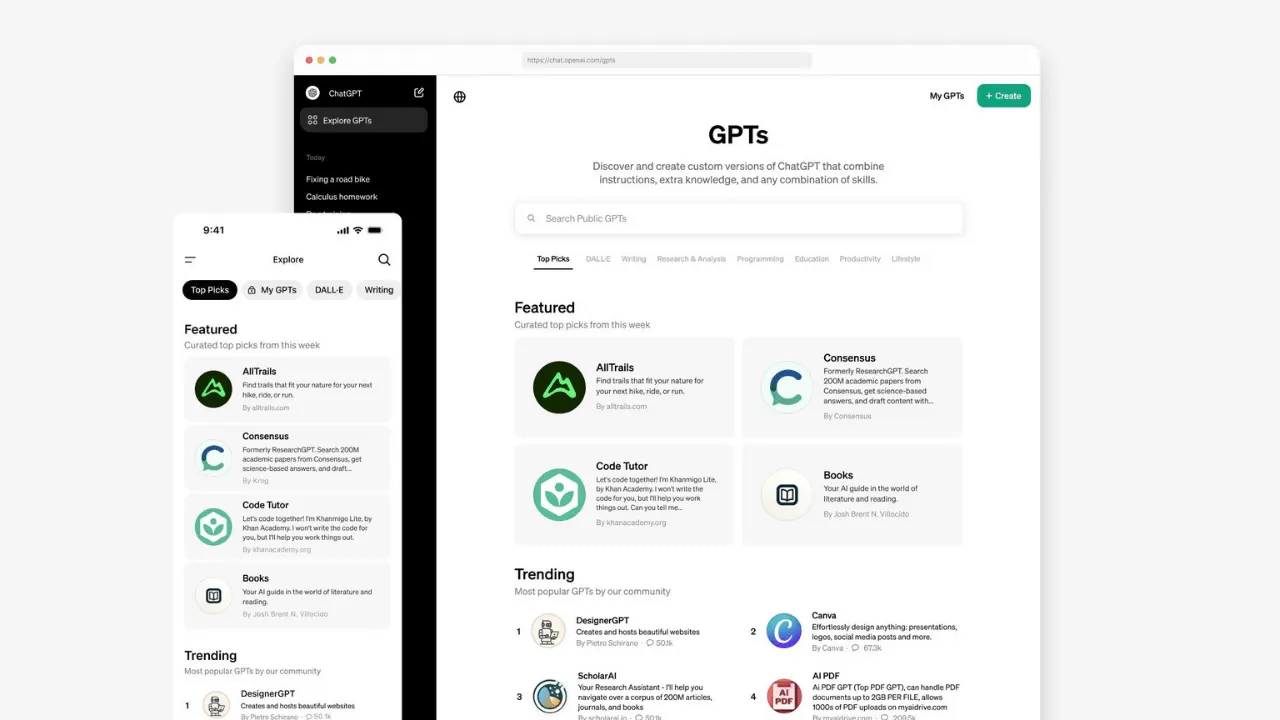
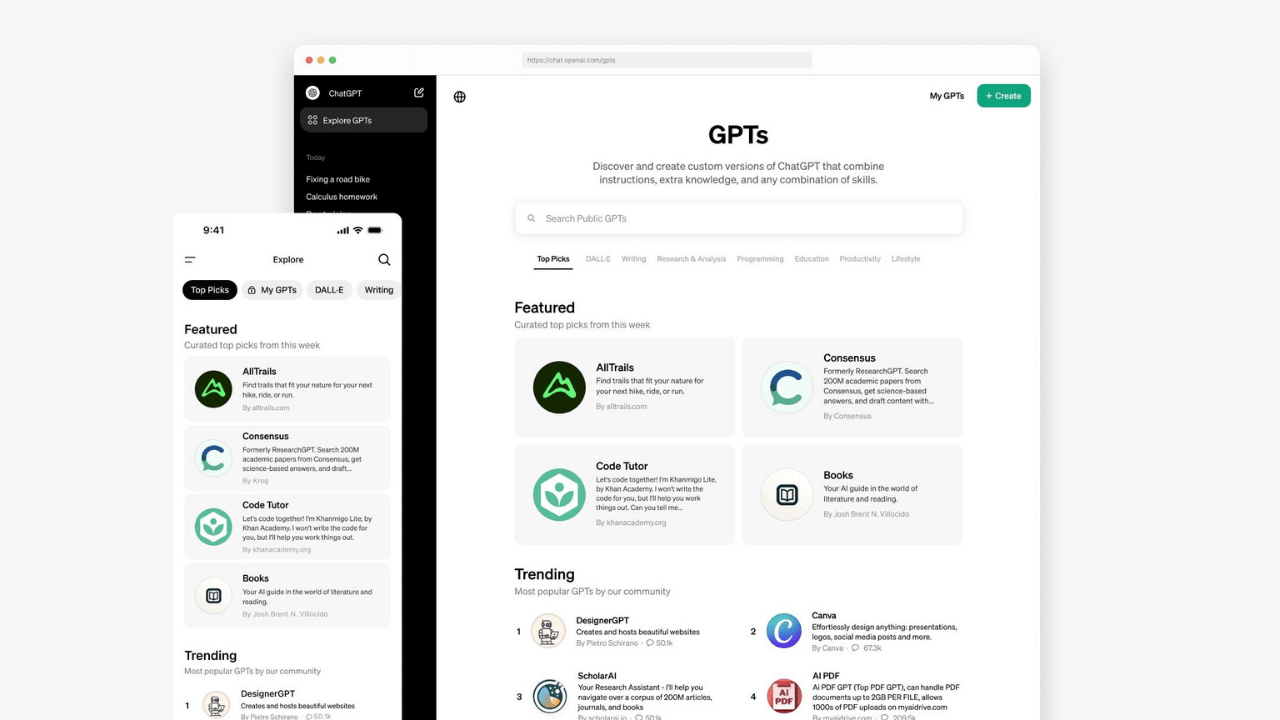
If you prefer to set everything up at once, open Settings and go to the Apps and Connectors section. It lists the available integrations; pick the ones you want, and each runs a short flow that sends you to that service's sign-in page and back.
Permissions and Privacy
Linking an account means sharing some of that service's data with ChatGPT, so read the permission screen before you approve it. Connect Spotify, for instance, and ChatGPT can see your playlists, listening history and preferences. That is what makes its suggestions personal, but if you are cautious about privacy, decide whether you are comfortable with that level of access before confirming.
Disconnecting an App
Access is not permanent. You can unlink any app at any time from the same Settings menu.
The Launch Partners
The first wave covers music, design, travel, learning and property search. Here is what each one is good for.
Spotify
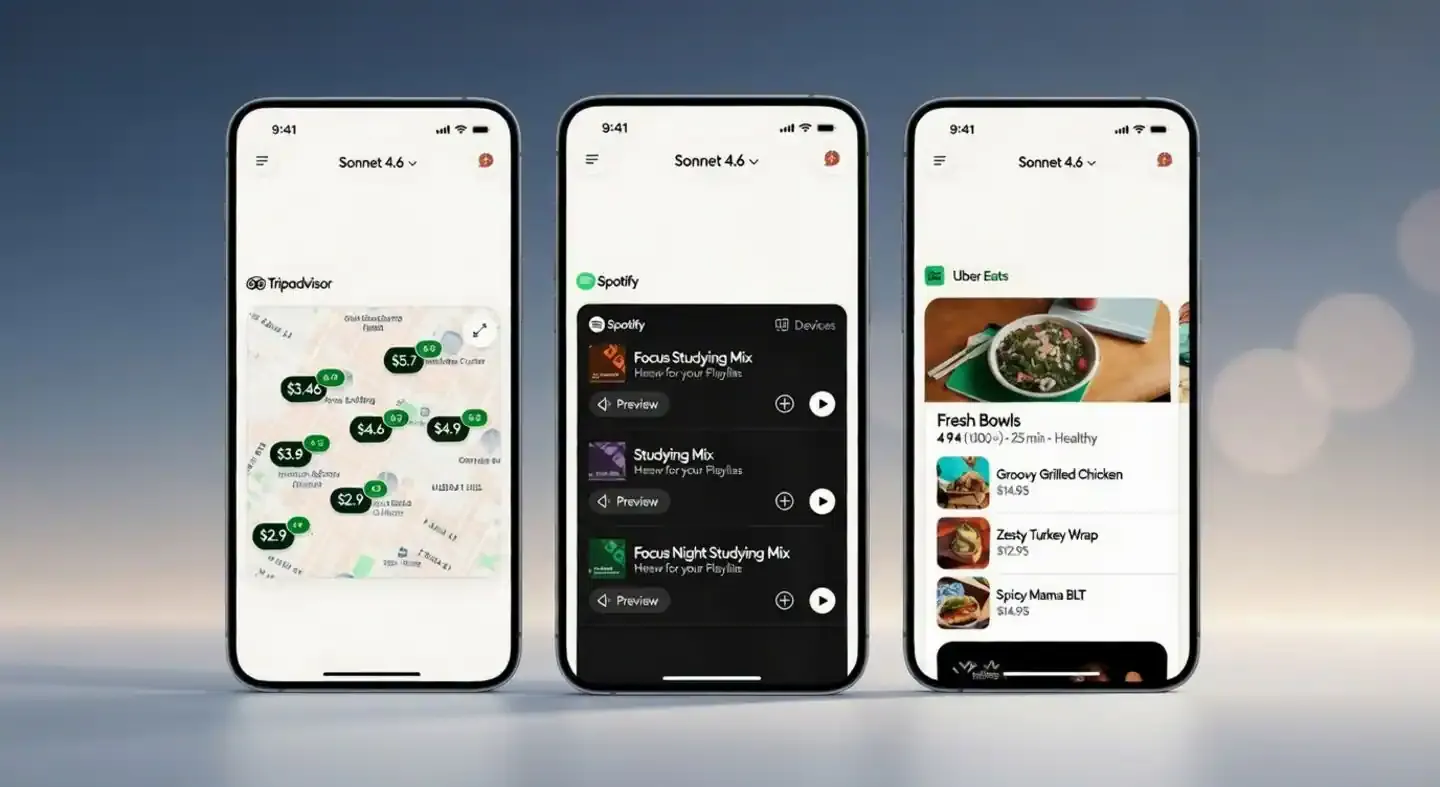
Use it to discover music that fits your taste and to build playlists quickly, whether around a mood or around a single favorite band. It can also recommend new artists, playlists, audiobooks and podcast episodes, and add or remove items in your library on request.
ChatGPT Now Has Its Own App Store: AI Is Becoming a Platform

Frontend Design Patterns That Actually Work in 2026
Figma
Figma turns ideas and brainstorming notes into diagrams, flow charts and similar visuals. You can upload files and ask for a product roadmap for your team, complete with milestones, deliverables and deadlines.
Canva
Canva helps when you need visual content fast: social posts, posters or slide decks. Ask for a 16:9 deck for a quarterly roadmap or a playful poster for a small local business, and specify fonts, colors, format (such as an Instagram post or story) and dimensions. AI drafts are not always perfect, and the occasional broken image or typo can slip through, but you can open the result in Canva and polish it.
Booking.com
This integration is aimed at choosing where to stay, especially in a city you do not know. Give your dates and budget, the number of guests and preferences such as being close to public transport or having breakfast included. When something looks right, open it on Booking.com to finish the reservation.
Expedia
Expedia brings hotel and flight options into the chat. Tell it how many people are travelling, when and on what budget, and add filters such as four-star hotels only. Pick an option and complete the purchase on Expedia.
Coursera
Coursera helps you find online courses at the right level, for example an intermediate Python course. You can ask ChatGPT to compare options by rating, length and price, and to summarize what each course covers.
Zillow
Zillow simplifies house hunting. Describe what you want in plain language, including price range, number of bedrooms and preferred neighborhoods, and narrow down the listings faster.
Availability and What Comes Next
For now, app integrations are only available in the United States and Canada; users in Europe and the UK are not yet included. OpenAI has said more partners, including DoorDash, OpenTable, Target, Uber and Walmart, are due to join later in the year. Permission scopes and supported regions may change over time, so review the access request each time you connect an app.
This week’s posts, in your inbox every Monday
A short summary of the posts published that week on AI, Claude Code, MCP and web development. No new posts, no email.
- One email a week
- No ads
- One-click unsubscribe