Tailwind CSS v4 with Angular in an Nx Monorepo: Setup and Lean CSS
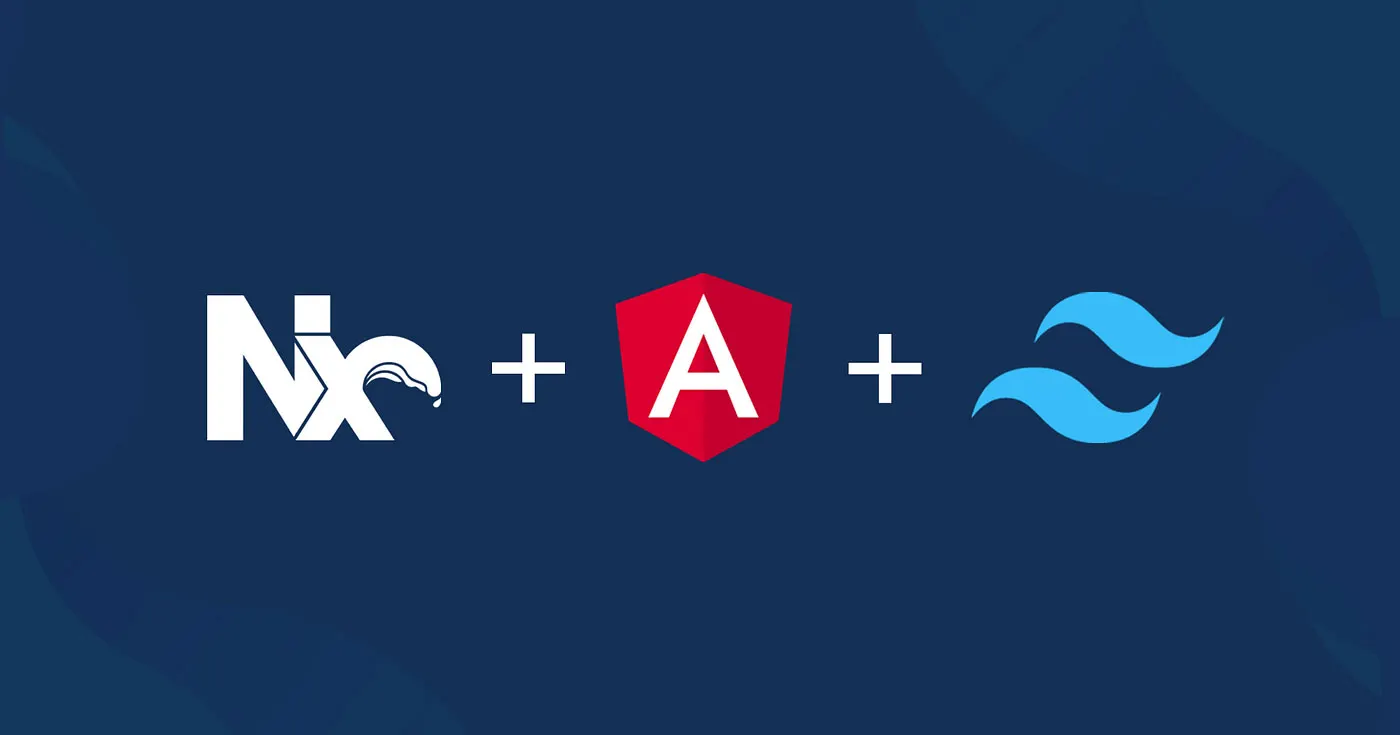
In an Angular Nx workspace, Tailwind v4's PostCSS plugin scans the whole repository by default. Here is why that happens and a step-by-step way to limit scanning to the code an app actually uses.
Why Tailwind v4 Feels Different
Tailwind CSS v4 removed much of the setup ceremony that earlier versions needed. There is no tailwind.config.js to maintain, the dependency list is short, and a single CSS import is enough to get started. Instead of a content array listing your template paths, v4 detects source files automatically.
That automatic detection is convenient in a single-app repository. In a monorepo it deserves a closer look, because "automatic" depends on where Tailwind decides to start looking.
The Monorepo Catch
In an Nx workspace running Angular, the default behavior can quietly inflate the production stylesheet: utility classes used only in unrelated libraries end up in every app's CSS bundle. Nothing breaks, so the issue tends to go unnoticed until someone inspects bundle sizes. The rest of this post walks through the setup, explains the cause, and shows how to fix it in a way that maintains itself. (Projects that use Vite with React or Vue face a related but reversed problem, covered briefly below.)
Baseline Setup for Angular
Both the Angular and Tailwind documentation describe the basic integration. Angular processes stylesheets through PostCSS, so the PostCSS flavor of the Tailwind plugin is the one to use.
Dependencies
Install Tailwind and its PostCSS plugin:
npm install tailwindcss @tailwindcss/postcssPostCSS Configuration
Add a PostCSS config file to the application, for example apps/shop/.postcssrc.json:
{
  "plugins": {
    "@tailwindcss/postcss": {}
  }
}
Importing Tailwind
Finally, import Tailwind at the top of the app's global stylesheet:
/ apps/shop/src/styles.css /
@import 'tailwindcss';
At this point utilities work in every component, and for a standalone project you would be done.
Reproducing the Problem
Picture a workspace with one app and two libraries:
apps/
  shop/              # Angular application
libs/
  shared-ui/         # used by shop
  admin-widgets/     # not used by shop
Suppose a component in admin-widgets uses a class such as bg-amber-300 that appears nowhere else. Build the app with nx build shop and search the generated CSS: the bg-amber-300 rule is there, even though shop never imports anything from admin-widgets. Multiply that by every library in a large workspace and the stylesheet carries a lot of dead weight.
A quick way to confirm this in your own workspace is to pick a utility that only one unrelated library uses, run a production build, and grep the emitted CSS in the dist folder for it. Comparing the stylesheet size before and after the fixes below is also a useful sanity check, since the savings grow with the number of libraries and the variety of utilities they use.
Where the Extra Classes Come From
The PostCSS plugin needs a base directory from which to scan for candidate class names. Unless told otherwise, it uses the current working directory of the process. When Nx runs a build, that directory is the workspace root, so Tailwind walks the entire repository and collects classes from every HTML template and TypeScript file it finds, regardless of whether the app depends on them.
PostCSS vs Vite: Opposite Defaults
The Vite plugin behaves differently, which is a common source of confusion when teams mix stacks:
| Plugin | Default scan root | Effect in a monorepo |
|---|---|---|
@tailwindcss/postcss | process working directory | scans the whole workspace, too much CSS |
@tailwindcss/vite | Vite root (usually the app folder) | scans only the app, library classes missing |
Option 1: Setting a Base Path
The plugin accepts a base option, so you can point it at the app folder:

Vite 8 Beta: Rolldown Replaces esbuild and Rollup
My Frontend Stack in 2026: Productivity, Type Safety and Production Observability
{
  "plugins": {
    "@tailwindcss/postcss": { "base": "./apps/shop/src" }
  }
}
This stops the over-scanning, but now classes from shared-ui are missing too. You would still have to add each library by hand, so this option mainly moves the problem.
Option 2: Narrowing the Source in CSS
Tailwind v4 offers two CSS-level tools for this: the source() modifier on the import and the @source directive. Keeping the configuration in the stylesheet makes it easy to see and review.
Restrict Automatic Detection
Limit automatic scanning to the app's own code:
@import 'tailwindcss' source('./app');The path is resolved relative to the CSS file, so only apps/shop/src/app is scanned automatically.
Add Libraries Explicitly
Then list the libraries the app really depends on:
@import 'tailwindcss' source('./app');

@source "../../../libs/shared-ui/src";
Now classes from the app and shared-ui are included, while admin-widgets no longer leaks into the bundle. The resulting CSS reflects actual usage.
Keeping @source in Sync Automatically
The manual approach has a maintenance cost. When someone adds a new library dependency and forgets to add a matching @source line, the build still succeeds; the only symptom is missing styles that show up as visual bugs, possibly in production. Relying on every team member to remember is fragile.
Nx already has a mechanism for this kind of derived configuration: sync generators. They run before selected targets, compare generated files with the project graph, and update or flag anything that has drifted. Nx uses the same idea to keep TypeScript project references aligned with dependencies.
Wiring Up the Sync Generator
Juri Strumpflohner of the Nx team published a small package, @juristr/nx-tailwind-sync, that does this for Tailwind. After installing it, register the generator on the targets that need it:
{
  "targets": {
    "build": {
      "syncGenerators": ["@juristr/nx-tailwind-sync:source-directives"]
    },
    "serve": {
      "syncGenerators": ["@juristr/nx-tailwind-sync:source-directives"]
    }
  }
}
Before each build or serve, the generator reads the app's dependency graph and writes one @source line per library between marker comments in the stylesheet:
@import 'tailwindcss' source('./app');

/ nx-tailwind-sources:start /
@source "../../../libs/shared-ui";
/ nx-tailwind-sources:end /
Add or remove a library dependency and the block updates on the next run, so the CSS stays accurate without anyone editing paths by hand.
A Build-Time Alternative
Some teams prefer not to commit generated lines at all. A community member, Poul Hansen, built a PostCSS plugin that injects sources during CSS processing instead. It relies on createGlobPatternsForDependencies from @nx/angular/tailwind, which computes glob patterns for a project's dependencies from the Nx graph. The trade-off is less visibility, because the effective source list never appears in the stylesheet, in exchange for zero generated diffs.
Takeaways
- With Angular, Tailwind v4 runs through PostCSS, which scans from the workspace root by default and pulls in classes from unrelated libraries.
- The Vite plugin has the opposite default and misses library classes unless they are added.
source('./app')limits automatic detection to the app;@sourcelines add the libraries it depends on.- Nx sync generators, or a build-time PostCSS plugin, keep that list aligned with the dependency graph so nobody has to maintain it manually.
Configured this way, Tailwind v4, Angular and Nx combine a pleasant developer experience with production CSS that contains only what each app actually uses.
This week’s posts, in your inbox every Monday
A short summary of the posts published that week on AI, Claude Code, MCP and web development. No new posts, no email.
- One email a week
- No ads
- One-click unsubscribe