The Most Effective Google Gemini Prompts for Work and Daily Life (2026)
Originally published in Turkish. Read the original →

If you want to use AI not just to chat but as a real assistant in your daily life and workflows, you need to know the right prompts. In this post I have collected the most effective Google Gemini prompt examples to boost your productivity.
AI assistants have been part of our lives for a long time now, but many of us still use them only to ask short questions, as if they were a Google search. Yet Google Gemini, with its large context window and reasoning abilities, is a powerful assistant that can fully automate your workflows, speed up your learning and contribute to your software projects.
Getting the most out of Gemini comes down to writing the right prompt templates that tell it what to do and how. In this guide, I share the most effective Google Gemini prompt examples that will multiply your productivity at work and in daily life tenfold.
---
1. Software and Coding Assistant Prompts
Gemini is especially good at refactoring code, debugging and translating code from one language to another.
Debugging Prompt:
If you are getting an error in your code that you don't understand, you can feed the error and your code blocks directly to Gemini with this template.Act like a software engineer. I am getting the error [error message] in the code block I share below. Analyze the root cause of this error and write updated, clean code that fixes it. In addition, explain the changes you made to fix the error as bullet points.
Code Block:
[Paste your code here]Code Refactoring and Optimization Prompt:
To make code that works but is slow or convoluted more performant:Rewrite the following [language name, e.g. JavaScript/Python] code according to clean code principles and performance optimization rules. Optimize memory management and execution speed, but do not break the code's existing functionality.
Code Block:
[Paste your code here]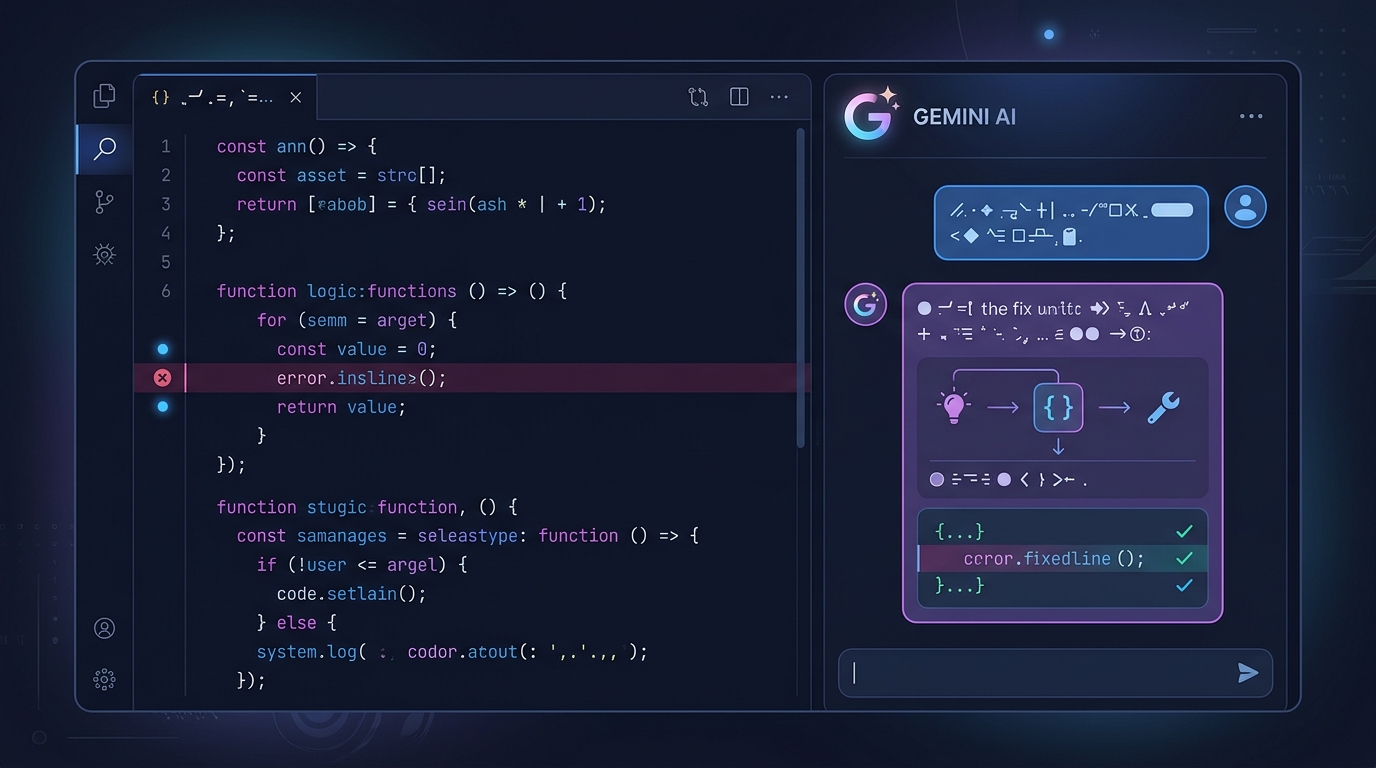
---
2. Text Editing and Professional Email Writing
Tone and professionalism are critical at work. With Gemini's help you can prepare, in minutes, the emails or long reports that have to be written in difficult or crisis moments.
Professional Email Tone Prompt:
If the idea you want to express sounds rude or too casual, you can turn it into corporate, professional language with Gemini.Act like a corporate communications specialist. Rewrite the message I want to convey in the draft below in professional, constructive and solution-oriented language without offending the other party. Also suggest a suitable subject line for the email.
Draft Text:
[Write the main idea you want to convey in plain terms. E.g.: They delayed the project, so we need to push back the delivery.]Long Document Summary Prompt:
You can use Gemini's summarization ability to quickly understand a PDF or article that runs for pages.Read and analyze the text I share below. Produce a summary for me in this format:
1. The 3 most important main ideas (as bullet points)
2. Lessons to be drawn or action steps
3. An overall summary in one short paragraph
Text:
[Paste the long text here]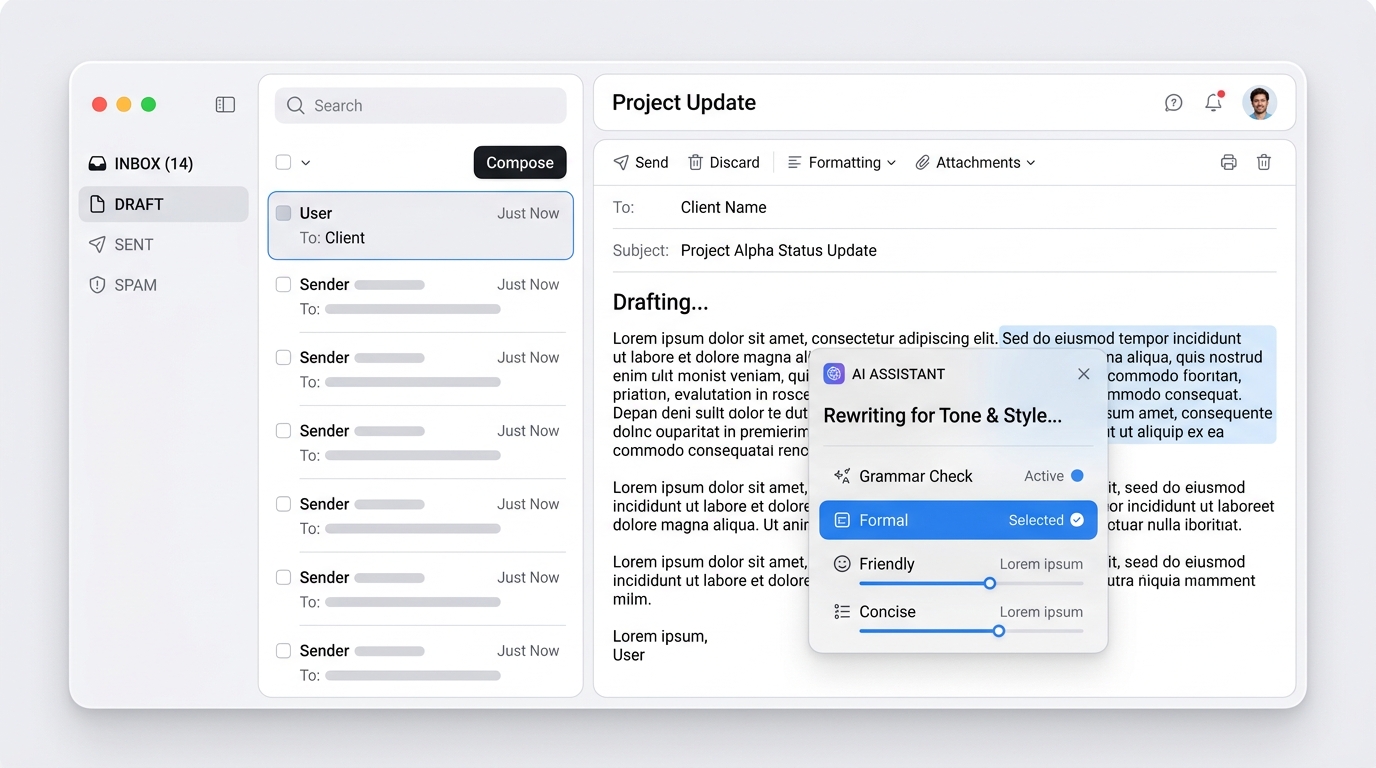
---
3. Learning and Education (The Feynman Technique)
When learning a new and complex topic, technology or concept from scratch, you can turn Gemini into your personal tutor.
Explain Like I'm 5 (ELI5) Prompt:
This prompt works wonderfully for understanding heavy topics such as quantum computers, blockchain or machine learning.Explain the concept of [quantum computers / Docker containers / RAG systems] with simple analogies and examples, as if you were explaining it to a 10-year-old who knows nothing about the software world. Avoid technical terms as much as possible.Learning Through Back-and-Forth Q&A Prompt:
To learn interactively rather than just by reading:I want you to teach me [React Hooks / SQL databases]. Don't explain the whole topic in one go. First explain a basic concept, then ask me a single question to test whether I understood it. After I answer, move on to explaining the next concept and run the process step by step like this.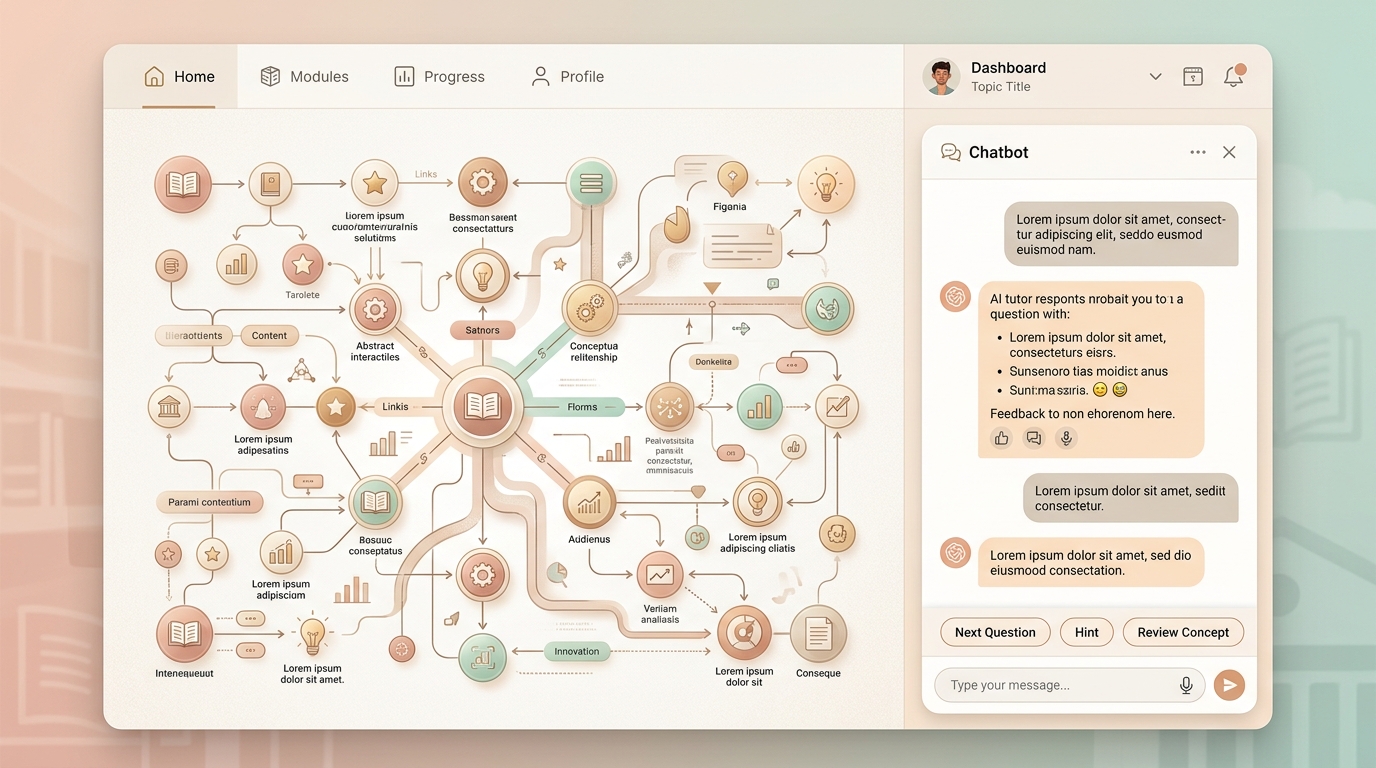
---
4. Strategic Planning and Brainstorming
When starting a new business, launching a product or looking for a solution to a problem, position Gemini as your thinking partner.
Launch or Project Planning Prompt:
To map out a new project's roadmap from A to Z:Act like a product manager. We have built [a mobile English learning app] and will launch it next month. Create a 4-week launch plan for us. Detail what we need to do each week for market analysis, social media strategy and technical preparations.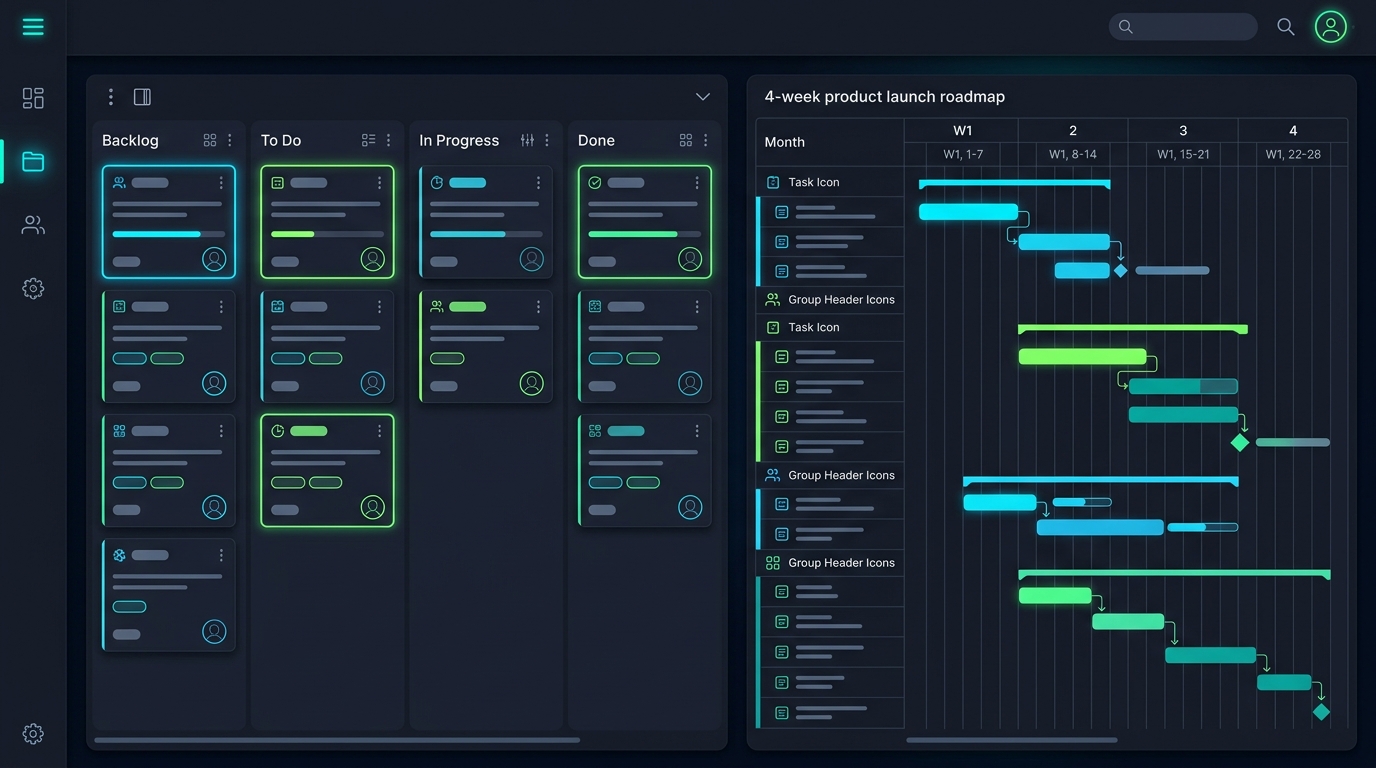
---
The Importance of "Role Definition" in Gemini Prompts
As you may have noticed, I started almost every prompt template with a role definition such as "Act like a software engineer" or "Act like a corporate communications specialist". Assigning Gemini an identity (persona) directly affects the model's vocabulary and approach. That way, instead of getting generic answers, you get spot-on responses tailored to the expertise you are targeting.
You can copy the prompts above, customize them to fit your work and make Gemini an indispensable part of your daily life!




