Logo Design with Midjourney: A Vector Image Prompt Guide for Professional Brands
Originally published in Turkish. Read the original →
A prompt guide with the key keywords for producing clean, professional logos that can be made transparent for startups, mobile apps and corporate identities using Midjourney v6.
Traditional logo design is a job that takes days or even weeks, with market research, sketching, vector drawing and revision cycles. But with AI technologies, especially the Midjourney v6 model, entering our lives, it has become possible to produce extremely professional, creative and inspiring logo concepts within minutes.
Many designers and brand owners use Midjourney as a brainstorming tool or directly as a final design template. However, getting a clean logo output from the AI that can be made transparent and fits a corporate identity follows very different rules from generating a portrait or a landscape. In this guide, we cover the key tactics for producing professional logos in different styles with Midjourney, along with copyable prompt templates.
---
3 Common Problems When Designing Logos with AI and Their Solutions
By default, Midjourney tends to produce images with artistic and complex details. In logo design it's the exact opposite: simplicity and legibility come first. Here are the most common problems when designing logos with AI and how to overcome them:
1. The Transparency and Background Problem
For a logo to be usable on a business card, website or packaging, its background must be removable. To stop Midjourney from placing the logo inside a complex scene, always add these phrases to the end of your prompt: *isolated on white background
* flat background
* vector style, simple shape2. Letter and Text Errors
Since AI models work by predicting image pixels, they can sometimes struggle to spell words and letters correctly (especially with long brand names). * Solution: When writing the prompt, put the brand name in double quotes, like"OWLSIGHT". If the model still mixes up the letters, generate the logo only as a symbol/icon and add the brand name yourself later using Adobe Illustrator, Canva or Figma.3. The Not-Vector (SVG) Problem
Midjourney produces pixel-based (PNG/JPG) output. A real logo, however, must be vector-based. * Solution: You can convert the high-resolution logo you get from Midjourney into the infinitely scalable SVG format within seconds using Vectorizer.ai, Adobe Illustrator (Image Trace) or free online tools.---
Midjourney Prompt Templates for Different Logo Styles
Below, we look at 3 popular logo categories tested with Midjourney v6 that suit the character of different industries and brands, along with their prompt templates.
1. Minimalist and Corporate Vector Logo
A minimalist style representing simplicity, trust and clarity for tech companies, consulting firms and modern startups.
Prompt: > Minimalist vector logo of a wise owl, flat design, clean lines, black and white, white background, SVG style, professional corporate branding, high detail
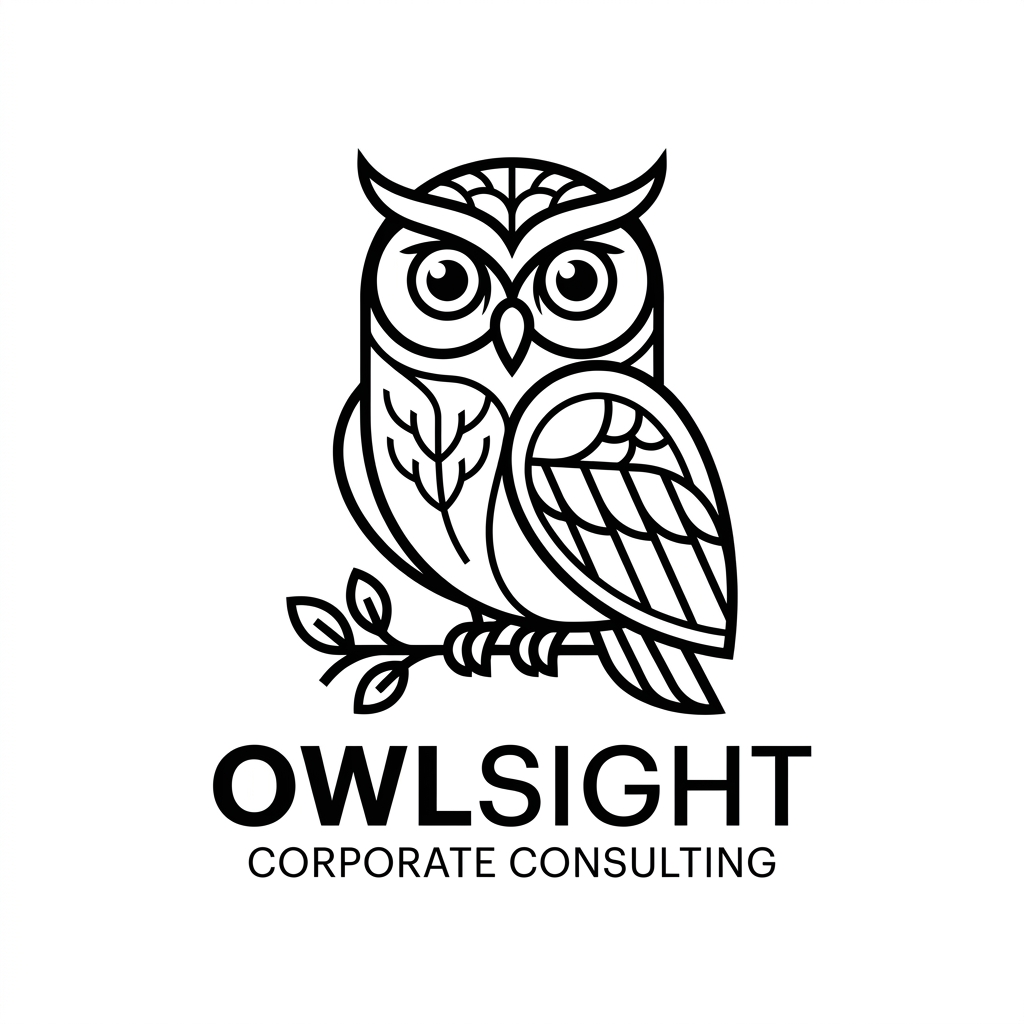
Design Analysis: The black and white contrast, the owl's geometric lines and the text placement at the bottom are extremely well balanced. Because the background is completely white, vectorizing this logo and making its background transparent takes seconds.
---
2. Modern 3D App Icon
A cute, eye-catching 3D design style with a sense of depth for mobile apps, SaaS software or digital products.
Prompt: > Modern 3D clay style app icon logo of a cute happy cloud, pastel colors, soft studio lighting, shadow depth, white background, app store icon design, 3D render, high detail
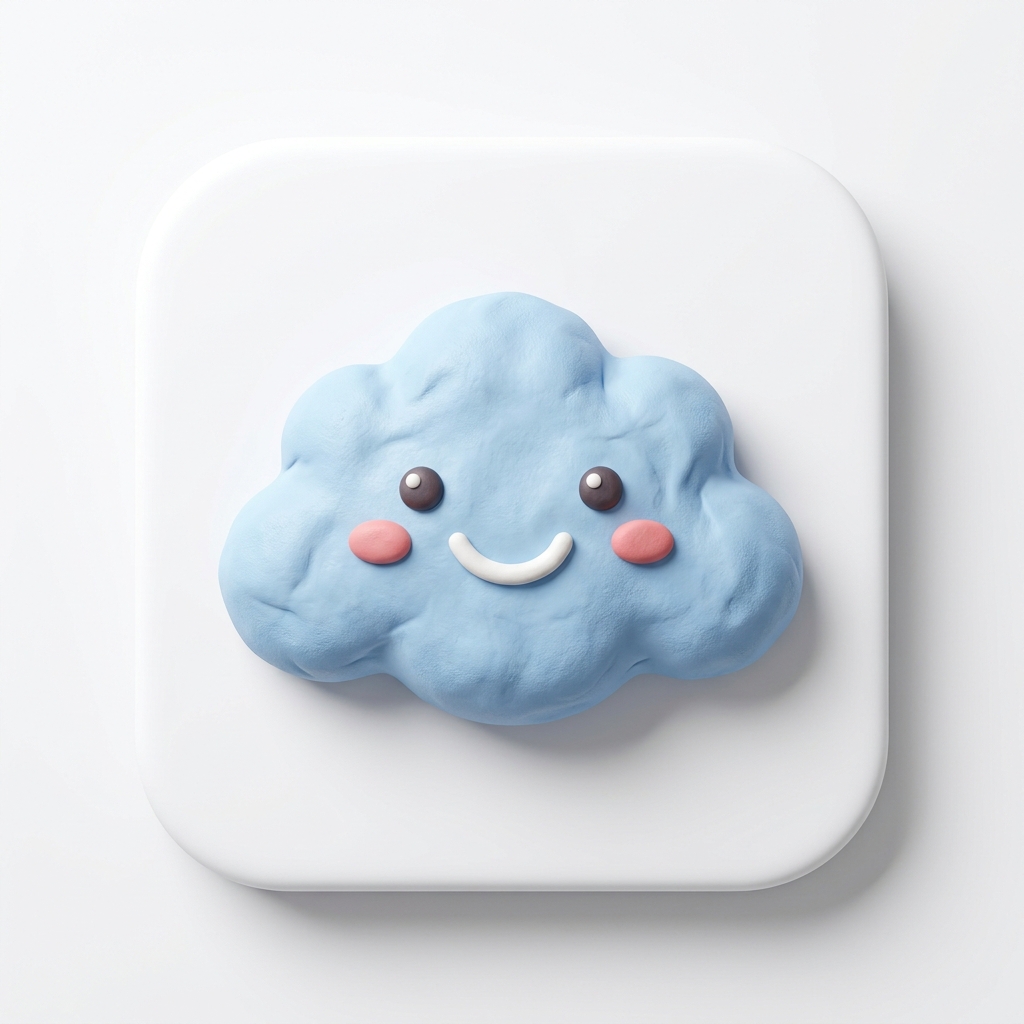
Design Analysis: The soft clay effect and shading give the cloud a three-dimensional, tactile feel. The pastel color palette faithfully reflects the user-friendly aesthetic often preferred in modern mobile app interfaces.
---
3. Vintage / Premium Emblem Logo
An emblem style that evokes prestige and tradition for specialty coffee shops, boutique restaurants, handmade product brands or long-established artisans.
Prompt: > Vintage luxury emblem logo for a premium coffee brand, circular frame, elegant typography, hand-drawn coffee branch ornament, gold print on black background, vector design, high detail
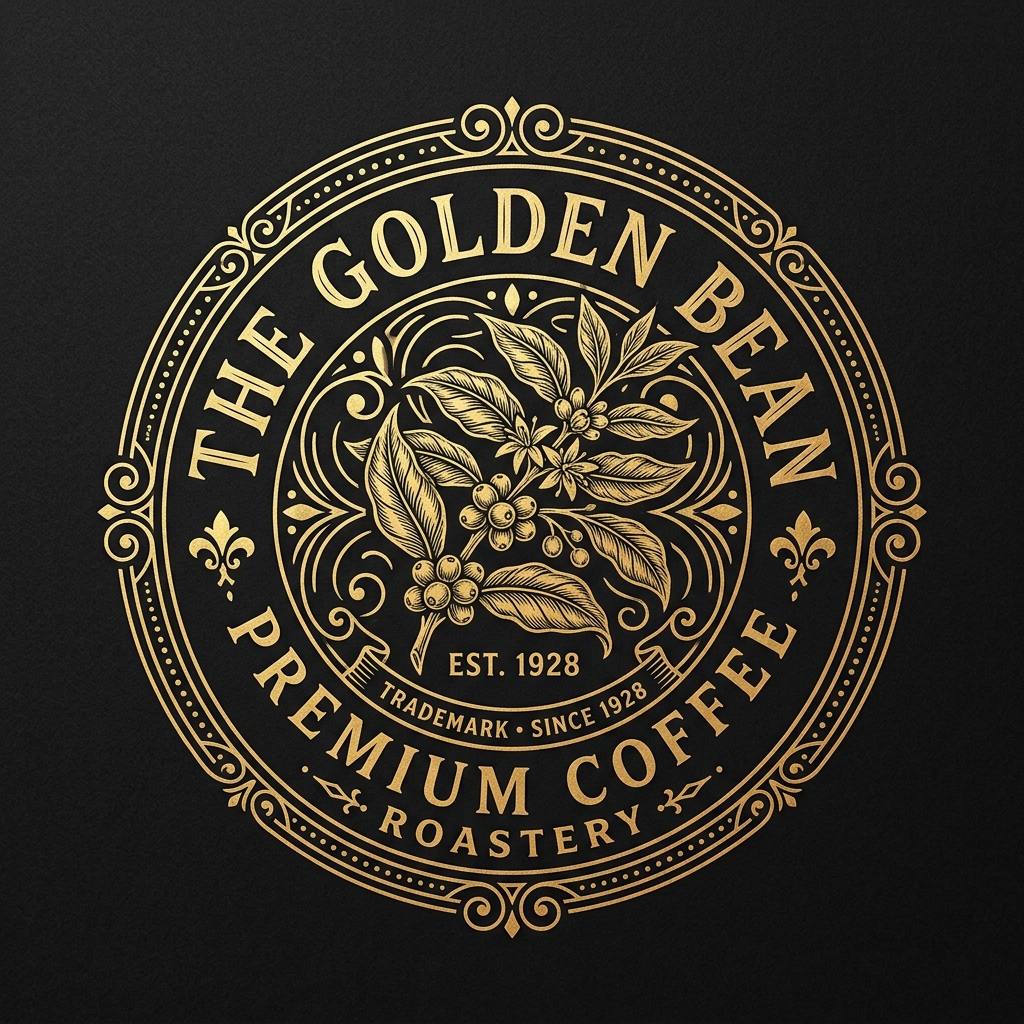
Design Analysis: The fine hand-drawn coffee branch details inside the circular frame, combined with the gold foil print effect on a black background, give the brand a luxurious, handmade/premium feel. The typography placement fits corporate emblem standards extremely well.
---
The Mathematical Formula for Writing a Successful Logo Prompt
When producing original logos for your own industry, you can use this prompt structure as a template:
$$\text{[Logo Style]} + \text{[Main Subject/Concept]} + \text{[Key Details]} + \text{[Color Palette]} + \text{[Background Constraint]}$$
* Logo Style: Minimalist logo, Mascot logo, Emblem logo, 3D app icon, Geometric glyph.
* Main Subject: a majestic lion head, a coffee bean, an abstract letter A.
* Key Details: clean lines, flat design, golden ratio, symmetric.
* Color Palette: monochrome, pastel colors, luxury gold and dark blue.
* Background: isolated on white background, solid black background.
Conclusion
Midjourney v6 is a great copilot that speeds up logo design processes and removes creative limits. When you work with the right composition constraints and background keywords, you can kick off drawing stages that would take hours in graphic design software with a single prompt and quickly bring to life the concept that best fits your brand identity.
In our next post, we will cover "Interior Architecture and Concept Design with AI" and look at the secrets of decorating living spaces with Midjourney and Flux. Keep following us!




