Google Nano Banana Pro: A New Level of Image Generation with Gemini 3
Originally published in Turkish. Read the original →
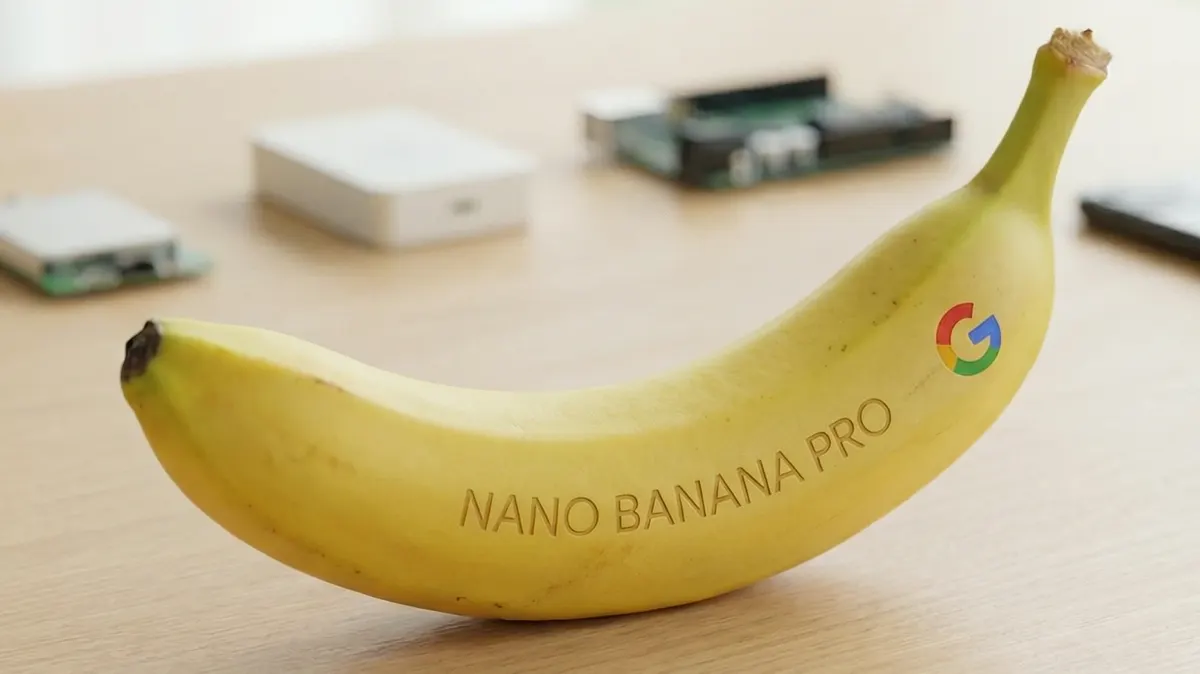
Google has introduced Nano Banana Pro (Gemini 3 Pro Image), its new image generation model. With text rendering, multi-image composition and C2PA-backed safety features, the model gives content creators studio-quality control.
Google Nano Banana Pro: A New Level of Image Generation with Gemini 3
Google keeps strengthening its image generation capabilities in AI just as much as its text models. The new model, which the company promotes under the name Nano Banana Pro and which technically sits under the Gemini 3 Pro Image umbrella, was introduced with the promise of a serious leap over previous-generation image models in almost every area.
The focus is not just on “drawing pretty pictures”; topics that designers, marketing teams and individual content creators need, such as control, text placement, multi-image composition and reliability, sit at the center of this release. With it, Google is heating up the generative AI race not only on the text side but on the image generation front as well.
What is Nano Banana Pro, and where does it fit in the Gemini 3 ecosystem?
Nano Banana Pro is the image generation model that is part of Google's Gemini 3 family. It aims to turn the user's text prompts into images with near studio-quality detail and lighting. Compared with previous-generation image models, Google emphasizes visible improvements in areas such as:
- More realistic scenes,
- Less distortion in complex compositions,
- A serious accuracy gain in images that contain text.
Because the model works together with the “world knowledge” on Gemini's text side, it can be used not only for stylized drawings but also to produce knowledge-based designs. This makes a real difference in work such as infographics, educational material and data visualization.
Studio-quality scenes and precise control
One of the points Google highlights is Nano Banana Pro's claim of “turning imagined scenes into studio-quality designs.” In practice, this means that, based on the user's prompt, it can more consistently manage elements such as:
- Light direction and intensity,
- Background depth,
- Framing and camera angle,
- Color palette and tonal transitions.
The model offers the user not just one-shot generation but also various levers for “fine-tuning.” For example, the same scene can be regenerated:
- With different camera angles,
- With more cinematic lighting,
- With aspect ratios optimized for social media.
This way, the design process turns less into getting a single image and more into the practice of producing variations of the same idea.
Text rendering, infographics and multilingual posters
One of the most problematic areas of previous-generation image models was placing clear, readable text inside an image. Nano Banana Pro offers an improvement here that Google particularly underlines.
The new model:
- Can create detailed infographics and diagrams,
- Can place and align text in the correct area of posters, banners and social media visuals,
- Has the ability to render text in multiple languages.
As a result, design requests like “big headline on top, small description below, icon on the right” can be fulfilled with less distortion. Especially for teams doing content marketing, being able to generate the image + text combination in one go means a serious time saving.
Of course, this does not mean traditional design tools will disappear entirely; but a hybrid way of working, where AI prepares the first drafts and designers do the final touches, is becoming increasingly realistic.
Multi-image composition and regional editing
Another notable capability of Nano Banana Pro is that it can combine multiple images into a single composition. According to information shared by Google, the model can take up to 14 images as input at once and produce a unified scene fed by them.
This is especially powerful in scenarios such as:
- Gathering different product photos into a single catalog image,
- Learning style and composition from multiple reference images,
- Integrating existing brand elements (logo, mascot, color palette) into a new scene.
The user can also select a specific part of the generated image and do regional editing. For example:
- Turning only the sky in the background into night,
- Changing the style of the text on a product,
- Moving the light source to another angle,
- Fitting the color tones into a cinematic or pastel palette
can all be done through an incremental editing flow, without regenerating the whole scene from scratch.
C2PA signing and transparency against deepfakes
The spread of AI-generated images also brings trust and verifiability problems. Google has set aside dedicated attention for this in Nano Banana Pro as well. Images generated by the model contain metadata compatible with C2PA (Content Authenticity Initiative) standards.
Thanks to this metadata, information such as:
- Whether the image was generated with AI,
- Which tool or model it passed through,
- What the basic editing steps were
can be detected. The goal is to make it easier to detect deepfakes and manipulative content in particular, and to add a kind of digital signature to the content chain.
As regulations tighten in the coming years, this approach may stop being just a “feature” and turn into a mandatory industry standard.
Pricing and access: who can use it, and how?
Google is opening Nano Banana Pro to free access at a basic level; however, there is a daily generation quota for free users. For higher-volume use or professional workflows:
- Google AI Plus,
- Pro and Ultra subscription plans
come into play with wider limits and additional features.
What users need to do to create an image is quite simple: open the Gemini app, select the “Thinking” model and write their text prompts. On some subscription tiers, these image generation capabilities can also be used:
- Through the Search interface,
- From within productivity-focused tools such as NotebookLM.
This way, image generation spreads across different parts of the Google ecosystem instead of being confined to a single app.
What does it mean for content creators and designers?
Nano Banana Pro could become an important tool especially for the audience that produces visuals without being designers. Social media managers, marketing teams, individual content creators and small businesses can prepare work such as:
- Quick campaign visuals,
- Illustrations for blogs and presentations,
- Educational material or infographics,
- Poster and banner drafts in different languages
in much less time. For professional designers, the model can be positioned as an assistant layer that quickly builds the basic composition and idea draft, after which detailed edits are done with classic tools.
On the other hand, the spread of AI-generated images also brings new debates such as copyright, originality and visual clutter. That is why, alongside the technical capabilities, the ethical and legal framework will need to be watched closely.
Conclusion: the new face of image generation in the Gemini 3 era
Google Nano Banana Pro stands out as one of the most ambitious image-generation-focused steps within the Gemini 3 ecosystem. Text rendering, multi-image composition, regional editing and a C2PA-based safety layer take the model beyond being just a “powerful drawing tool” and turn it into an end-to-end image generation platform.
In the coming period, the true power of Nano Banana Pro will be determined by how deeply designers, content creators and brands integrate this tool into their daily workflows. If you want to speed up your image production processes and try the next-generation capabilities Gemini 3 offers, this may be the right time to take a look at Nano Banana Pro.




