The Era of Video Templates in Gemini: Fast and Easy Content Creation with Veo 3.1
Originally published in Turkish. Read the original →
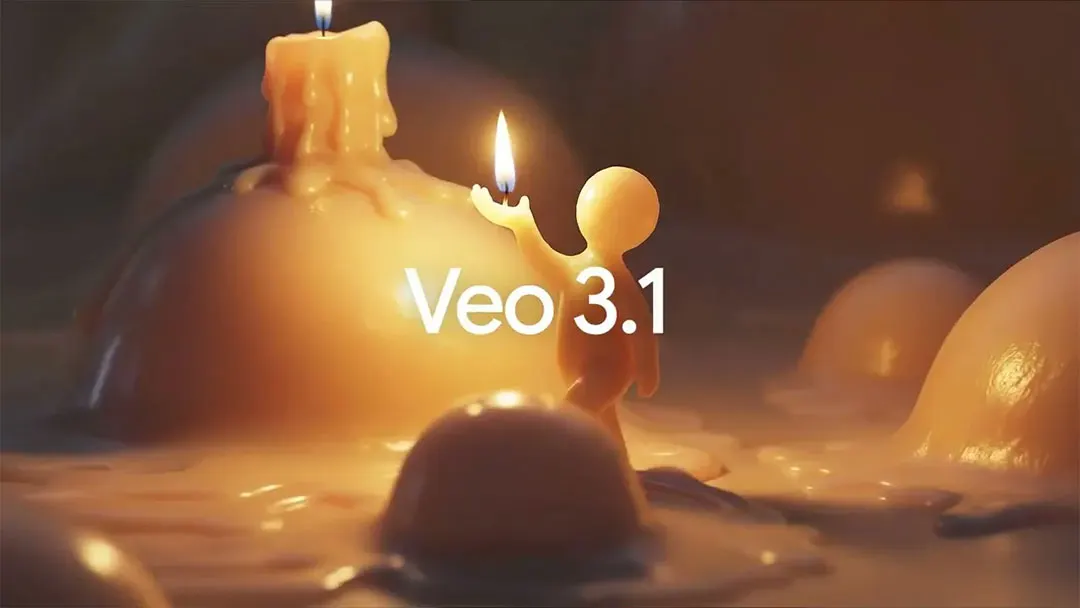
Google added ready-made video templates to the Gemini platform. Running on Veo 3.1, the system lets users produce videos in different aesthetic styles without needing complex prompts. Daily generation limits per subscription plan and Lyria 3 music generation limits have also been clarified.
Gemini, the app at the heart of Google's AI ecosystem, is offering another major convenience for content creators and everyday users. Right after the Lyria 3 based music generation update, the platform has now rolled out a ready-made video templates system. Available both in the web interface (gemini.google.com) and in the mobile apps, this new feature is aimed especially at users meeting AI for the first time, so they can create professional-looking videos without wrestling with complex prompt structures.
Gallery-Style Template Selection: Start Without Writing a Prompt
The new video creation experience starts from the "Create video" option under Gemini's Tools menu. When users enter this section, they are greeted by a gallery of style cards, each with its own preview and each representing a specific visual language.
The aesthetic themes on offer include:
- Civilization – A grand atmosphere inspired by ancient times
- Metallic – An industrial, glossy, high-contrast look
- Note – A nostalgic narrative style with a handwritten texture
- Glam – A glittering aesthetic suited to the world of fashion and luxury
- Crochet – A warm, textured style with a handmade feel
- Cyberpunk – Where neon lights meet a dystopian atmosphere
- Video Game – A pixel-art, retro-futuristic video language
- Cosmos – A cinematic experience themed around space and galaxies
- Action Hero – A dynamic, kinetic superhero aesthetic
- Stardust – A sparkling, mesmerizing visual effect
- Jellytoon – A soft, playful animation style with a jelly texture
- Racetrack – A look themed around speed and adrenaline
- ASMR Apple – A close-up style focused on sensory experience
- Red Carpet – A gala and awards-ceremony atmosphere
- Popcorn – A fun theme evoking the movie theater experience
This approach is a big advantage especially for users who have never worked with AI tools before. Clicking a style card directly instead of writing a text prompt from scratch kicks off the creative process with a concrete starting point.
Personalizing with a Photo or Text
After choosing a template, the prompt box shown to the user includes a "Customize with a photo or description" field. This field enables two different generation approaches:
1. Text-based generation: Users can create the video entirely from a text description. For example, after selecting the Cyberpunk template, entering a description like "A character walking down a neon-lit street" is enough.
2. Image-based generation: Thanks to the Video Content feature, which was expanded last month with 9:16 aspect ratio support, you can upload a photo and simply say "Turn this photo of mine into a video." The model analyzes the scene and object relationships in the image and can turn it into a dynamic video.
This two-layer personalization creates a production pipeline that is both fast and flexible.
The Role of Veo 3.1 and Daily Generation Limits
The engine behind video generation is Veo 3.1. Google's latest video synthesis model, Veo 3.1, delivers notable performance in scene consistency, natural motion transitions and high-resolution output.
However, because the model runs on computationally expensive infrastructure, generation quotas are limited by subscription tier:
| Subscription Plan | Daily Video Quota |
|---|---|
| Google AI Plus | 2 videos |
| Google AI Pro | 3 videos |
| Google AI Ultra | 5 videos |
Lyria 3 Music Generation Limits: A Wider Range of Use
This expansion on Gemini's video side is progressing in parallel with the music generation model Lyria 3. Because music generation has a lower processing cost than video generation, its limits are considerably more generous:
| Subscription Plan | Daily Music Track Quota |
|---|---|
| Free | 10 tracks |
| Google AI Plus | 20 tracks |
| Google AI Pro | 50 tracks |
| Google AI Ultra | 100 tracks |
The Barrier to Creation Is Coming Down
The template system Google added to Gemini brings AI-powered video generation to a more accessible point. It offers the ability to create visually rich and aesthetically consistent videos without needing complex prompt engineering. Offering Veo 3.1's technical infrastructure together with Lyria 3's music generation capacity clearly reveals Google's goal of building an all-in-one platform for media production.




