Cross-Browser Testing Tools: Free, Open Source and Paid Options
Originally published in Turkish. Read the original →
20+ tools for testing your web apps across browsers. A comprehensive guide from open source alternatives to enterprise solutions.
Cross-Browser Testing Tools: Free, Open Source and Paid Options
Today's applications run in many different browsers such as Chrome, Firefox, Safari and Edge, and on a wide range of desktop and mobile devices. That's why cross-browser testing in your automated tests is vital. This post lists the main testing tools available on the desktop and online.
What Is Cross-Browser Testing?
Cross-browser testing is the software testing process that checks whether a web application works consistently and without errors across different browsers, devices and operating systems. Factors such as screen resolution, OS version, browser version, and JavaScript and CSS support directly affect the user experience.
Why Does It Matter?
- User Experience: Ensures a consistent experience across browsers
- Broad Audience Reach: Lets you reach more users
- SEO and Performance: Search engines evaluate performance across browsers
- Brand Credibility: Sites that work flawlessly build trust
What to Consider When Choosing a Tool
Keep the following factors in mind when choosing the right cross-browser testing tool:
Technical Features
- Real Devices vs Emulators: Real devices give more accurate results
- Browser Support: Which browsers and versions are supported?
- Operating System Support: Windows, macOS, Linux, Android, iOS
- Parallel Testing Capacity: How many tests can you run at once?
Ease of Use
- Test Authoring Methods: Writing code, record-and-playback, drag & drop
- Integrations: CI/CD pipelines, test frameworks
- Reporting: Detailed analysis and visualization options
Cost and Licensing
- Pricing Model: Number of users, number of tests, parallel sessions
- Free Plan: Which features can you use for free?
- Enterprise Features: On-premise and private cloud options
Popular Cross-Browser Testing Tools
1. BrowserStack
The Most Popular Enterprise Solution
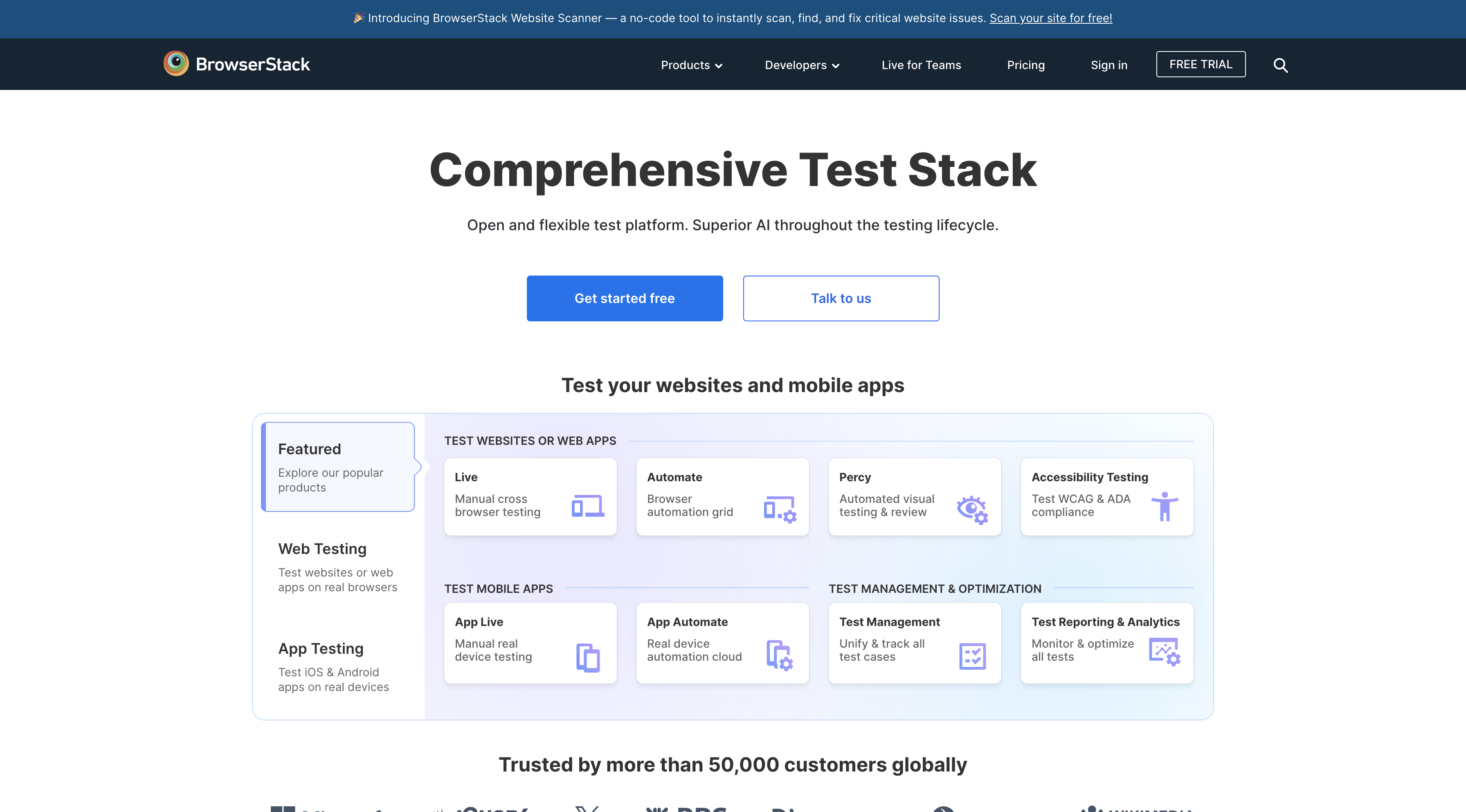
With 20,000+ real device and browser combinations, BrowserStack is one of the most comprehensive testing platforms on the market.
Features:
- Testing on real devices (not emulators)
- Selenium, Playwright, Appium, Puppeteer and Cypress integration
- Live testing and automated testing
- Visual testing and responsive design checks
- Local testing (testing apps running on localhost)
Pricing: Plans starting at $29/month
2. Applitools
The Leader in Visual AI Testing
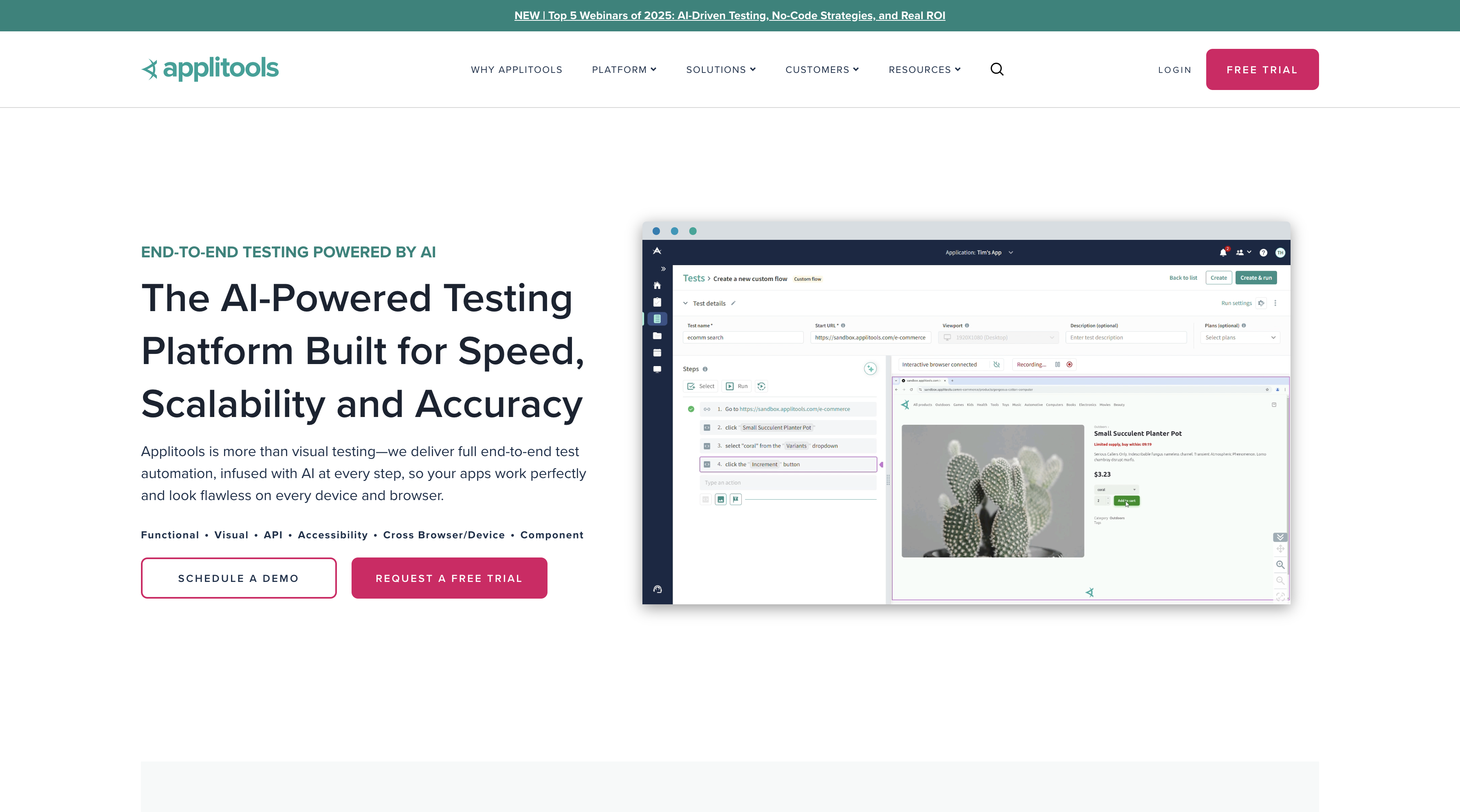
An AI-powered visual testing platform. With its Ultrafast Grid technology, it quickly spreads your tests across every combination.
Features:
- Automatic bug detection with Visual AI
- Cross-browser visual testing
- Ultrafast Grid (parallel test execution)
- Support for Selenium and modern frameworks
- Advanced analytics and reporting
Pricing: Free plan available, paid plans at $99/month
3. LambdaTest
An Affordable, Comprehensive Solution
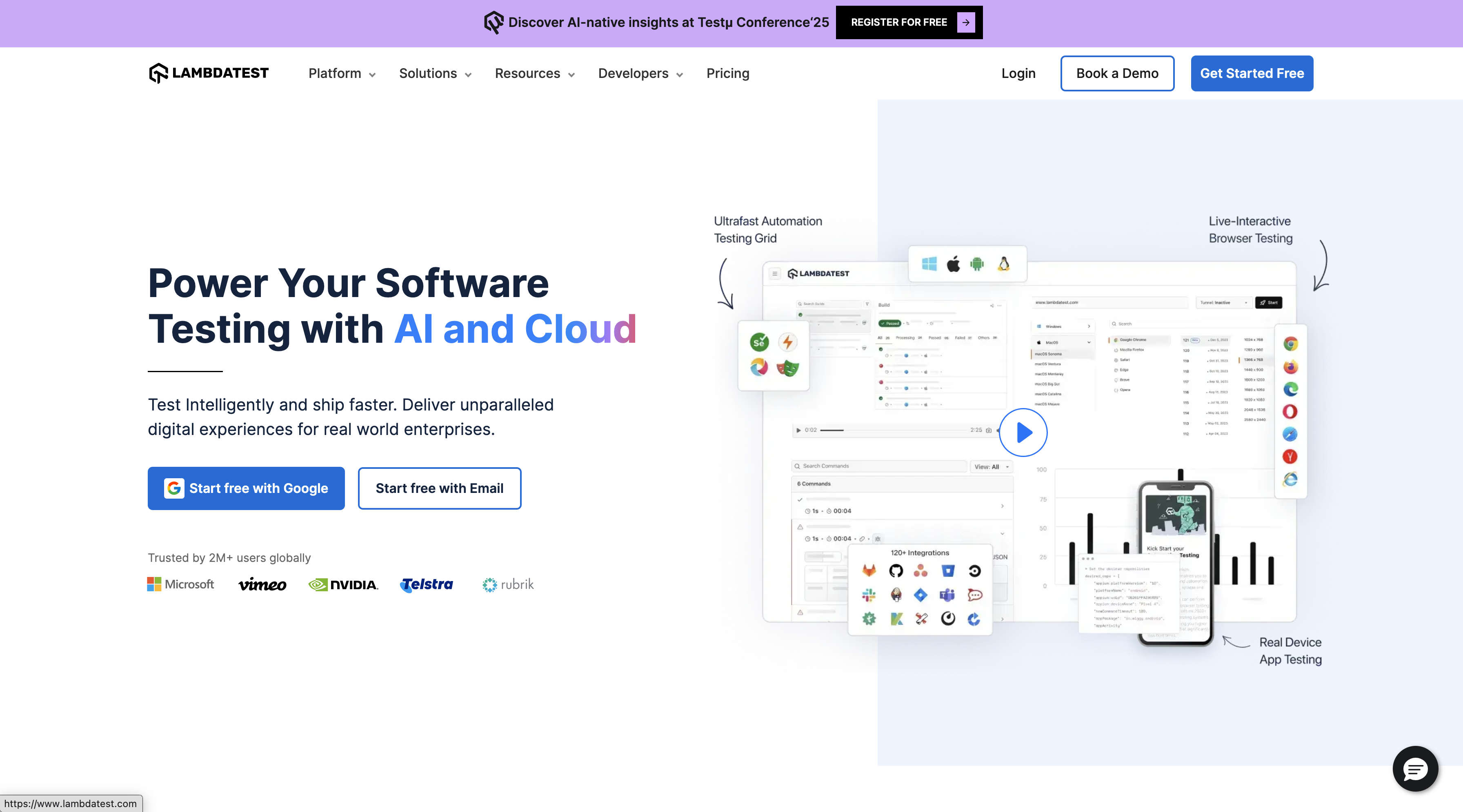
Both manual and automated testing across 2000+ browser and operating system combinations.
Features:
- Real-time browser testing
- Screenshot testing
- Responsive testing
- Automation testing (Selenium Grid)
- Smart Visual UI testing
- HyperExecute (ultra-fast test execution)
Pricing: Plans starting at $15/month
4. Sauce Labs
Enterprise-Grade Test Cloud
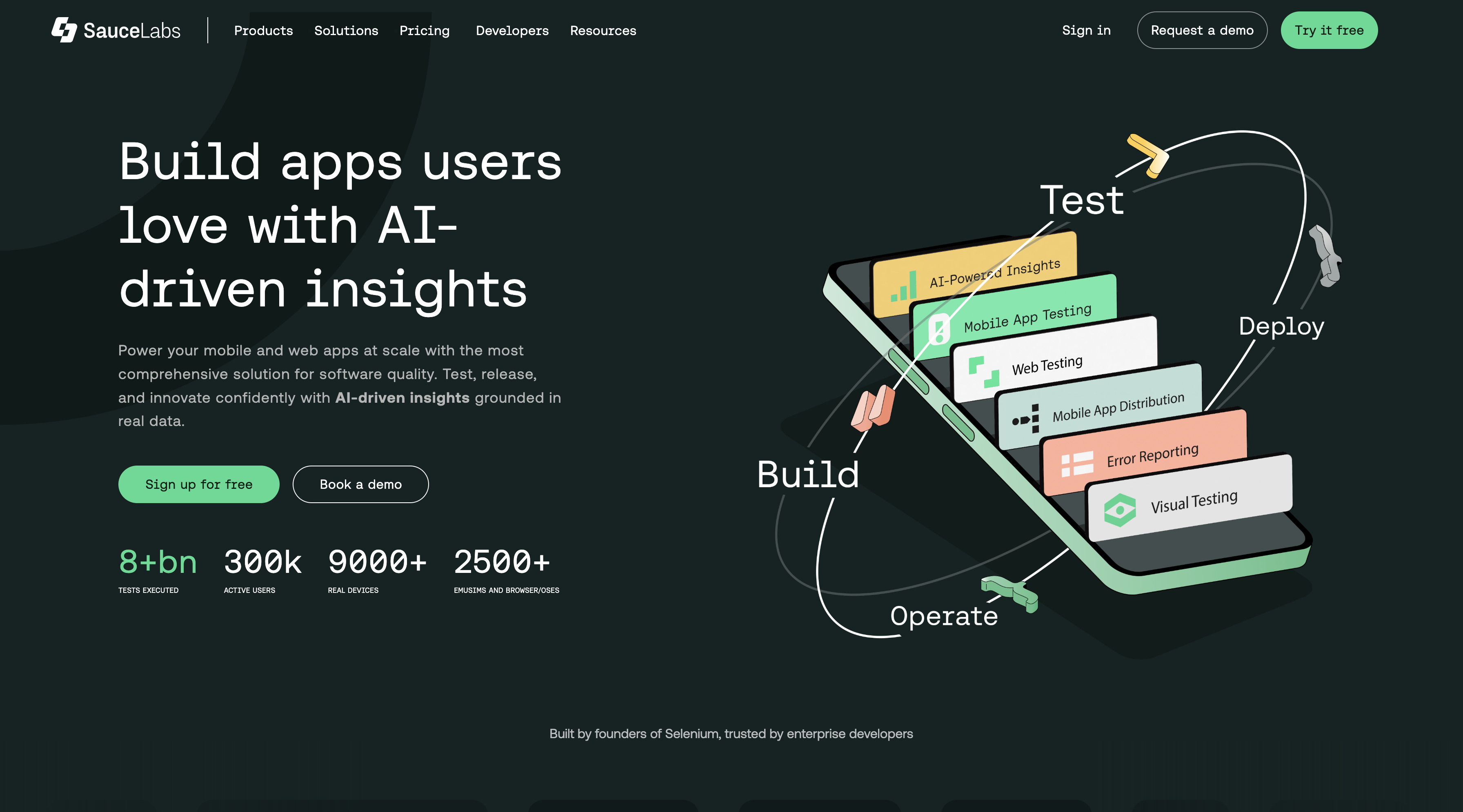
A comprehensive testing solution across thousands of browser and operating system combinations.
Features:
- Real device cloud
- Virtual device cloud
- Automated testing
- Manual testing
- Performance testing
- Error reporting and analytics
Pricing: Plans starting at $39/month
5. TestingBot
A Developer-Friendly Platform
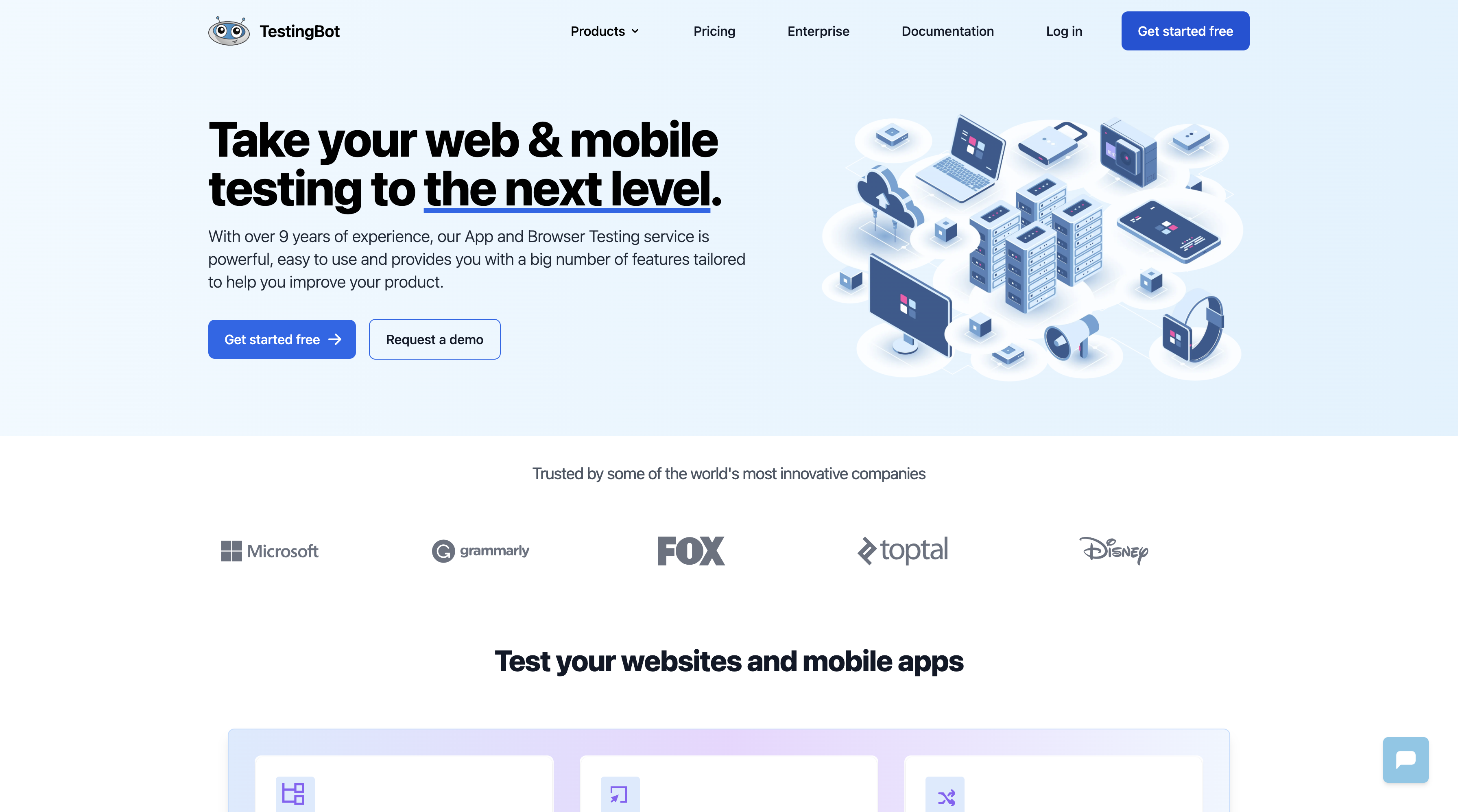
Run Selenium and Appium tests on 2000+ browsers and devices.
Features:
- Live browser testing
- Screenshot testing
- Automated testing
- Local tunnel
- Integrations (Jenkins, Travis CI, etc.)
Pricing: Plans starting at $50/month
6. Browsera
Visual Difference Analysis
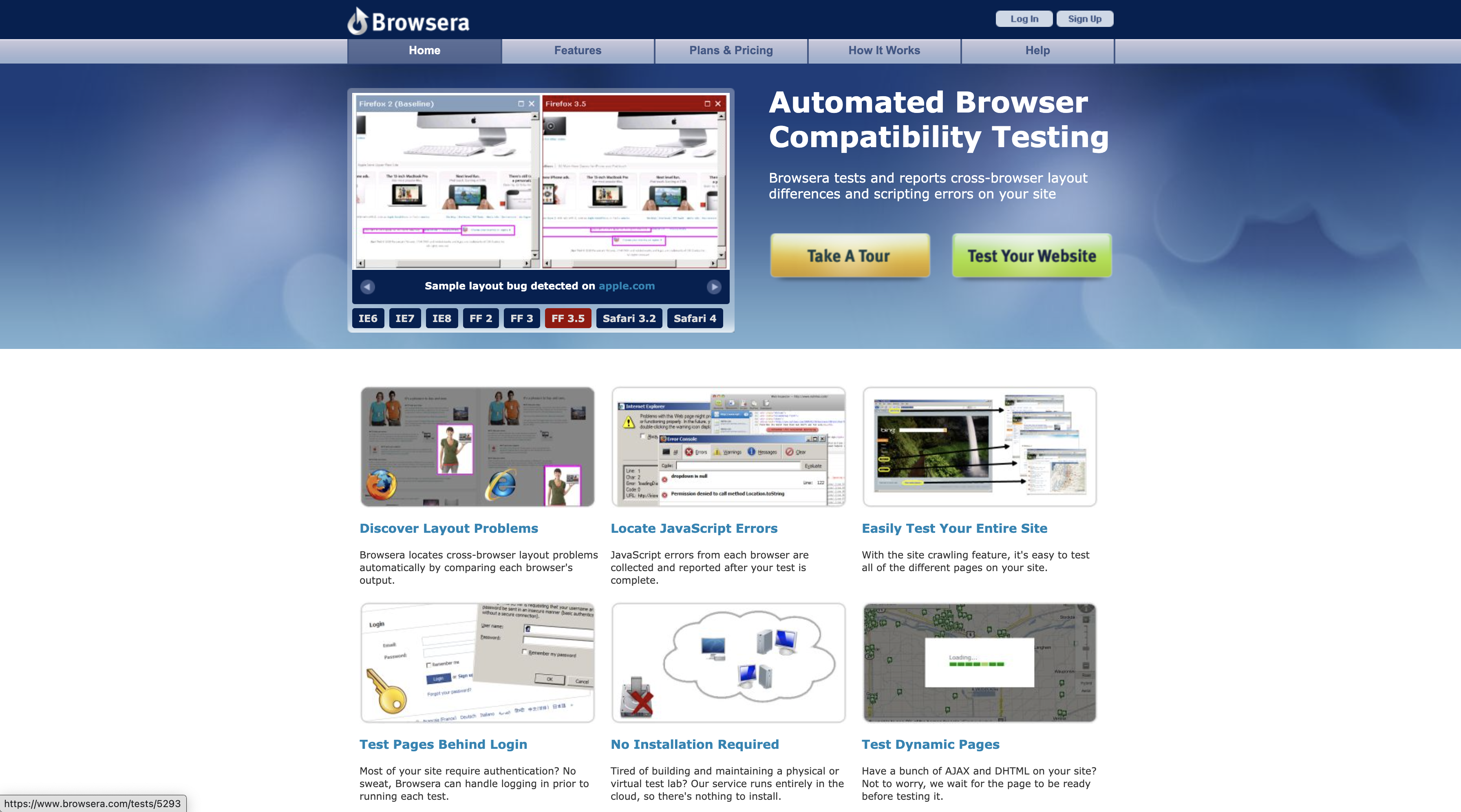
An online tool that reports cross-browser incompatibilities by detecting visual differences.
Features:
- Automated layout testing
- Visual diff reporting
- CSS compatibility testing
- Responsive design testing
Pricing: Plans starting at $39/month
7. Browserling
Simple and Effective
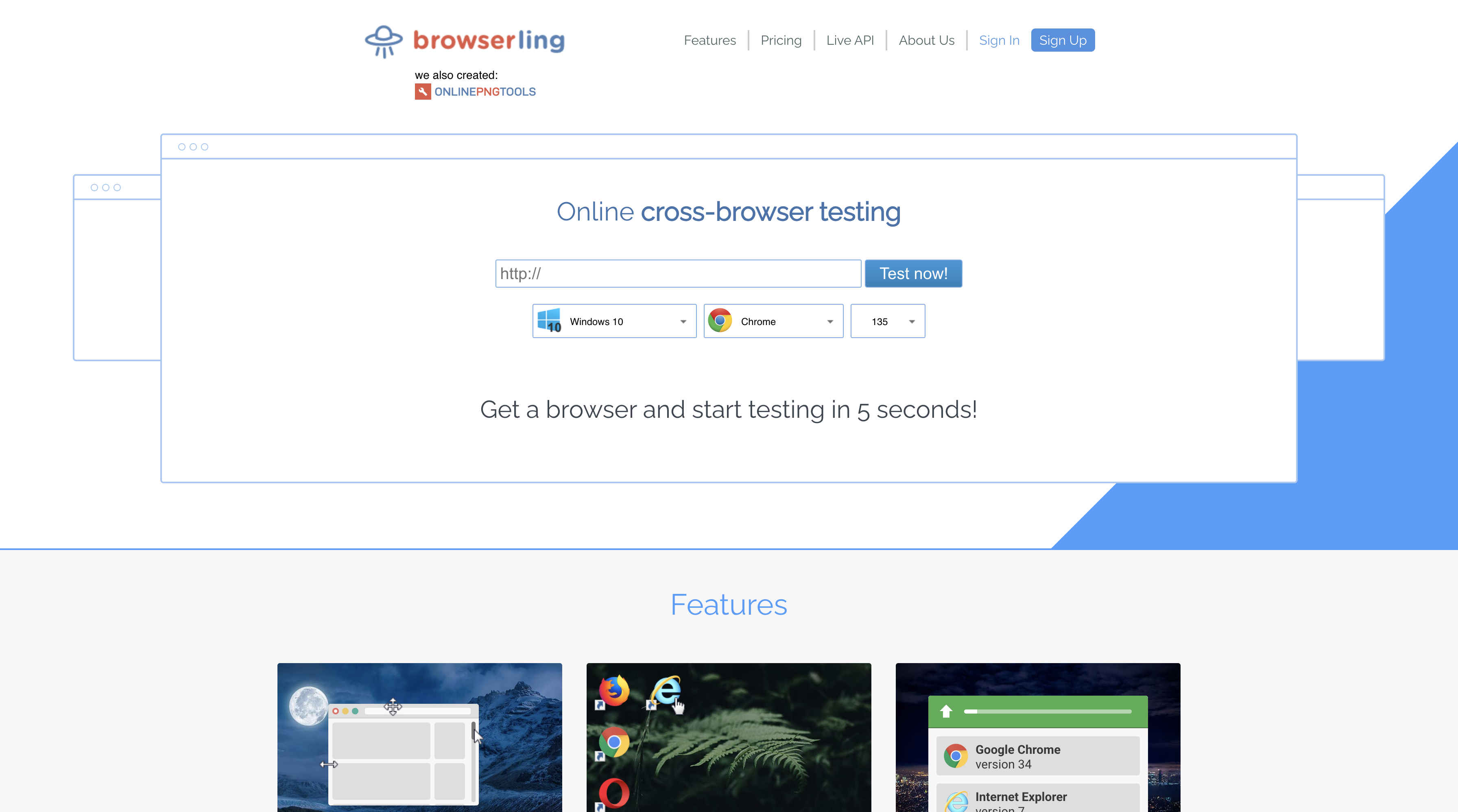
Quick testing in real browsers. Screenshots can be captured and shared.
Features:
- Live interactive testing
- Screenshot testing
- Developer tools access
- No setup required
Pricing: Free plan available, paid plans from $20/month
8. Ghost Inspector
Easy Test Recording
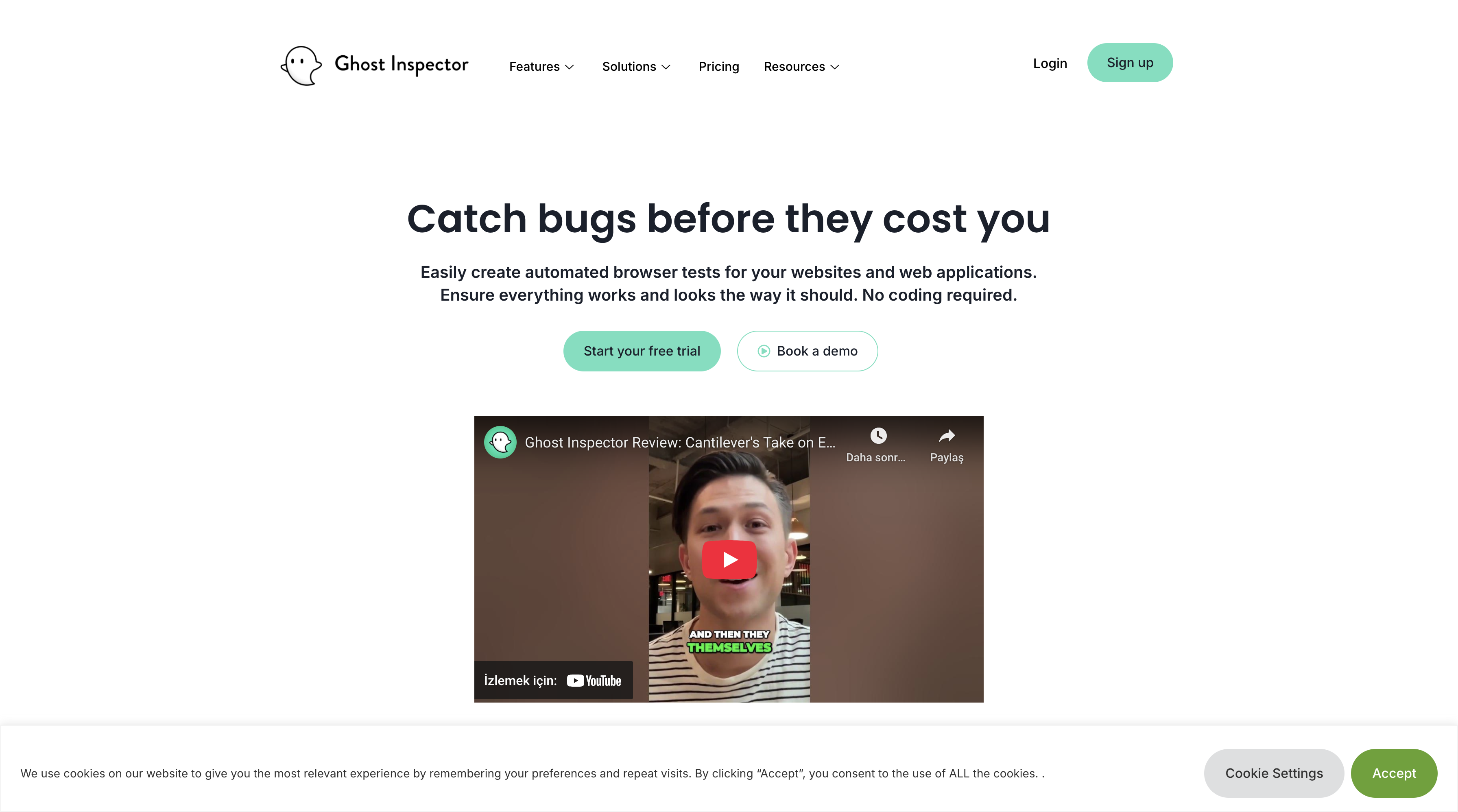
Record tests with a browser extension and run them as automated tests in the cloud.
Features:
- Browser extension for test recording
- Cloud-based test execution
- Scheduled testing
- CI/CD integrations
- Team collaboration
Pricing: Plans starting at $89/month
9. Happo
Visual Regression Testing
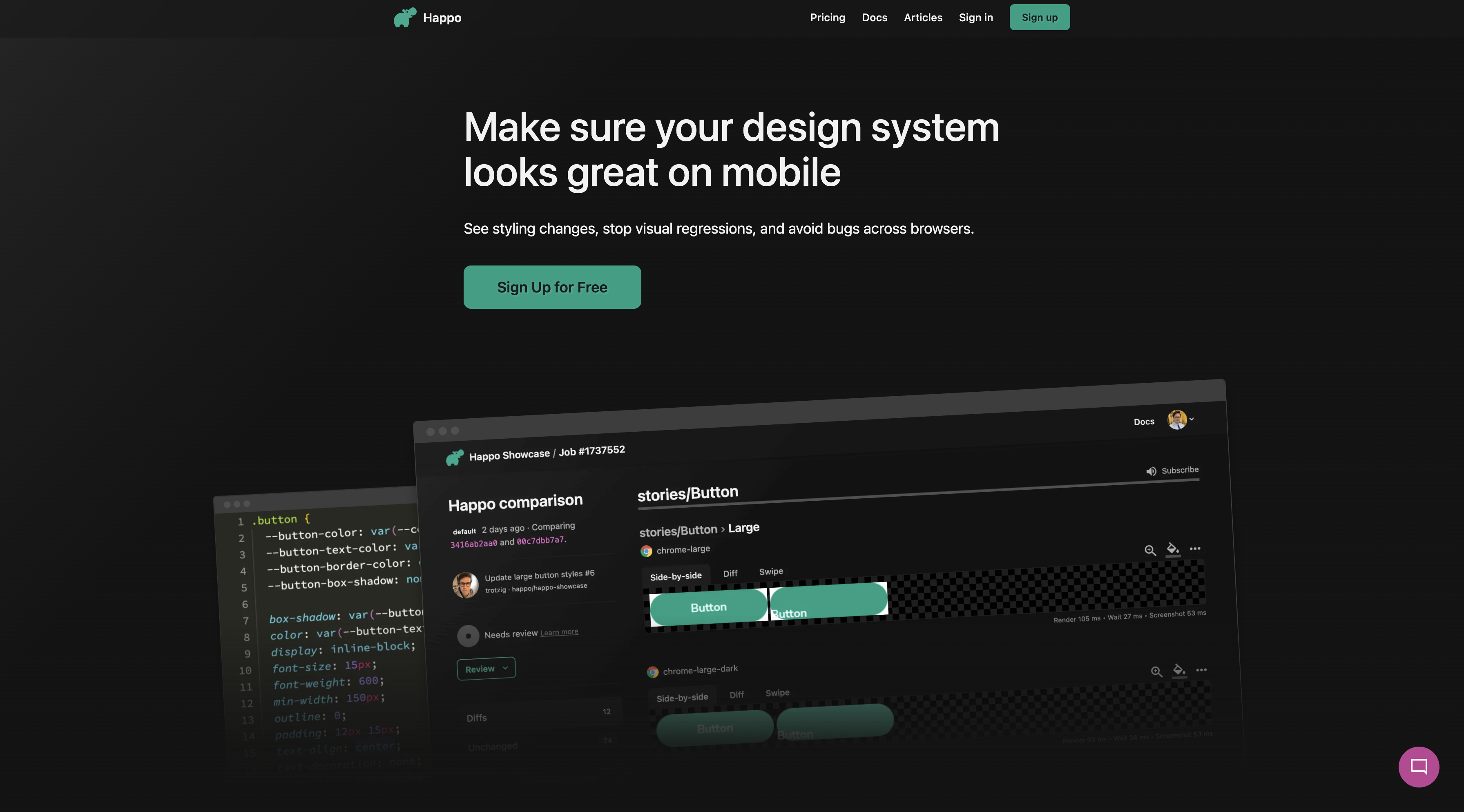
A visual regression testing platform with CI/CD integration.
Features:
- Visual regression testing
- CI/CD integrations
- Component testing
- Cross-browser visual comparisons
Pricing: Free plan available, paid plans from $49/month
🔗 happo.io
10. Colin Creevey
Open Source Storybook Testing
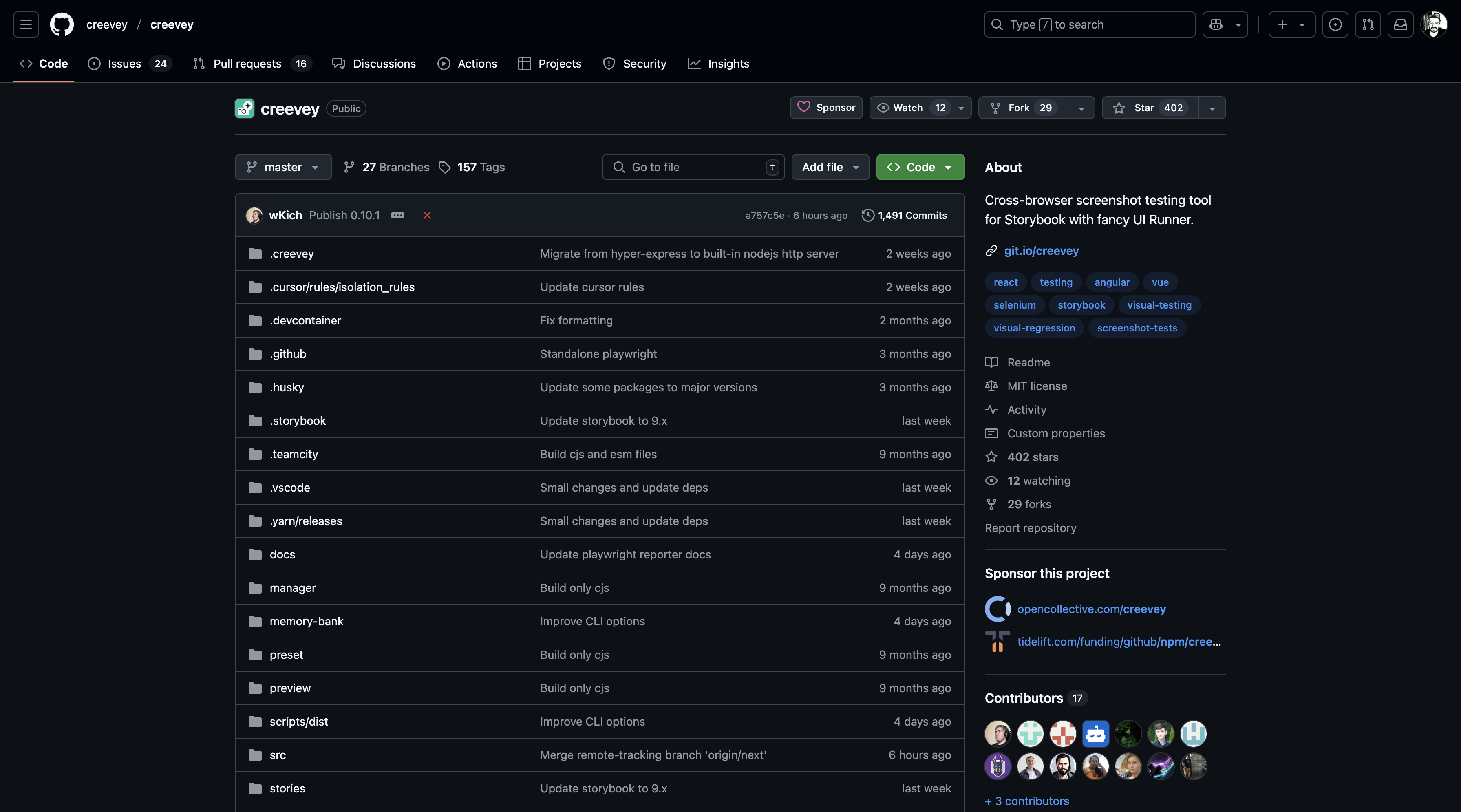
An open source screenshot testing tool for Storybook. Docker and CI compatible.
Features:
- Open source
- Storybook integration
- Docker support
- CI/CD ready
- Visual regression testing
Pricing: Free (open source)
Tool Comparison Table
| Tool | Price | Real Devices | Browsers | Open Source | Best Feature |
|---|---|---|---|---|---|
| BrowserStack | $29+/mo | ✅ | 20,000+ | ❌ | Widest device support |
| Applitools | $99+/mo | ✅ | 1,000+ | ❌ | AI-powered visual testing |
| LambdaTest | $15+/mo | ✅ | 2,000+ | ❌ | Price/performance value |
| Sauce Labs | $39+/mo | ✅ | 2,000+ | ❌ | Enterprise features |
| TestingBot | $50+/mo | ✅ | 2,000+ | ❌ | Developer-friendly API |
| Browsera | $39+/mo | ❌ | 100+ | ❌ | Visual diff analysis |
| Browserling | $20+/mo | ✅ | 50+ | ❌ | Simplicity and speed |
| Ghost Inspector | $89+/mo | ❌ | 50+ | ❌ | Easy test recording |
| Happo | $49+/mo | ❌ | 100+ | ❌ | CI/CD integration |
| Colin Creevey | Free | ❌ | 10+ | ✅ | Storybook integration |
Other Alternative Tools
| Tool | Price | Real Devices | Best Feature | Website |
|---|---|---|---|---|
| Digital.ai Continuous Testing | Enterprise | ✅ | Large-scale parallel testing | digital.ai |
| Perfecto Web | $75+/mo | ✅ | AI-based codeless testing | perfecto.io |
| Headspin | Enterprise | ✅ | Access to SIM-enabled devices | headspin.io |
| Telerik Test Studio | $199+/mo | ❌ | Record & playback | telerik.com |
| Virtuoso | $100+/mo | ❌ | Natural-language test writing | virtuoso.qa |
| Comparium | $19+/mo | ❌ | Multi-platform visual testing | comparium.app |
| CloudQA | $50+/mo | ✅ | Simple URL testing | cloudqa.io |
| Datadog | $15+/mo | ✅ | Advanced analytics | datadoghq.com |
| Momentum Suite | Enterprise | ✅ | End-to-end test automation | momentumsuite.com |
| SeleniumBox | Enterprise | ✅ | Private cloud solution | element34.com |
Which Tool Should You Choose?
For Small Projects
- Browserling: For simple manual tests
- Colin Creevey: For React projects that use Storybook
- LambdaTest free plan: Entry-level automated tests
For Mid-Sized Projects
- LambdaTest: The best price/performance ratio
- TestingBot: Developer-friendly APIs
- Happo: Focused on visual regression testing
For Enterprise Projects
- BrowserStack: The most comprehensive device support
- Sauce Labs: Enterprise-grade features
- Applitools: AI-powered visual testing
Open Source Alternatives
- Colin Creevey: Storybook integration
- Selenium Grid: Run it on your own infrastructure
- Playwright: Microsoft's cross-browser testing framework
Best Practices
1. Develop a Test Strategy
- Decide which browsers you'll test
- Prioritize critical user journeys
- Adopt a mobile-first approach
2. Use Automation Wisely
- Automate repetitive tests
- Test critical paths manually
- Add visual regression tests
3. CI/CD Integration
- Run automated tests on pull requests
- Do a cross-browser check before deployment
- Share test results with the team
4. Performance Monitoring
- Test performance, not just functionality
- Track Core Web Vitals metrics
- Add real user monitoring
Future Trends
AI and Machine Learning
- Automatic test case generation
- Smart element selectors
- Predictive testing
Cloud-Native Testing
- Serverless test execution
- Container-based testing
- Edge computing test scenarios
Visual Testing Evolution
- 3D and AR/VR testing
- Accessibility-focused visual testing
- Real-time visual collaboration
Conclusion
Cross-browser testing is an indispensable part of modern web development. Choosing the right tool directly affects the success of your project.
My recommendations:
- For small projects, Browserling or the LambdaTest free plan
- For mid-sized projects, LambdaTest or TestingBot
- For enterprise projects, BrowserStack or Sauce Labs
- For projects focused on visual testing, Applitools
When defining your test strategy, take into account your user demographics, the browsers you need to support and your budget. Remember, investing in a great user experience will pay off more for you in the long run.




