From Text to High-Quality Art: A Professional Design Guide With the AI Image Generator
Originally published in Turkish. Read the original →
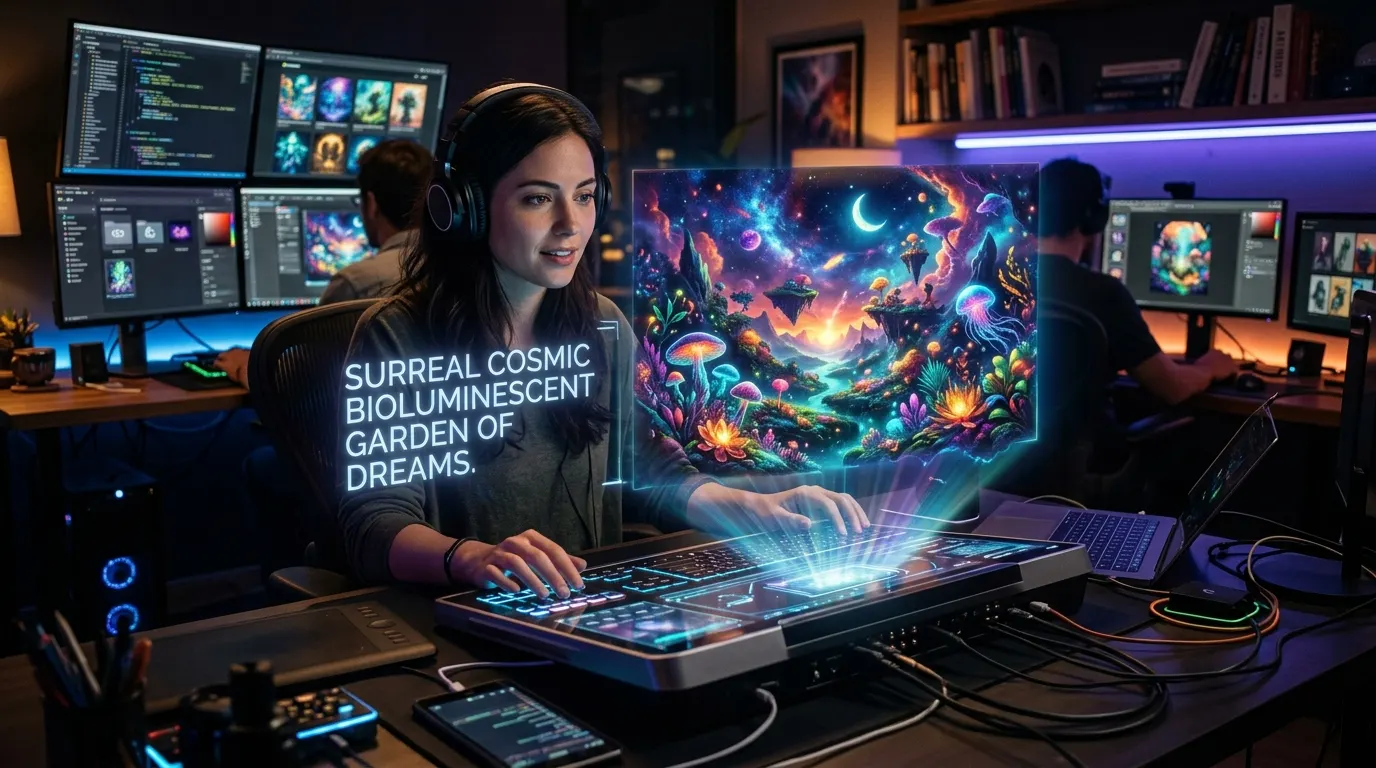
We explore the capabilities of and tips for our AI Image Generator plugin, which creates high-resolution images from a single line of text for designers, developers and digital content creators.
The power of visual content is undeniable. Whether you are preparing a technical blog post or designing the landing page of a new web application, it is very hard to drive user engagement without eye-catching, original and high-resolution images. However, cliché photos from traditional stock image sites or hours of Photoshop work can slow down your productivity.
To solve this problem at its root, the AI Image Generator plugin we offer on ismailhakkieren.com turns any scene, concept or interface idea you imagine into a professional visual piece within seconds.
---
What Does the AI Image Generator Offer?
The AI Image Generator combines the power of modern diffusion and image synthesis models in a simple, intuitive interface.
- One-Click Generation: Describe the scene in your mind in a few words and get the output within seconds.
- Different Aspect Ratios: You can generate in landscape (16:9) for blog posts, portrait (9:16) for social media or square (1:1) formats.
- High Detail and Photorealism: Lighting, shadows, material textures and the sense of depth are rendered to the highest industry standards.
- Variety of Styles: The ability to generate in cyberpunk, 3D isometric, photorealistic studio shot, minimal vector illustration or retro anime styles.
---
4 Key Steps to a Successful Image Generation
To get stunning results with the AI Image Generator, you can apply the following structural formula when writing your prompt:
1. Define the Main Subject (Subject)
Make clear what will be at the center of the image: "An AI hologram working in a futuristic data center" or "A developer writing code at a minimalist wooden desk".2. Set the Environment and Atmosphere (Environment & Lighting)
Light and color tones define the feel of the image: "Warm studio lights, neon blue and purple reflections, cinematic volumetric fog".3. Camera Angle and Level of Detail (Composition & Details)
Add the camera lens and composition rules: "Wide-angle shot, shallow depth of field at f/1.8 aperture, 8k ultra-detailed render".4. Style and Aesthetic Preference (Style)
Specify the art movement you want: "3D Blender render, Unreal Engine 5 architectural mockup aesthetic".---
Example Prompt and Generation Comparison
// Simple Prompt:
"An AI computer"

// Optimized AI Image Generator Prompt:
"A transparent holographic laptop standing on a futuristic glass table, 3D data streams and neural networks rising from its screen, dark cyberpunk room background, neon cyan lighting, 4k cinematic digital art."
When used in the AI Image Generator plugin, the second formulation above directly produces a result with the quality of a technology magazine cover.
---
Use Cases
1. Blog and Article Covers: Thematic cover images that increase the click-through rate of your posts. 2. Social Media Posts: Eye-catching infographics and visual designs for LinkedIn, X and Instagram. 3. Product and UI Concepts: Quick interface and concept prototypes for software still under development. 4. Presentations and Reports: Visual elements that take internal company presentations to a professional level.
---
Turn Your Imagination Into Images Now
If you are tired of searching for stock images and want to give your projects a completely original visual identity, you can try our AI Image Generator Plugin for free right now.




