Cinematography with AI: Camera and Lighting Prompt Codes for Movie-Still Quality
Originally published in Turkish. Read the original →
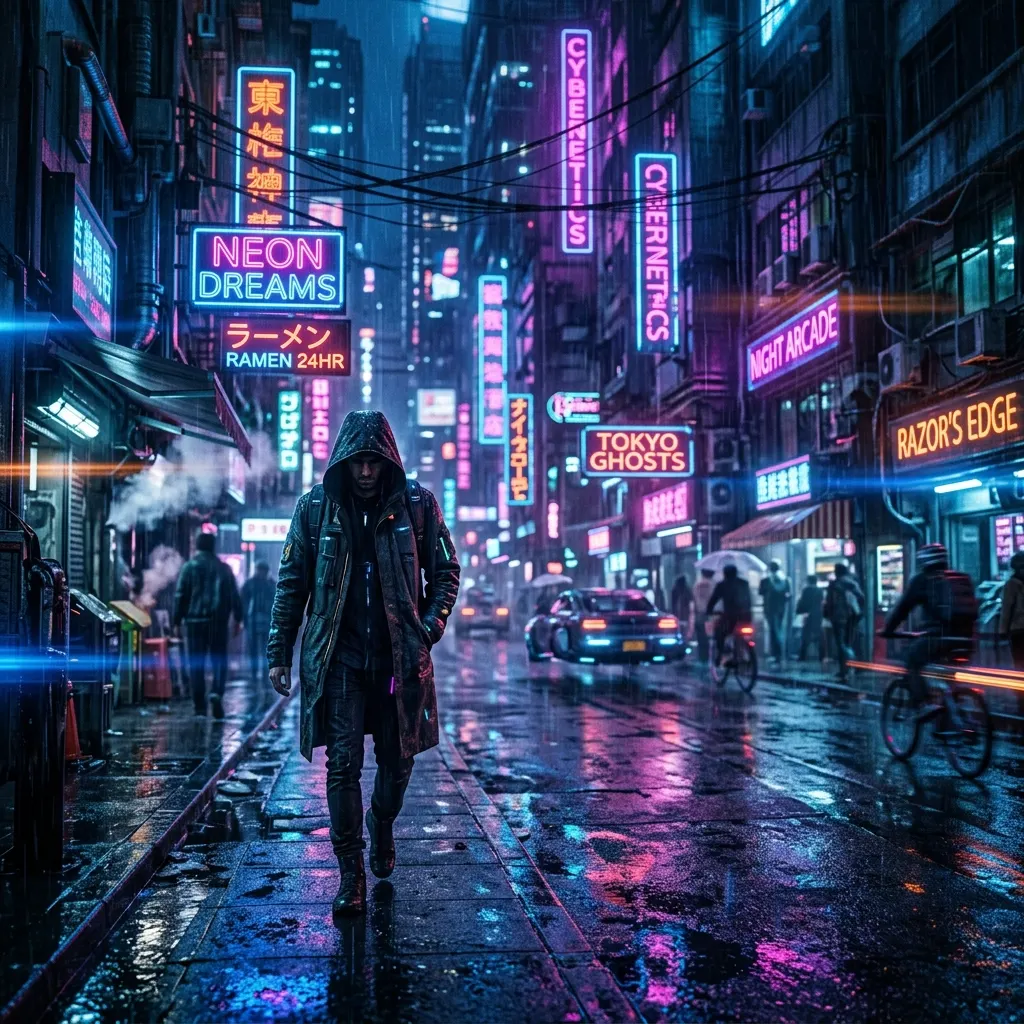
A prompt guide to camera lenses, lighting angles and color grading for creating film scenes, cinematic portraits and epic fantasy landscapes with Midjourney v6 and Flux AI.
AI image generation tools have now gone beyond producing single drawings or studio photos. When guided correctly, high-quality models like Midjourney v6 and Flux AI can create cinematic movie stills that feel as if they were shot with a million-dollar Hollywood budget.
When you correctly integrate the professional framing, camera, lens, lighting and color theory vocabulary used by directors and cinematographers into your prompts, you can turn the AI into a virtual film set. In this guide, we share the secrets of achieving cinematic image quality with AI and the most effective prompt templates.
---
4 Key Parameters for Cinematic Image Quality
To create a "movie still" feel in Midjourney or Flux, you should include these four basic cinematography rules in your prompt:
1. Lenses & Camera Optics
Use optical terms that directly determine the perspective and depth of field of the shot. Anamorphic lenses, a staple of the film world, give unique bokeh and character at wide angles: *shot on 35mm anamorphic lens
* cinematic lens flare
* shallow depth of field, background blur
* 50mm vintage cinema lens look2. Lighting & Atmosphere
In cinema, light is the most powerful way to tell the story and convey emotion. Describe the light sources and the mood of the scene to the AI: *volumetric lighting (volumetric light that makes dust or moisture particles in the air visible)
* dramatic chiaroscuro lighting (a lighting style with sharp light-dark contrast and deep shadows)
* neon glare and reflections on wet surface
* moody cinematic shadows3. Color Grading & Palettes
Films have their own distinctive color tones. You can lock in the tone of the image by telling the AI the color "grade" style: *teal and orange color grading (the most popular color grade in modern cinema)
* warm retro color palette, vintage film look
* desaturated cinematic colors
* subtle film grain4. Framing & Scale
Specify how the camera frames the scene. Cinematic scales convey the size of the scene: *movie still, cinematic frame
* establishing shot (a wide shot that introduces the scene and location)
* candid movie moment (a natural, unposed film moment)
* low angle shot (makes the subject look more powerful)---
Applied Cinematic Prompt Templates
Now let's look at the cinematic image results in different genres that we produced using these cinematography formulas.
Example 1: Cyberpunk Street Scene
A modern sci-fi movie still that combines a wide anamorphic lens angle, neon light reflections and a rainy cyberpunk aesthetic.
Prompt: > Cinematic street scene in a rainy cyberpunk city at night, glowing neon signs in blue and hot pink reflecting on wet pavement, a lone figure in a trench coat walking, shot on 35mm anamorphic lens, shallow depth of field, dramatic cinematic lighting, movie still, high detail
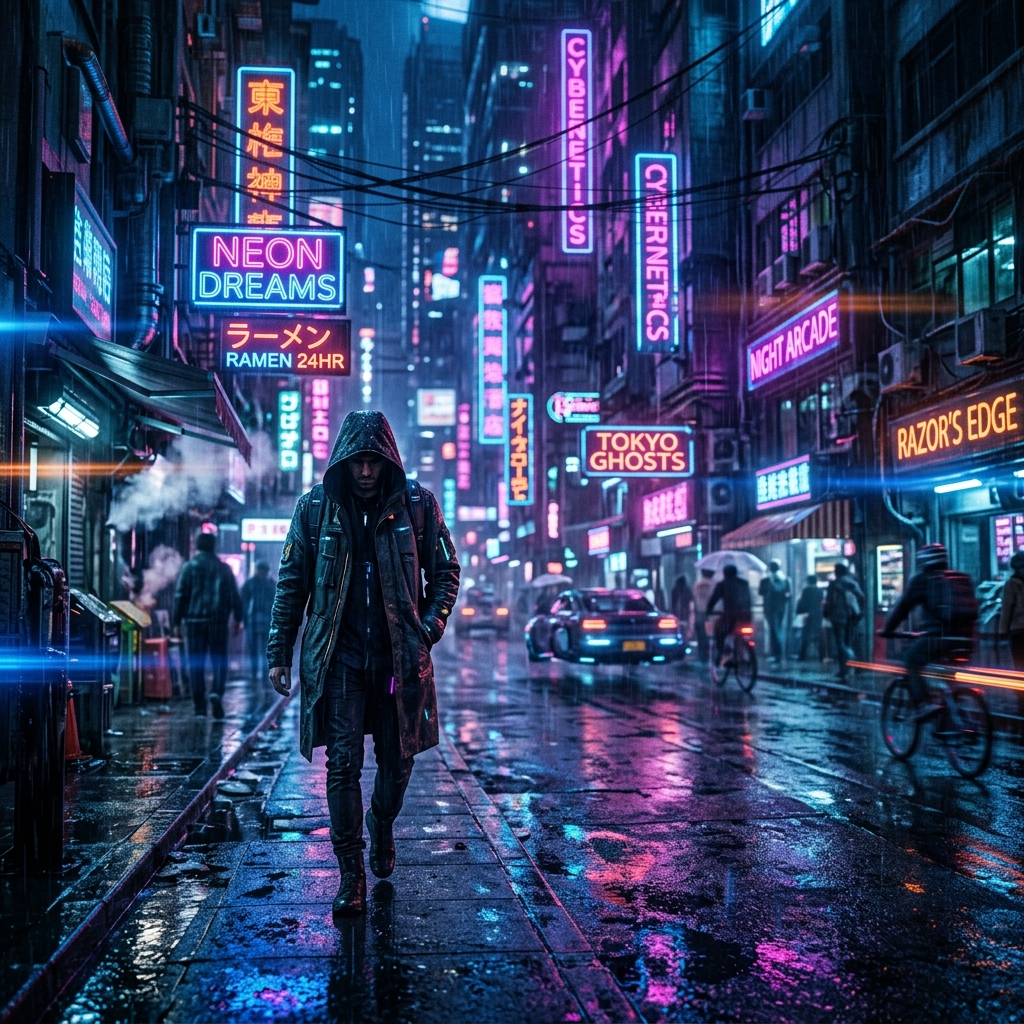
Image Analysis: The anamorphic lens's horizontal light streaks (lens flare), the neon reflections on the wet asphalt in the rain and the deep shadows give the scene a true "Blade Runner" vibe. The still, natural posture of the walking figure supports the feel of an unposed movie still.
---
Example 2: Vintage 1970s Road Portrait
A character portrait with warm retro tones, sun flare and analog film grain that looks like it came straight out of 1970s American cinema.
Prompt: > Vintage 1970s film style portrait of a man with sunglasses driving a classic car, warm retro color grading, sun flare, subtle film grain, natural dynamic range, 50mm lens look, nostalgic mood, movie still, high detail
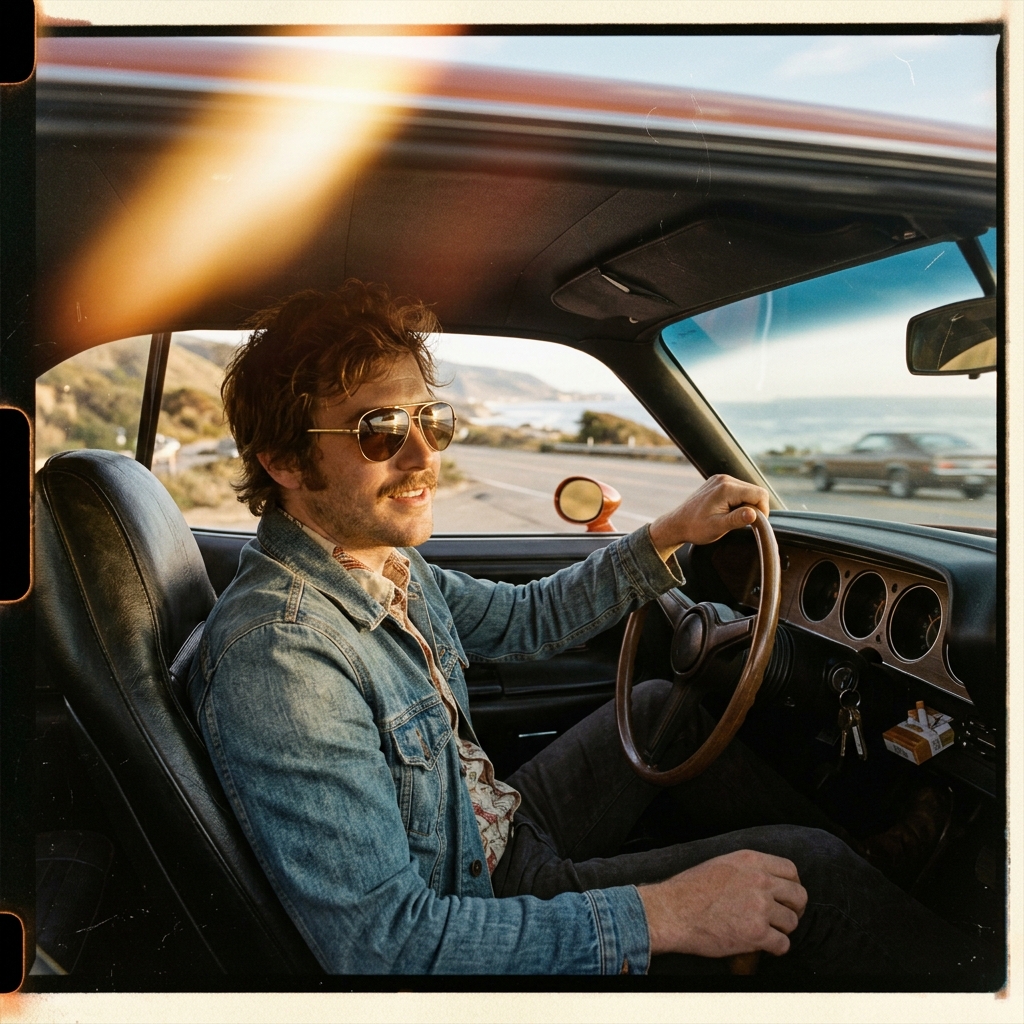
Image Analysis: The warm sun flares in the image, the character's clothing, the car interior details and the color palette fully reflect the analog film aesthetic of the '70s. The subtle film grain breaks up the image's digital smoothness and adds realism.
---
Example 3: Epic Fantasy Landscape
A setup that captures the opening scene of an epic adventure film using wide-angle focus, a misty atmosphere and massive scale.
Prompt: > Epic fantasy movie scene of a medieval explorer standing on top of a mountain looking at a massive ancient castle in a misty valley below, dramatic overcast sky, soft diffused lighting, wide angle lens, deep focus, cinematic scale, high detail
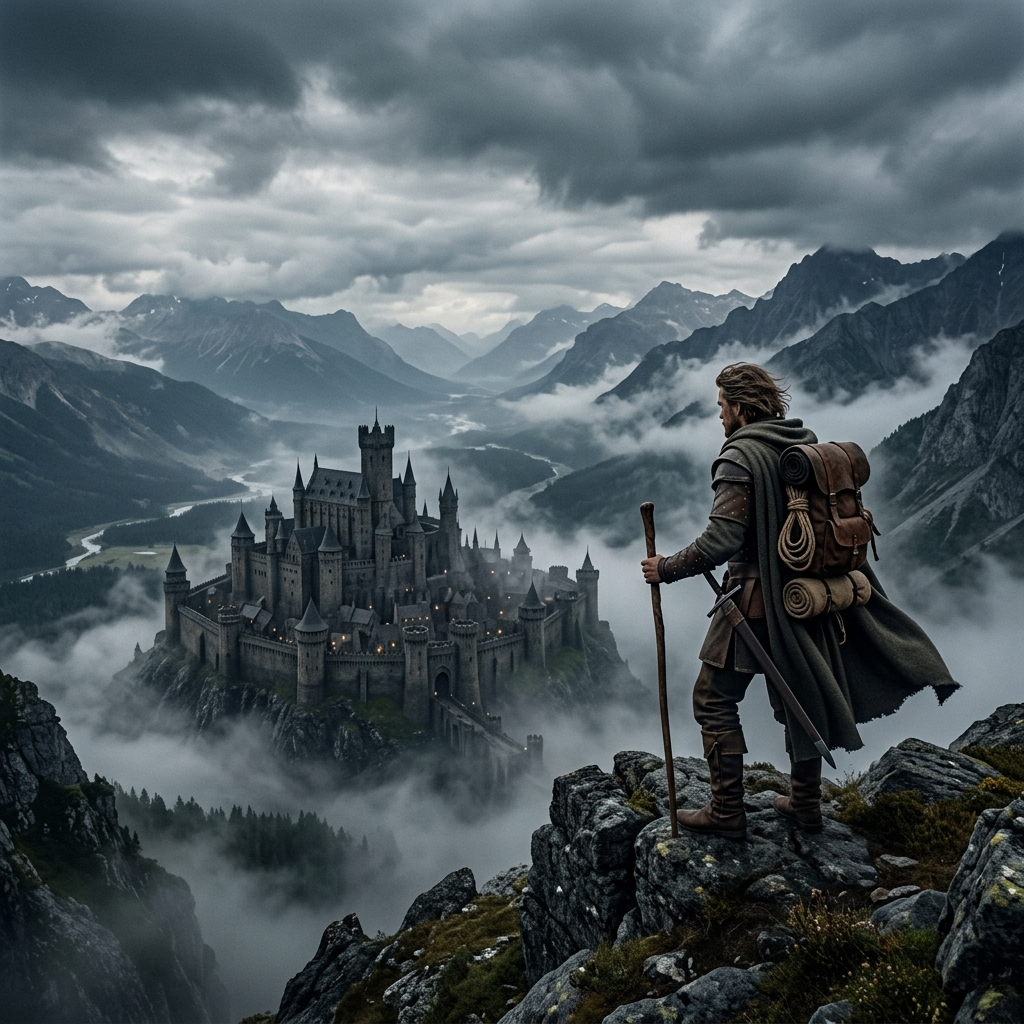
Image Analysis: The sense of perspective and depth (deep focus), from the details of the explorer in the foreground to the massive castle rising behind the mist, is perfect. The soft light and color tones created by the overcast sky give the scene a sense of dramatic gravity and scale.
---
Storyboard and Character Consistency Tactics in AI
If you want to create your own cinematic story or storyboard templates for your short film, follow these methods to keep the images consistent:
1. Character Reference (--cref): To preserve the facial features of a character generated in Midjourney across other scenes, add the --cref [image_link] command to the end of the prompt.
2. Style Reference (--sref): To give all your movie stills the same color palette and camera quality, you can pick a shared visual reference and add --sref [style_image_link] to the end of your prompt.
3. Keep the Same Camera Setups: By keeping the technical parts of your prompts (e.g. shot on 35mm anamorphic lens, teal and orange color grade, movie still) constant across all your generations, you can unify the visual language.
Conclusion
Cinematic image generation with AI is a virtual directing experience where you control everything from the camera lens to the angle of the light. By using the right cinematography terms, composition rules and color palettes, you can create captivating movie stills for your own stories, storyboard work or marketing campaigns.
We have reached the end of our image generation and prompt engineering series. With these 5 guides, you are ready to use the visual power of AI professionally in every area of your project. Stay creative!




