7 Open Source Cursor Alternatives: The Best AI Code Editors of 2025
Originally published in Turkish. Read the original →

Cursor may be a good tool, but in 2025 there are much better, open source and more affordable AI code editors you can use. Here are 7 powerful alternatives for building your projects.
7 Open Source Cursor Alternatives: The Best AI Code Editors of 2025
Why Might You Look for an Alternative to Cursor?
Although Cursor is a popular choice among AI-powered code editors, in 2025 there are much better, open source and cost-effective alternatives for developers. In this article, we'll take a detailed look at 7 powerful Cursor alternatives you can use to build your projects, websites and applications.
Open source solutions stand out from closed source alternatives in terms of both cost advantage and community support. They also give you more control over the security and privacy of your data.
1. Zed: Where Speed Meets Collaboration
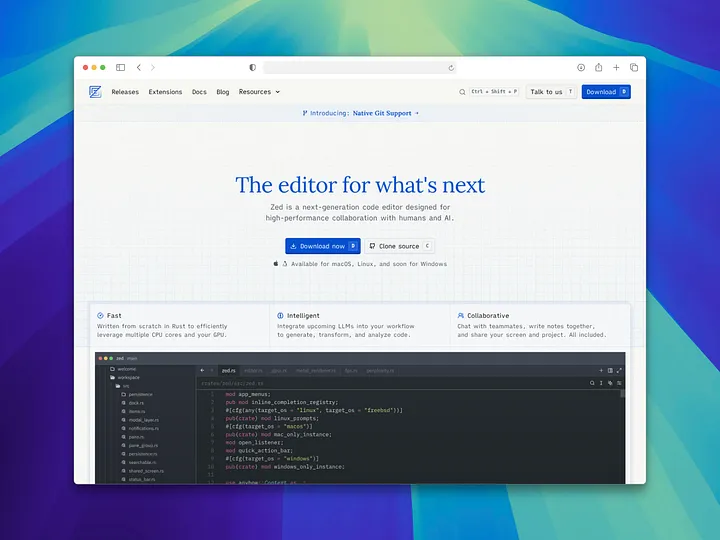
Zed is a super fast code editor designed for humans and AI to work together. Developed by the experienced team behind Atom and Electron, this editor is purpose-built for modern development needs.
Key Features
- Super Fast Performance: Runs very fast because it's written in Rust
- AI-Assisted Coding: Helps you write code faster and spot bugs easily
- Smart Suggestions: Predicts your next step and offers suggestions
- Real-time Collaboration: You can write code with your teammates in real time
- Modern UI: Offers an easy-on-the-eyes interface with its dark theme
Platform Support
- ✅ Available on Mac and Linux
- ⏳ Windows support coming soon
Zed's biggest advantage is that it's optimized for both individual developers and teams. There's no performance loss, especially on large projects, and it works great in multi-developer environments.
2. PearAI: All AI Tools in One Editor
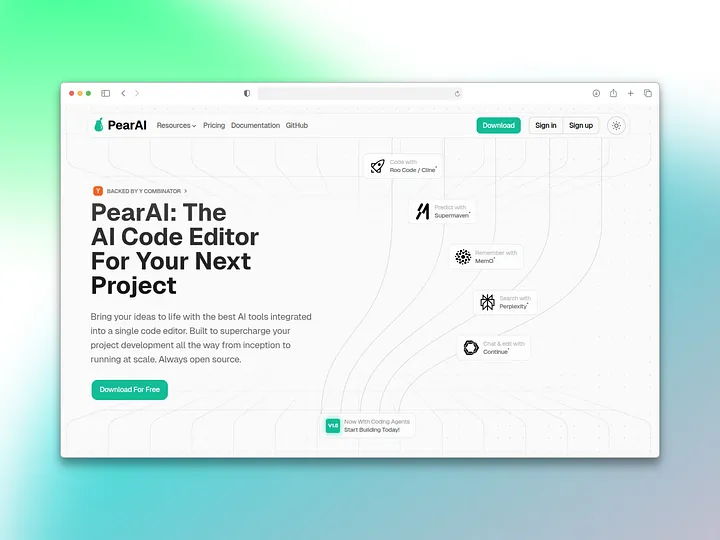
PearAI combines the best AI tools in a single editor to deliver a fast, efficient coding experience. Able to work with multiple AI models, this editor covers all of a developer's needs without having to switch between different tools.
Supported AI Models
- GPT-4: OpenAI's most powerful model
- Claude: Anthropic's advanced language model
- PearAI Model: A custom-built model
Main Features
- Code Improvement: Optimizes your existing code
- Bug Fixing: Automatic bug detection and fix suggestions
- One-Stop AI Access: Switch easily between multiple models
- Integrated Workflow: No need to jump between tools
PearAI is an ideal solution especially for developers who want to take advantage of the strengths of different AI models.
3. Cody: An AI Assistant for Large Projects
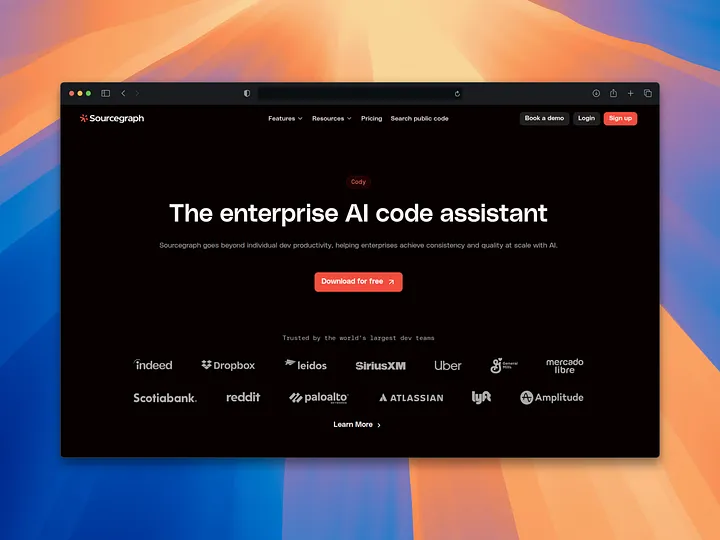
Cody is an AI assistant that performs great even on large, complex projects. Developed by Sourcegraph, Cody can understand your project like a human and offer contextual suggestions.
Strengths
- Project Understanding: Grasps the entire project structure and offers contextual suggestions
- Advanced Bug Detection: Can detect even complex bugs
- New Code Generation: Writes new code snippets based on your needs
- Team Integration: Integrates easily with your existing development tools
- Enterprise Support: Dedicated solutions for large companies
Cody's biggest advantage is its ability to understand the entire codebase. As a result, its suggestions are more accurate and fit the project architecture.
4. Void: A Powerful, Privacy-Focused AI Editor
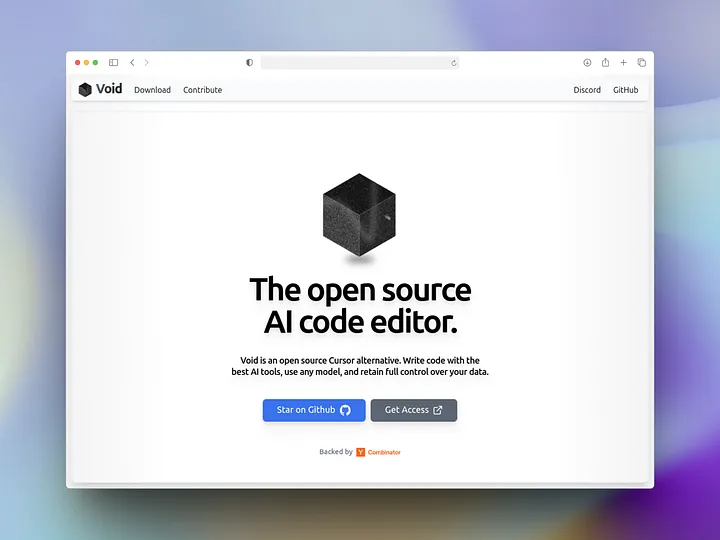
Void is a powerful and minimal AI editor that puts privacy first. With features similar to Cursor, Void stands out for being fully open source and for protecting your private data.
Privacy and Security
- Open Source: All of the code is visible and auditable
- Data Protection: Your private data stays safe
- Local Processing: Processes locally whenever possible
- Transparency: It's clear which data is used and when
Other Features
- VS Code Compatibility: Supports VS Code themes
- Multi-Model Support: Works with your favorite AI models
- Minimal Interface: Distracting elements are kept to a minimum
- Fast Performance: Runs fast thanks to its optimized code structure
Void is an excellent choice especially for individual developers and companies that are sensitive about data security.
5. Continue: Interact with Your Code
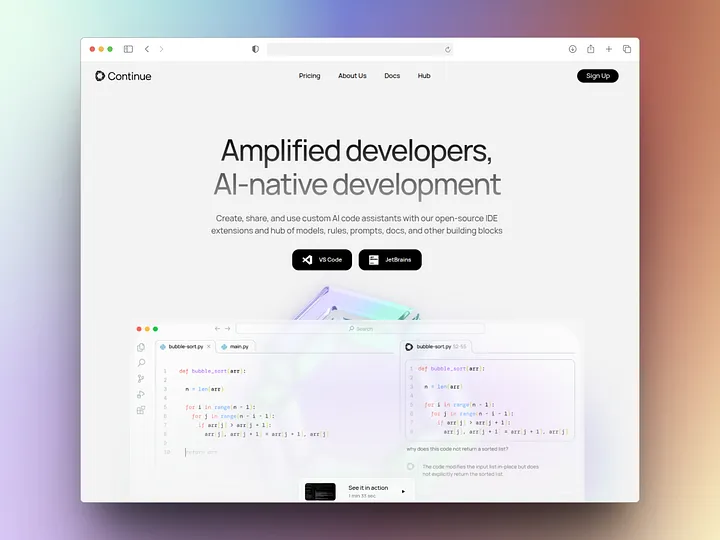
Continue is a smart editor that lets you interact directly with your code. Running as an extension for VS Code and JetBrains IDEs, Continue adds AI assistance without disrupting your existing development environment.
Platform Support
- VS Code: Full integration support
- JetBrains IDEs: IntelliJ IDEA, PyCharm, WebStorm, etc.
- Vim/Neovim: Support for terminal-based editors
AI Model Support
- Claude: Anthropic's powerful model
- GPT-4: OpenAI models
- Local Models: Open source models running locally
- Custom Models: You can integrate your own model
Customization Options
Continue's biggest advantage is that you can build your own custom AI assistant. This lets you develop an assistant that follows your company's specific coding standards.
6. Tabby: A Developer-Friendly Code Assistant
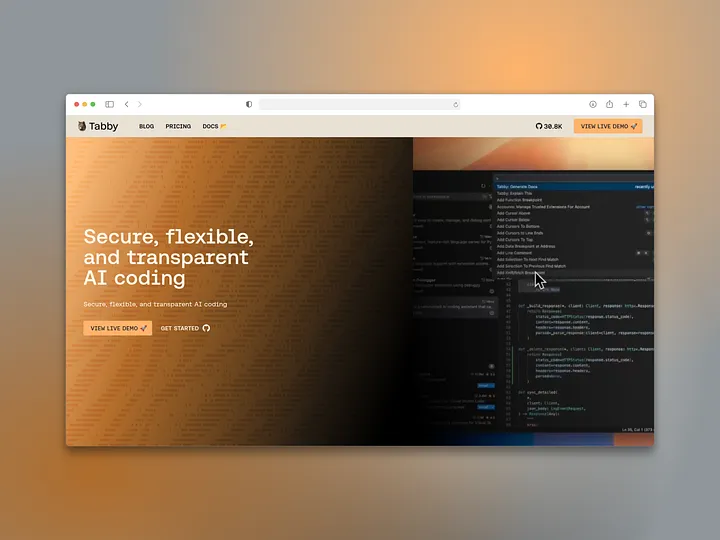
Tabby is a code assistant designed specifically for developers, yet very easy to use. As a self-hosted solution (hosted on your own server), it keeps your data entirely under your control.
Main Advantages
- Self-Hosted: You can run it on your own server
- Open Source: The source code is fully open and customizable
- Secure: Your data isn't sent to external services
- Code Suggestions: Smart code completion and suggestions
- Problem Solving: Detects code errors and suggests fixes
Interaction Features
- Chat Feature: You can talk to the AI directly
- Data Integration: You can train the model on your own data
- API Support: Integration with other tools
- Multi-Language Support: Supports many programming languages
Tabby is preferred especially in enterprise environments where data security is critical.
7. Pythagora: From Idea to Code, Fast
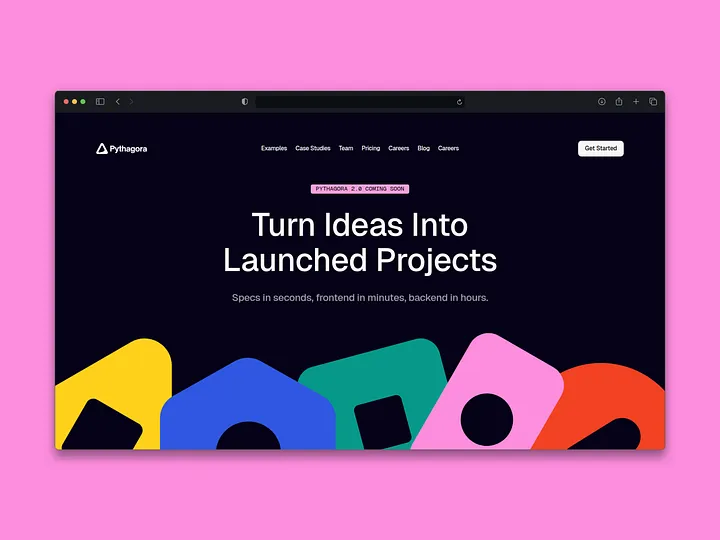
Pythagora is an innovative AI tool that quickly turns your ideas into reality. Specializing particularly in backend development, Pythagora can write code for you just by being told what you want.
Rapid Development
- Idea-to-Code Translation: Turns natural-language instructions into code
- Backend Expert: Especially strong at server-side coding
- Rapid Prototyping: You can build an MVP within days
- Automatic Setup: Requires no extra setup
Control and Freedom
- Open Source: Full access to the code
- Full Control: The generated code is entirely yours
- Customization: You can modify it to fit your needs
- Independence: Minimal dependence on external services
Pythagora is a tool that delivers successful results especially for rapid prototyping and building MVPs.
How Should You Choose a Cursor Alternative?
Evaluation Criteria
1. Project Size:
- Small projects: PearAI, Continue
- Large projects: Cody, Zed
- Enterprise: Tabby, Void
2. Privacy Needs:
- High privacy: Void, Tabby
- Standard use: Zed, PearAI
3. Collaboration Requirements:
- Teamwork: Zed, Cody
- Solo development: Continue, Pythagora
4. Platform Preference:
- VS Code users: Continue, Void
- JetBrains users: Continue, Cody
- Those who want a new editor: Zed, PearAI
The Future of AI Code Editors
2025 is seen as the year AI-powered code editors reached maturity. The rapid development of open source solutions gives developers more choice and more control.
Future Trends
- Better Context Understanding: AIs will understand projects better
- Advanced Collaboration: Teamwork will become more integrated
- Performance Optimization: Editors will become faster and more efficient
- Customization Options: There will be more options to tailor them to personal preferences
Making the Right Choice
Although what Cursor offers is impressive, in 2025 its open source alternatives are far more advantageous in terms of both features and cost. Each alternative has its own strengths:
- If you're looking for speed: Zed
- If you want multiple AI models: PearAI
- For large projects: Cody
- If privacy is your priority: Void
- If you want to enhance your existing editor: Continue
- If you're looking for a self-hosted solution: Tabby
- For rapid prototyping: Pythagora
By testing these tools, you can determine which one best fits your workflow. The flexibility and control that open source solutions offer may, in the long run, put them ahead of closed source alternatives like Cursor.
Final Recommendations
- Test several alternatives
- Prioritize your team's needs
- Don't neglect data security
- Evaluate community support
- Calculate long-term costs
In 2025, AI-assisted coding is no longer a luxury but a necessity. By choosing the right tool, you can both increase your productivity and keep your costs under control.




